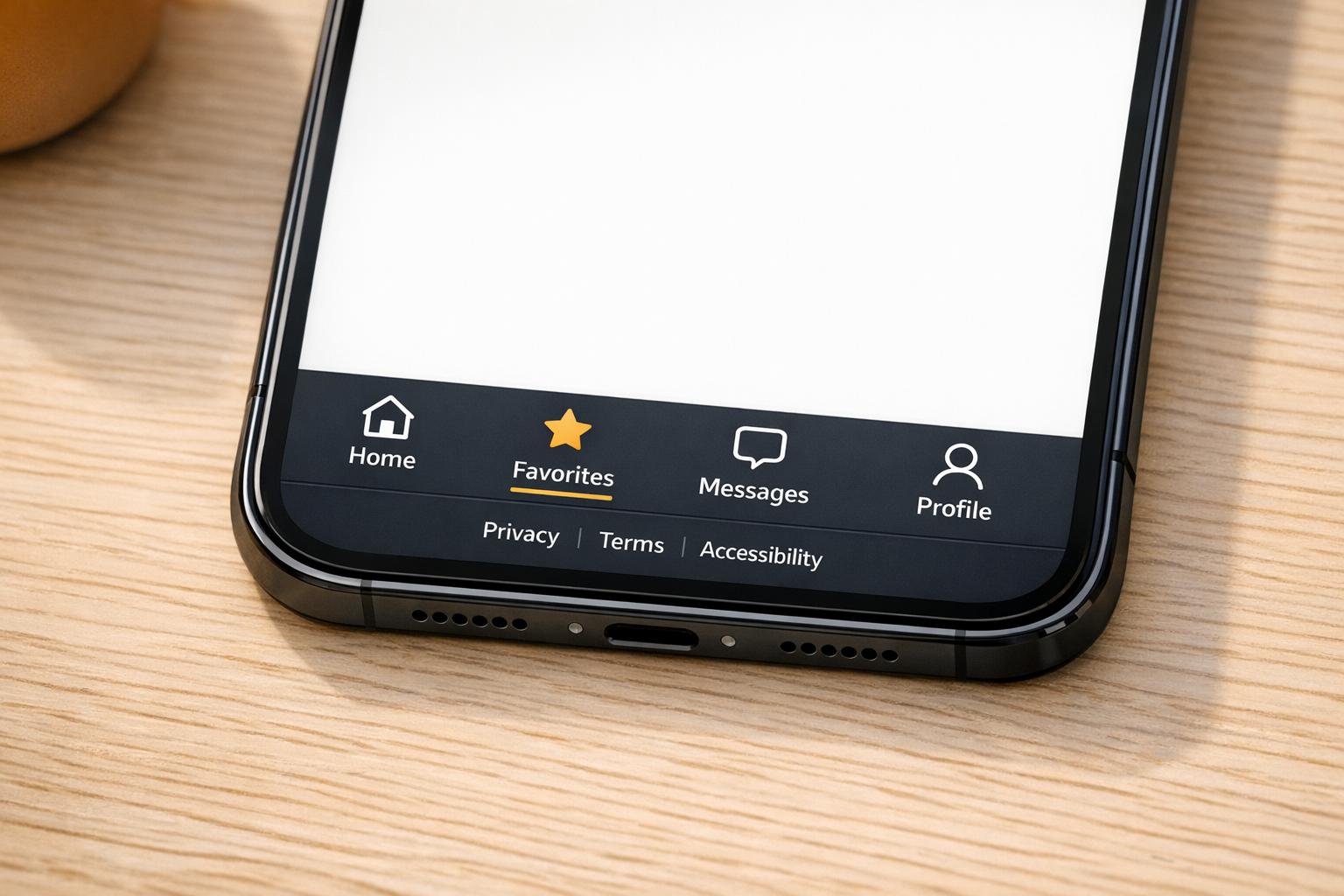
Website Footer Management: Common Questions Answered

Treat the website footer as a strategic asset that boosts SEO, accessibility, conversions, and multi-site consistency.

Your website footer is more important than it seems. It impacts SEO, user engagement, and legal compliance. Here’s what you need to know:

  • Why Footers Matter: They appear on every page, influencing internal link equity and crawl frequency. Sites with optimized footers see a 3.2x increase in crawl frequency.

  • What to Include: Key navigation links, legal requirements (like privacy policies), and contact info. Keep it organized with 4–5 columns and 15–25 links.

  • Common Mistakes: Avoid cluttered designs, confusing layouts, and poor SEO practices like generic anchor text.

  • Consistency Across Sites: Use tools like 1Footer or centralized templates to manage updates across multiple websites efficiently.

  • Accessibility and Mobile: Ensure footers are easy to navigate with proper contrast, touch targets, and mobile-friendly layouts.

A well-designed footer isn’t just functional - it improves your website’s performance, compliance, and user experience. Let’s dive deeper into how to make your footer work for you.

Website Footer Optimization: Key Statistics and Best Practices

Website Footer Optimization: Key Statistics and Best Practices

Everything About: Footers In Web Design

What Should Be in Your Website Footer

Your website footer serves as a functional, legal, and engagement tool. For those managing multiple sites, a well-thought-out footer ensures consistency and compliance across all platforms. Since users spend only about 4% of their total browsing time at the bottom of a page, every element included should serve a purpose.

A good footer focuses on three areas: navigation, legal requirements, and user engagement. When done right, it benefits both visitors and search engines.

Navigation Links and Site Structure

Your footer should provide secondary navigation links that complement, but don’t overwhelm, your main menu. Commonly included links are "About Us", "FAQs", "Careers", "Sitemap", and "Support".

"A footer can act as a 'safety net' when users reach the end of a long page." - Iryna Parashchenko, Writer, Eleken

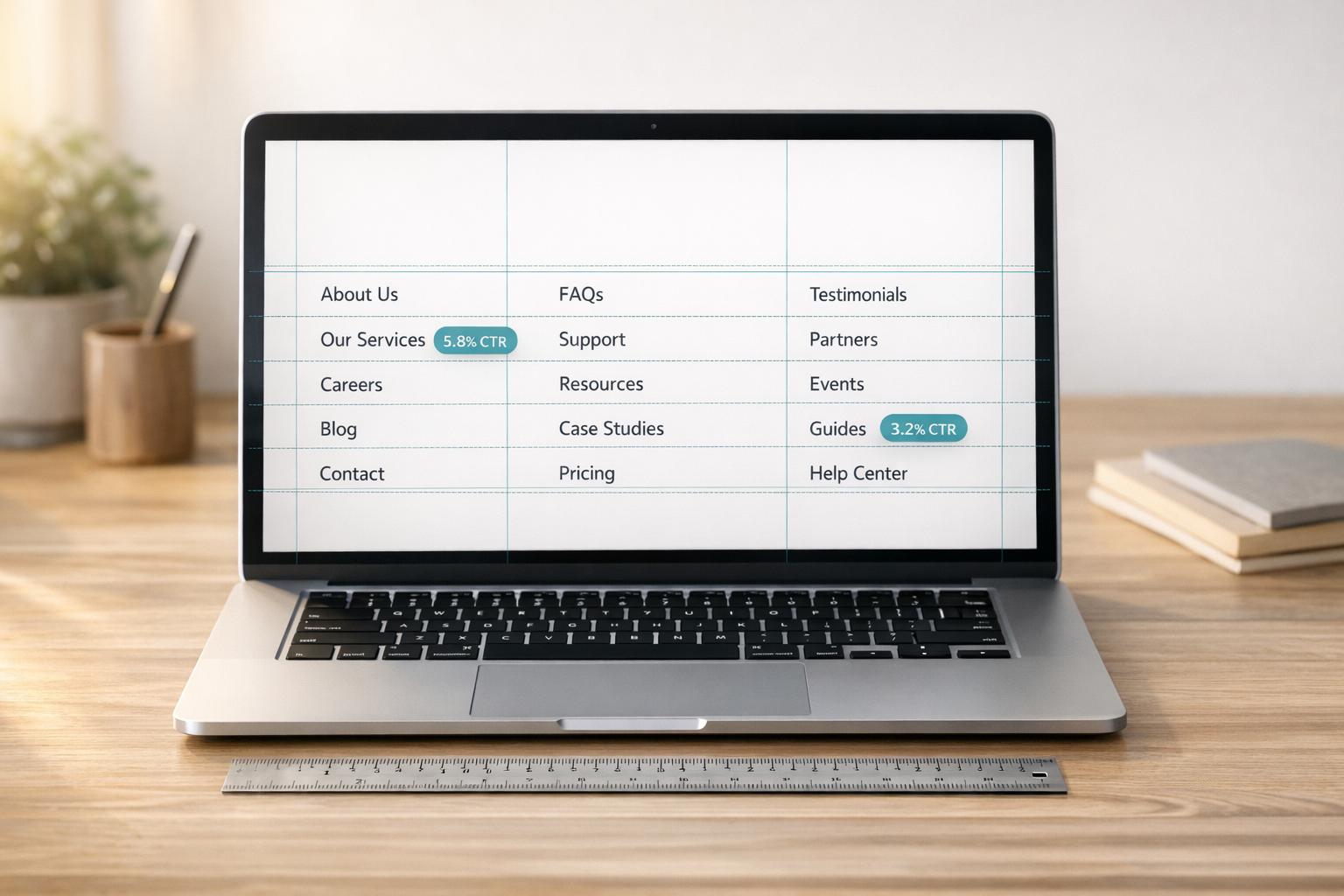
To keep things clear, organize links into columns with descriptive headers like "Products", "Support", and "Company." A good rule is to limit your footer to 4–5 columns with 3–5 links in each, giving you a total of 15–25 links. On mobile devices, use vertical stacking or expandable accordions with a minimum touch target size of 44x44px to avoid misclicks and excessive scrolling.

Once navigation is sorted, it’s equally important to ensure your footer addresses legal and compliance needs.

Legal and Compliance Information

Legal elements in the footer help protect your business and meet regulatory standards. Include key legal items such as a copyright notice, privacy policy, terms of service, and cookie settings. For audiences in California, add a "Do Not Sell My Personal Information" link to comply with CCPA regulations.

Stick to standard labels like "Privacy Policy" rather than creative alternatives. Users and regulators alike expect familiar terms. Separate these legal links from general navigation to avoid confusion, and ensure the text meets the WCAG minimum color contrast ratio of 4.5:1 for readability.

Automate your copyright year to keep it current. If your business operates internationally, review your footer quarterly to stay aligned with regulations like GDPR, CCPA, or PIPEDA.

Contact and Social Media Links

Displaying your name, address, and phone number (NAP) helps build trust and supports local SEO when consistent across platforms. For physical businesses, adding a Google Map link can further improve local search visibility.

Social media icons give users a way to connect with your brand on other platforms without disrupting their visit. Research shows that 72% of top marketing websites include social media icons in their footer, and about 25% offer an email signup option. Use simple icons instead of full widgets to maintain fast page loading speeds.

How to Keep Footers Consistent Across Multiple Sites

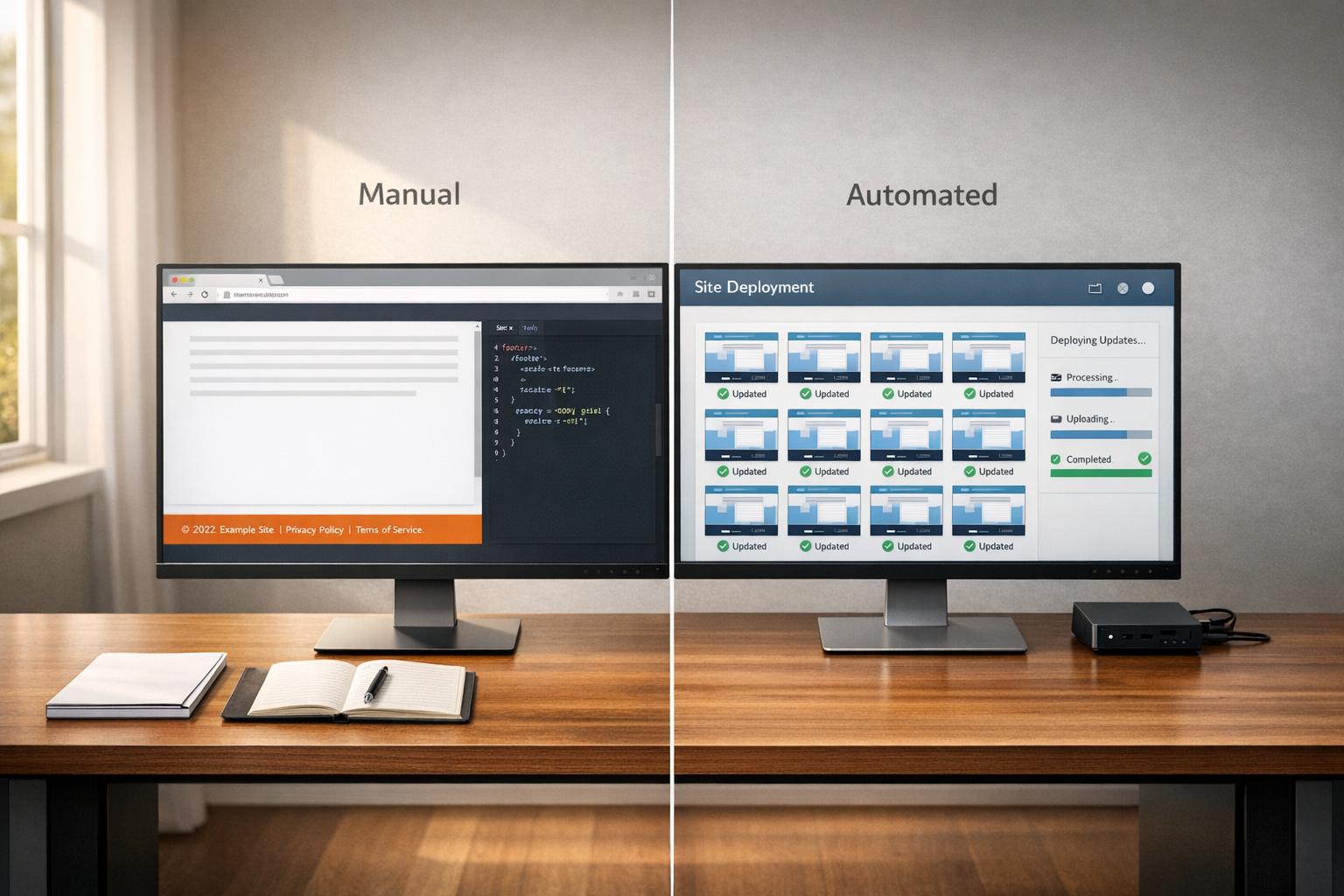
Managing footers across multiple websites can be a hassle, especially if you're manually updating each one. This approach is not only time-consuming but also prone to errors that can hurt user experience and SEO. To avoid these pitfalls, a streamlined strategy is essential for maintaining consistent, high-quality footers across all your sites.

Using Tools to Synchronize Footer Content

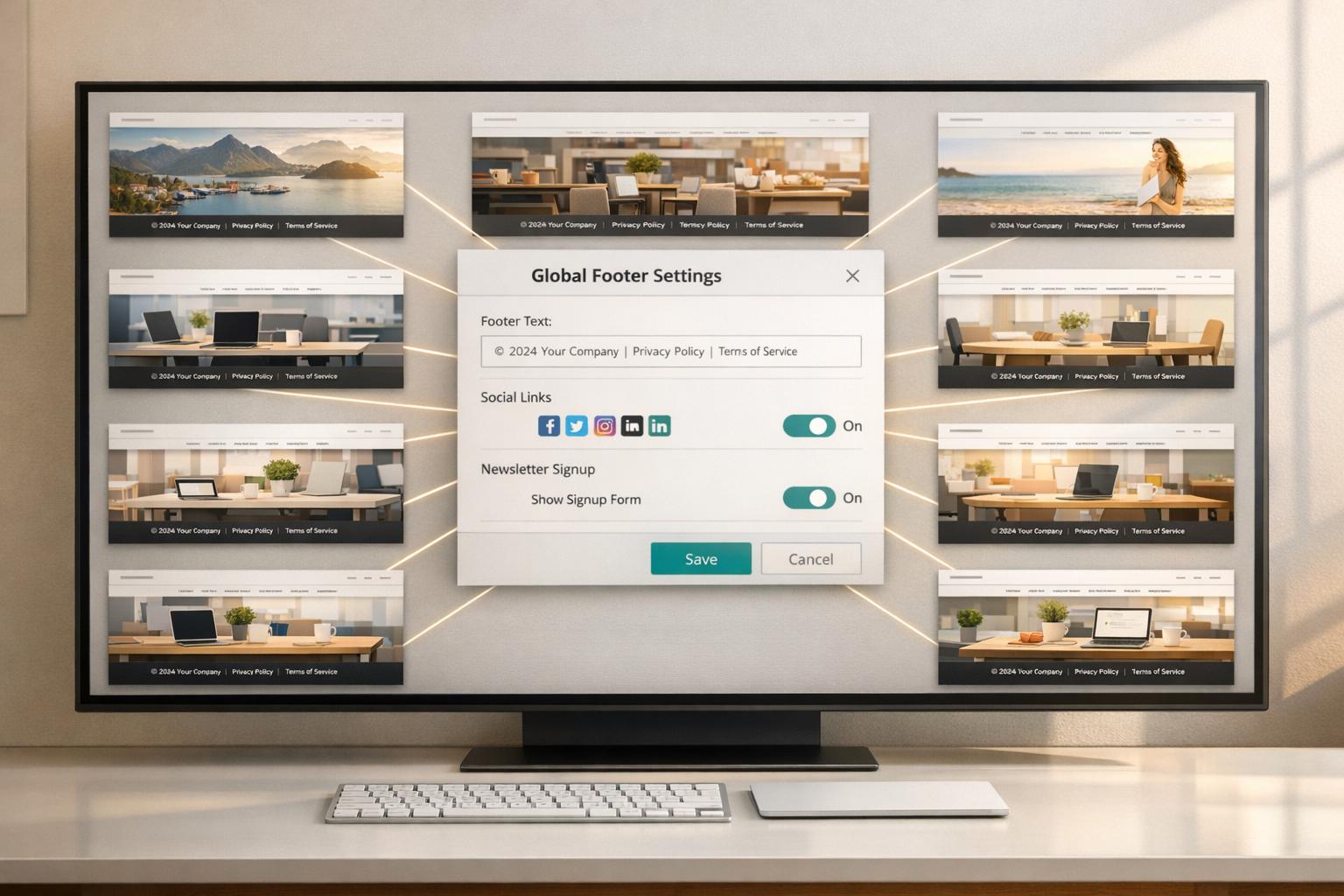
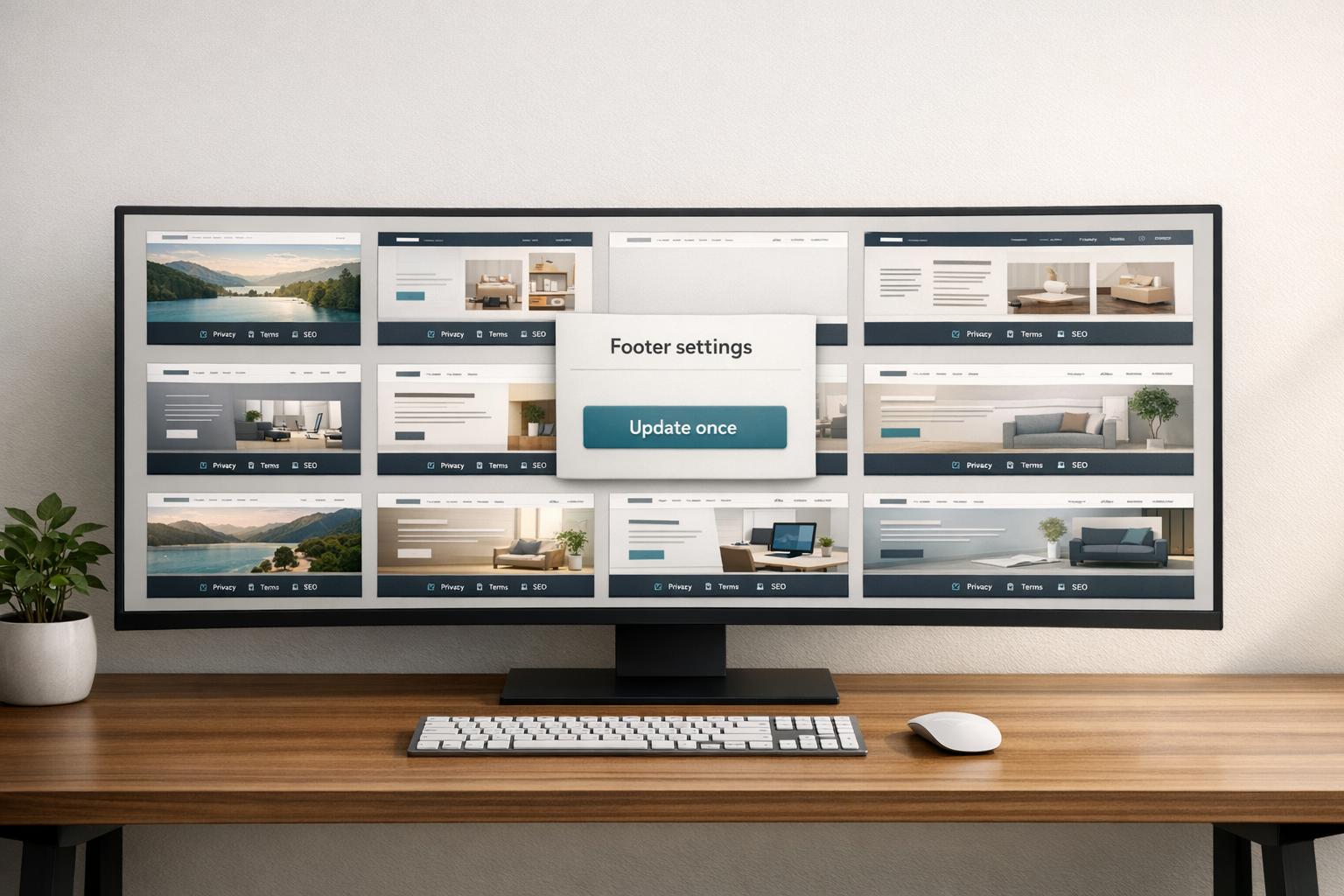
Centralized tools make it possible to update footers across multiple sites from a single dashboard. This "update once, apply everywhere" approach saves time and ensures consistency.

For example, the founder of YouTubeChapters used 1Footer to manage footer links across several projects. By implementing crawlable HTML links, the site's Domain Rating jumped from 8 to 14 in just a few days. Similarly, Aditya Ojha of akoder.xyz reported a 71% increase in Domain Rating, while Olof Harrysson of madebyolof.com saw a rise from 9 to 16 after adopting centralized footer management.

"1Footer exists because I got tired of manually updating footers across all my indie projects every time I launched something new." - Daniel Sinewe, Indie Hacker

These tools often use methods like script embeds, CMS global elements, or Cloudflare Worker delivery paths to ensure footers stay synchronized, regardless of the platform. The key is to choose a solution that outputs crawlable HTML, allowing search engines to index your footer links effectively.

Creating a Centralized Footer Template

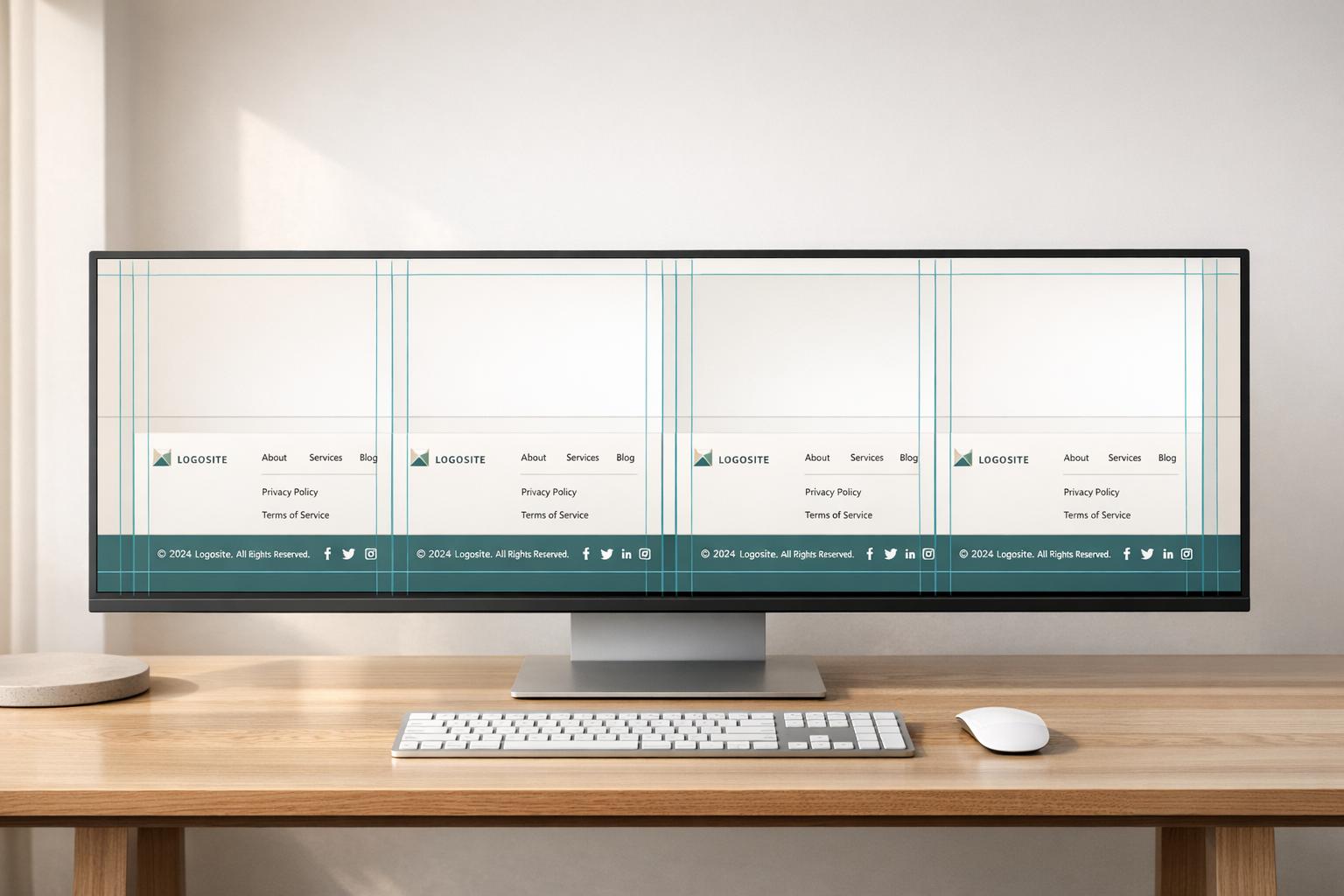
A standardized footer template is another way to maintain consistency. Platforms like Webflow offer components that let you design a footer once and reuse it across all pages. Updates to the master component automatically reflect sitewide.

For portfolios spanning multiple domains, organize footer content into clearly labeled columns to ensure a clean, logical layout. Essential links, like Privacy Policy, Terms of Use, and Cookie Policy, should always be part of the centralized template to avoid inconsistencies.

Mobile optimization is equally important. Use responsive columns or expandable accordions in your template to ensure the footer works well on smaller screens without requiring excessive scrolling.

Tracking Changes with Version Control

A managed publishing workflow simplifies updates and minimizes errors. Instead of manually checking every site, you can use a system that tracks changes, confirms updates, and ensures accuracy across your entire portfolio.

This approach is especially useful for creators managing multiple projects or agencies handling client sites. It ensures that legal links and cross-references remain up-to-date, protecting your credibility and compliance. For WordPress users, applying footer changes through child themes is critical to avoid losing customizations during theme updates. Always verify that updates are applied correctly across all sites after publishing.

Making Footers Accessible and Mobile-Friendly

An accessible footer isn't just a nice-to-have; it helps everyone. Accessibility and mobile optimization are must-haves in today's web design.

Meeting ADA Compliance Requirements

Start with semantic HTML by using the <footer> tag, which creates a "contentinfo" landmark that assistive technologies can recognize. Make sure your footer is fully navigable with just a keyboard - users should be able to access every link and button using Tab and Shift + Tab keys. Pay attention to color contrast: regular text needs a contrast ratio of at least 4.5:1, while larger text (18pt or 14pt bold) requires a minimum of 3:1. Avoid relying solely on color to convey information - underline links or add icons for extra clarity. Structure your footer with clear headings, like <h2> or <h3> tags, instead of using styled <div> elements. This makes it easier for screen reader users to navigate. Also, provide descriptive alt text for images, logos, and social media icons.

"A footer might live at the very bottom of a page visually, but for many users, especially those using assistive technologies, it's one of the most important structural markers."

  • Iryna Parashchenko, Writer, Eleken

Your footer should remain functional even when users zoom their browser up to 200%. Touch targets, like buttons and links, should meet accessibility standards to ensure they're easy to tap. These adjustments contribute to a consistent and user-friendly experience.

Once accessibility is in place, the next step is making sure the footer works seamlessly on mobile devices.

Optimizing Footer Layout for Mobile Devices

After addressing accessibility, focus on designing a footer layout that works well on smaller screens. A single-column layout is ideal for mobile, as it simplifies navigation and improves readability. Use a font size of at least 16px to ensure text is legible without zooming.

Mobile footers should feature fewer links than their desktop counterparts. While a desktop footer can serve as a detailed sitemap, a mobile footer should prioritize essential links like legal pages, contact information, and primary navigation. To keep things tidy, consider using accordions or collapsible sections to hide less critical links. Add extra padding and line height to prevent text from feeling cramped, especially on high-resolution screens.

Avoid sticky footers on mobile devices, as they can take up valuable screen space. If you must include one for a key call-to-action, limit its height to 56–64px and ensure it respects safe-area margins to avoid overlapping with home indicators or screen notches.

Finally, test your footer on real devices, not just browser emulators. Tools like BrowserStack can help you see how your footer performs on different smartphones and screen sizes. Pay close attention to how touch interactions work, as buttons that function well with a mouse may not respond the same way to taps. Mobile optimization ensures your footer remains functional, readable, and consistent across platforms.

Common Footer Design Mistakes to Avoid

Even with the best intentions, footer designs can go wrong if you’re not careful. These pitfalls can undermine both user experience and your website’s performance. By understanding these common mistakes, you’ll be better equipped to design footers that add value instead of creating confusion.

Adding Too Much Content to the Footer

Packing your footer with excessive links and information does more harm than good. Overcrowding makes it hard for users to find what they’re looking for and reduces the impact of individual links. In fact, 67% of audited websites as of April 2026 had footers that weakened their internal link equity. When too many low-priority links are included, search engines struggle to determine which pages are most important.

Here’s another key insight: users spend just 4% of their total webpage viewing time at the bottom of the page. If your footer is cluttered with tiny text and too many options, you’re wasting a prime opportunity to guide them effectively.

"If everything is important, nothing is important."

  • Therese Fessenden, UX Professional, NN/G

There’s also a technical downside. Overloaded footers create large DOM trees, which slow down page rendering and hurt your Interaction to Next Paint (INP) scores - a ranking factor in 2026. On mobile, oversized footers lead to endless scrolling, frustrating users and increasing the chances of abandonment.

Using Unusual or Confusing Layouts

Footers work best when they follow familiar patterns. Straying from standard layouts or using unconventional designs can confuse users instead of helping them. For instance, 96.3% of homepages had detectable WCAG 2 failures in their footers or headers, often due to prioritizing creativity over usability.

A common issue is low contrast - 81% of homepages featured low-contrast text, making footer content nearly unreadable. Some brands, like Zara, have faced criticism for confusing layouts, while others, like H&M, show how left-aligned text and accordion menus can simplify navigation.

To keep things user-friendly, stick to simple structures. Use consistent fonts, maintain a high contrast ratio (at least 4.5:1 for normal text), and group links under clear headers. Recognizable social media icons are more effective than custom fonts or text-only links. Remember, users often scroll to the footer as a last resort when they can’t find what they need elsewhere. A confusing design at this point increases the likelihood they’ll leave your site.

Beyond visual clarity, it’s crucial to ensure your footer supports technical performance and SEO goals.

Ignoring Footer Performance and SEO

Since your footer appears on every page, it plays a critical role in signaling sitewide priorities. When used wisely, footer links can boost SEO. For example, pages with sitewide footer links experience a 3.2x increase in crawl frequency. But this only works if those links are carefully selected. Avoid generic anchor text like "Click here" or "Learn more" - these provide no context for search engines. Instead, opt for descriptive, keyword-rich phrases that align with user intent.

Here’s a quick breakdown of anchor text strategies:

Anchor Text Pattern

SEO Impact

Recommendation

"Click here" / "Learn more"

Poor

Avoid these - they offer no useful context.

Exact-match keyword

Risky

Can seem manipulative if overused; use sparingly.

Brand + descriptor

Good

Provides natural and relevant context.

Natural language

Excellent

Matches user intent and aids crawlers.

Performance is just as important. Heavy JavaScript in the footer can hurt Core Web Vitals. With 53% of mobile users abandoning sites that take longer than three seconds to load, bloated footers are a major problem. Aim to keep your footer’s JavaScript payload under 50KB to maintain strong INP scores. The payoff is worth it: optimized footers can boost conversions by over 23% and increase revenue per visitor by 15% to 16%. This makes a well-designed, high-performing footer a smart investment for your site’s overall success.

Conclusion and Key Takeaways

Your site's footer is far more than just a design afterthought - it’s a crucial element that can significantly impact performance. On a 500-page site, a single footer link acts as 500 internal signals, giving search engines a clear indication of page importance. In fact, data reveals that pages with sitewide footer links see a 3.2x increase in crawl frequency, while optimized footers contribute to an 18% boost in average rankings for targeted pages.

For teams managing updates across multiple sites, centralized solutions simplify the process. By eliminating manual updates, you ensure consistency in branding, legal compliance, and performance. Whether it’s updating contact details, privacy policies, or navigation links, a unified system ensures your site maintains the professional image users expect.

Optimized footers also deliver measurable results. They can increase conversions by over 23% and drive a 16% boost in revenue per visitor. Many sites fail to maximize their footer’s potential, but focusing on best practices - like managing link density, using descriptive anchor text, and optimizing JavaScript payloads - can reverse this trend.

To achieve this, tools like 1Footer offer a streamlined approach. With its "design once, update everywhere" capability, you can make updates across all your sites from a single dashboard. This not only saves time but also helps maintain strong Core Web Vitals by keeping JavaScript payloads under 50KB, ensuring better Interaction to Next Paint performance.

In short, your footer is a powerful asset. Whether you’re managing a handful of sites or hundreds, adopting a unified and optimized footer strategy enhances SEO, improves user experience, and boosts operational efficiency. By leveraging this often-overlooked feature, you can drive meaningful and measurable results.

Related Blog Posts

More insights to explore

Discover additional case studies, tips, and strategies to help your business grow and innovate faster.

update-website-footers-multiple-sites

How to Update Website Footers Across Multiple Sites

update-website-footers-multiple-sites

update-website-footers-multiple-sites

How to Update Website Footers Across Multiple Sites

update-website-footers-multiple-sites

manual-vs-automated-footer-updates-comparison

Manual vs Automated Footer Updates: Which is Better?

manual-vs-automated-footer-updates-comparison

manual-vs-automated-footer-updates-comparison

Manual vs Automated Footer Updates: Which is Better?

manual-vs-automated-footer-updates-comparison

fix-inconsistent-footers-multiple-websites

How to Fix Inconsistent Footers Across Your Websites

fix-inconsistent-footers-multiple-websites

fix-inconsistent-footers-multiple-websites

How to Fix Inconsistent Footers Across Your Websites

fix-inconsistent-footers-multiple-websites

website-footer-management-faq

Website Footer Management: Common Questions Answered

website-footer-management-faq

website-footer-management-faq

Website Footer Management: Common Questions Answered

website-footer-management-faq

html-delivery-navigation-links-guide

HTML Delivery for Navigation Links: Guide

html-delivery-navigation-links-guide

html-delivery-navigation-links-guide

HTML Delivery for Navigation Links: Guide

html-delivery-navigation-links-guide

best-practices-managing-multi-site-website-footers

Best Practices for Managing Multi-Site Website Footers

best-practices-managing-multi-site-website-footers

best-practices-managing-multi-site-website-footers

Best Practices for Managing Multi-Site Website Footers

best-practices-managing-multi-site-website-footers

complete-guide-website-footer-standardization

Complete Guide to Website Footer Standardization

complete-guide-website-footer-standardization

complete-guide-website-footer-standardization

Complete Guide to Website Footer Standardization

complete-guide-website-footer-standardization

mobile-footer-optimization-guide

Ultimate Guide to Mobile Footer Optimization

mobile-footer-optimization-guide

mobile-footer-optimization-guide

Ultimate Guide to Mobile Footer Optimization

mobile-footer-optimization-guide

benefits-global-footer-updates

Benefits of Global Footer Updates

benefits-global-footer-updates

benefits-global-footer-updates

Benefits of Global Footer Updates

benefits-global-footer-updates

footer-automation-saves-time

Why Footer Automation Saves Time

footer-automation-saves-time

footer-automation-saves-time

Why Footer Automation Saves Time

footer-automation-saves-time

footer-templates-for-multi-site-teams

Why Multi-Site Teams Need Footer Templates

footer-templates-for-multi-site-teams

footer-templates-for-multi-site-teams

Why Multi-Site Teams Need Footer Templates

footer-templates-for-multi-site-teams

multi-site-navigation-links-best-practices

Best Practices for Multi-Site Navigation Links

multi-site-navigation-links-best-practices

multi-site-navigation-links-best-practices

Best Practices for Multi-Site Navigation Links

multi-site-navigation-links-best-practices

enterprise-footer-strategies-multi-domain-sites

Enterprise Footer Strategies for Multi-Domain Sites

enterprise-footer-strategies-multi-domain-sites

enterprise-footer-strategies-multi-domain-sites

Enterprise Footer Strategies for Multi-Domain Sites

enterprise-footer-strategies-multi-domain-sites

measure-navigation-link-effectiveness

How to Measure Navigation Link Effectiveness

measure-navigation-link-effectiveness

measure-navigation-link-effectiveness

How to Measure Navigation Link Effectiveness

measure-navigation-link-effectiveness

best-tools-detect-broken-footer-links

Top Tools for Detecting Broken Footer Links

best-tools-detect-broken-footer-links

best-tools-detect-broken-footer-links

Top Tools for Detecting Broken Footer Links

best-tools-detect-broken-footer-links

html-footer-optimization-lightweight-code-explained

HTML Footer Optimization: Lightweight Code Explained

html-footer-optimization-lightweight-code-explained

html-footer-optimization-lightweight-code-explained

HTML Footer Optimization: Lightweight Code Explained

html-footer-optimization-lightweight-code-explained

mobile-footer-accessibility-compliance-checklist

Checklist for Mobile Footer Accessibility Compliance

mobile-footer-accessibility-compliance-checklist

mobile-footer-accessibility-compliance-checklist

Checklist for Mobile Footer Accessibility Compliance

mobile-footer-accessibility-compliance-checklist

tracking-footer-clicks-with-google-tag-manager

Tracking Footer Clicks with Google Tag Manager

tracking-footer-clicks-with-google-tag-manager

tracking-footer-clicks-with-google-tag-manager

Tracking Footer Clicks with Google Tag Manager

tracking-footer-clicks-with-google-tag-manager