7 Ways to Keep Legal Links Consistent on Multi-Site Platforms
Centralize, sync, and audit Privacy, Terms, and Cookie links across multiple sites to prevent broken links and compliance drift.
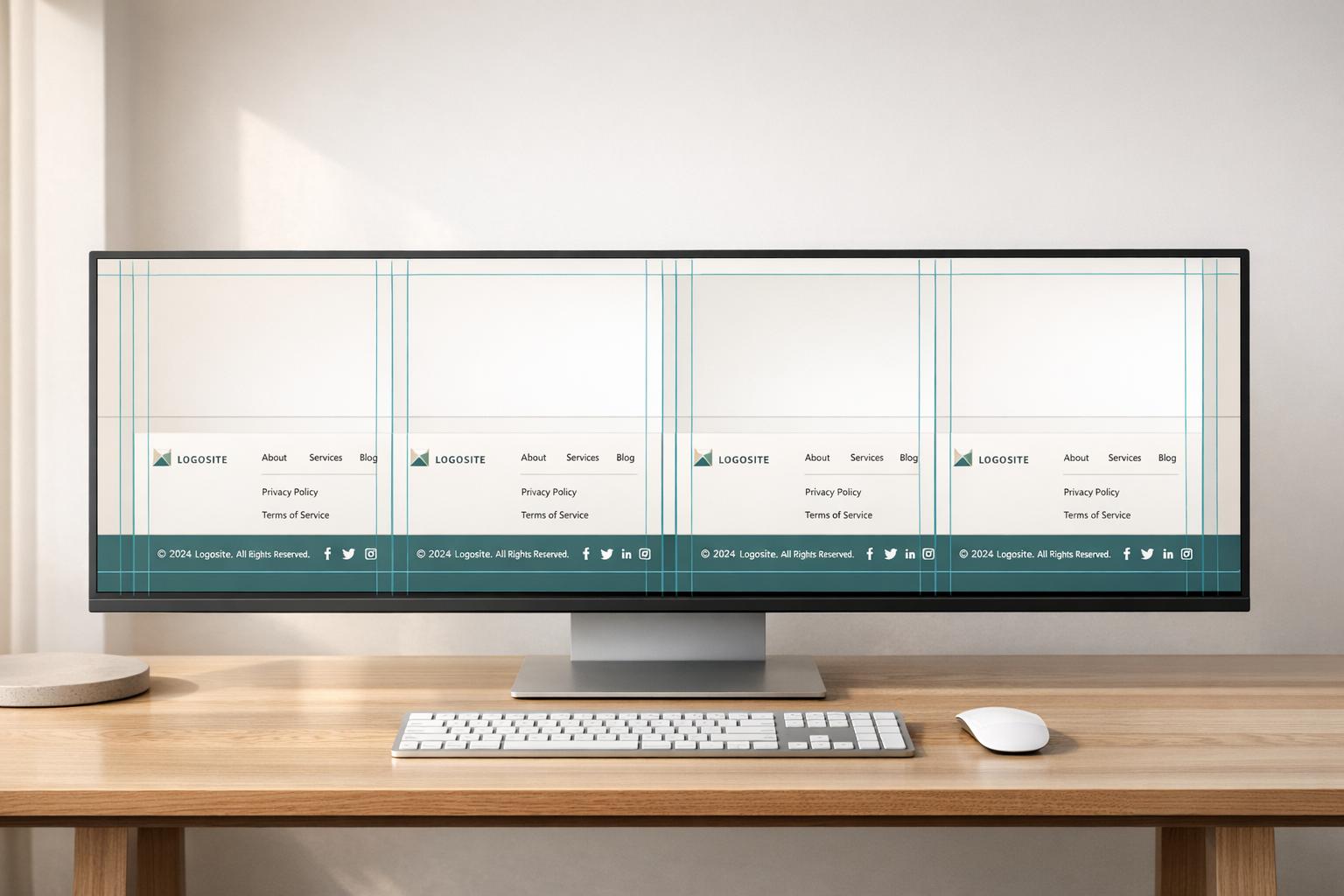
If you run more than one website, legal footer links can get out of sync fast. One old Privacy Policy URL or one missing Cookie Policy link can lead to compliance issues, broken user paths, and lost confidence.
I’d boil the fix down to this: use one source of truth, push updates from one place, check every site after publish, and keep labels and placement the same. In this article, I cover 7 ways to do that:
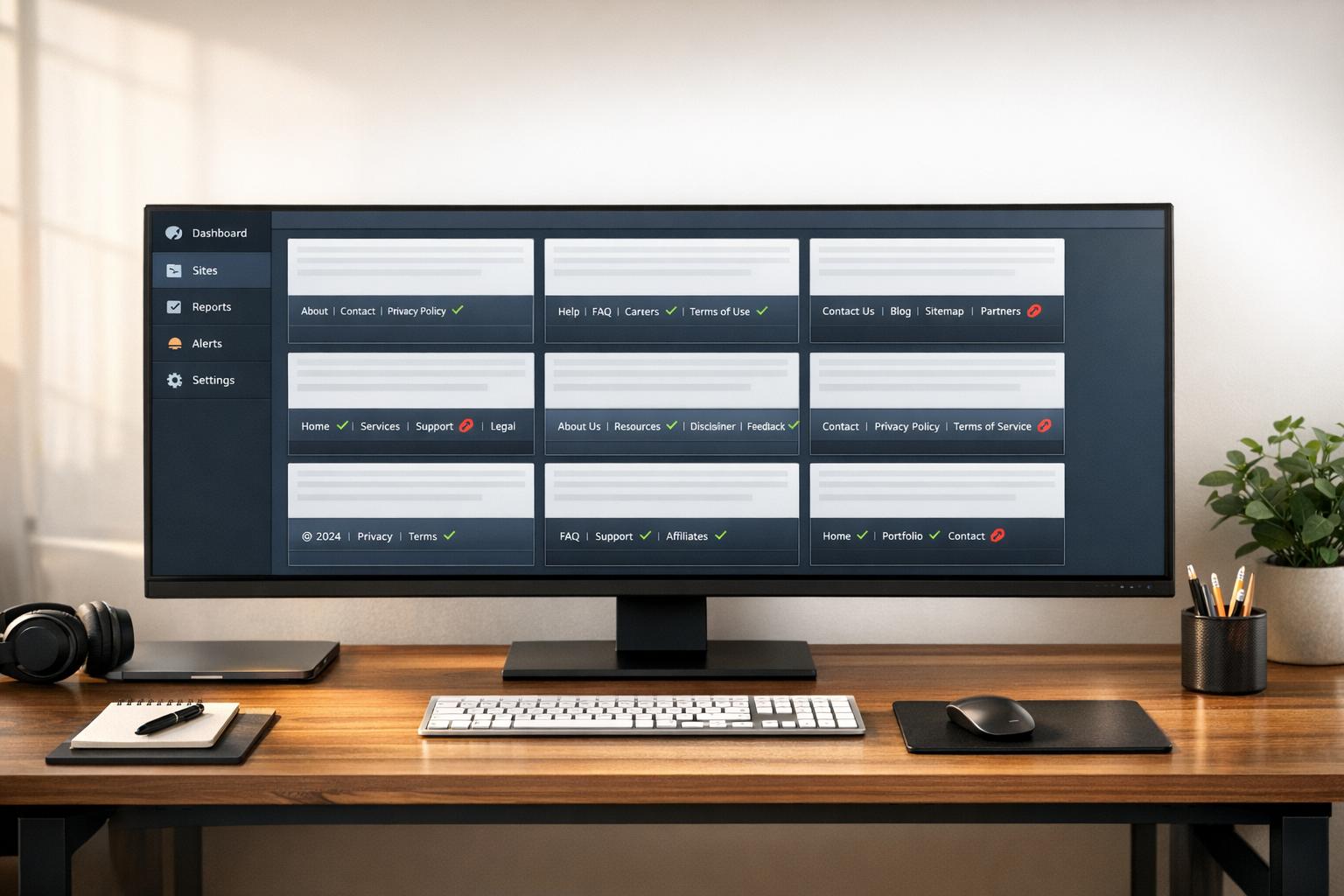
Centralized footer control from one dashboard
Shared footer components instead of copy-paste markup
CMS multisite sync for canonical legal pages
Governance checklists for every legal update
Automated audits for broken, missing, or old links
Version control for policy pages, URLs, and labels
Consistent standards for naming, order, and accessibility
A single missed link across a site network can be enough to create problems. On teams with 10, 20, or 50+ sites, small footer changes can spread unevenly unless there’s a clear process.
Quick Comparison
Method | Main job | Best for | Main downside |
|---|---|---|---|
Centralized management | Update all footers in one place | Teams with many sites | Needs setup |
Shared templates | Reuse the same footer code | Sites that share codebases | Less helpful if sites are built differently |
CMS multisite sync | Send legal page URLs to each site | Networks with CMS-driven legal pages | More setup work |
Governance checklist | Confirm each update step | Teams that need review trails | More manual work |
Automated audits | Find broken or missing links | Large site groups | Needs monitoring rules |
Version control | Track URL and policy changes | Teams with release workflows | Can feel heavy for small teams |
Consistent standards | Keep labels and order the same | Every multi-site setup | Doesn’t fix syncing by itself |
The short version: if I wanted the biggest impact first, I’d start with centralized management and automated audits. Then I’d lock in shared standards so every site shows the same legal links, in the same order, with the same labels.
7 Strategies to Keep Legal Links Consistent Across Multi-Site Platforms
1. Centralized Footer Management with 1Footer
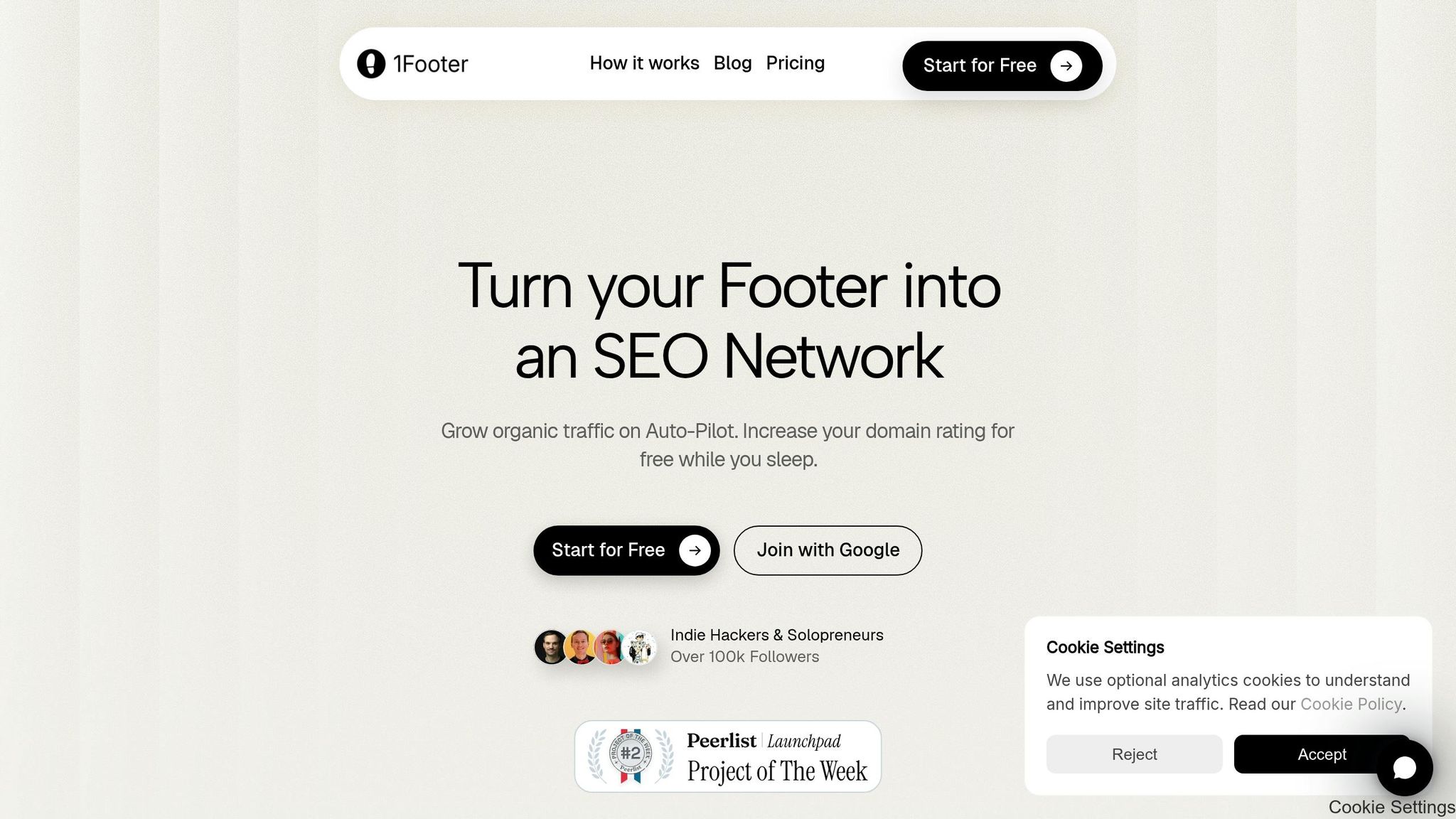
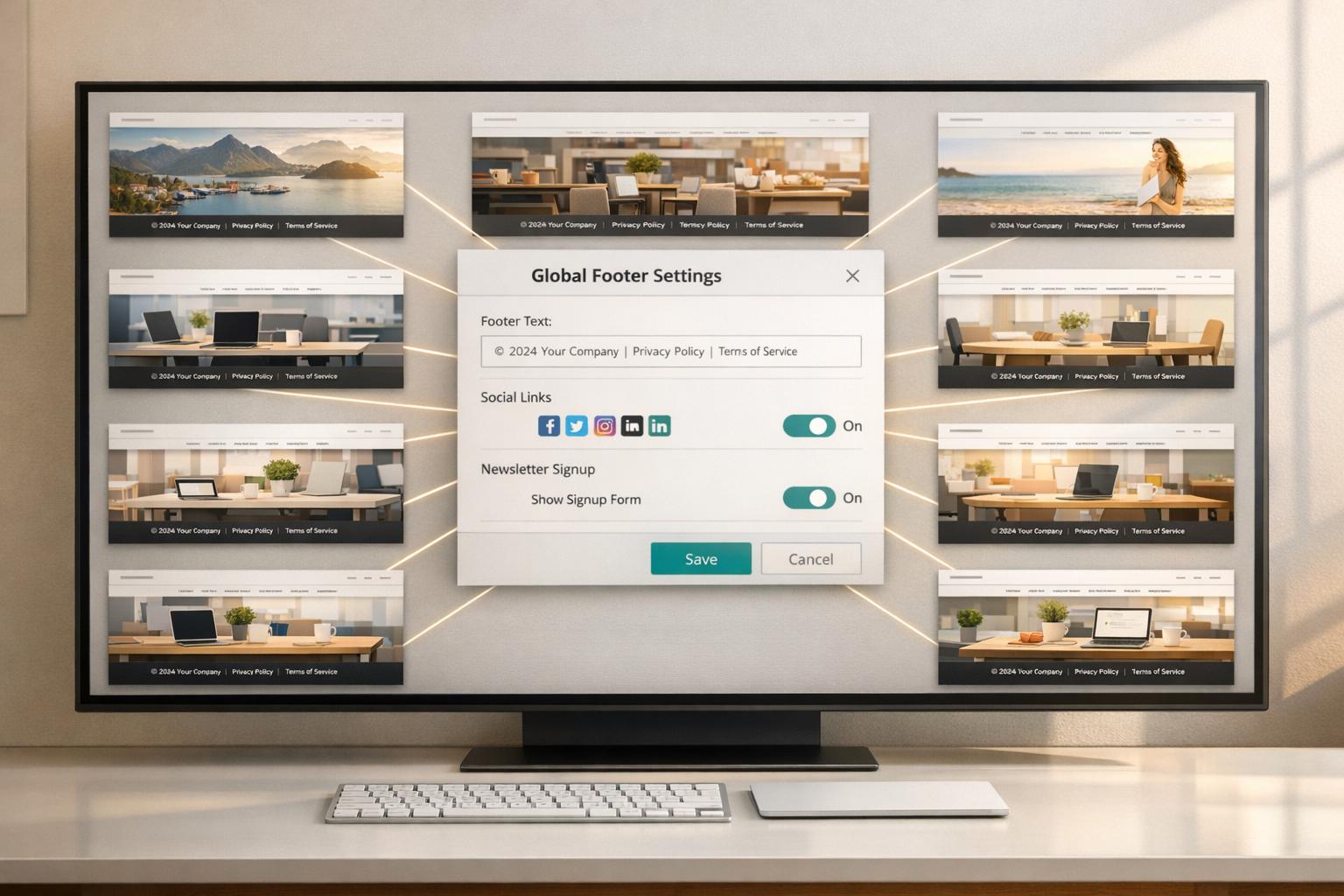
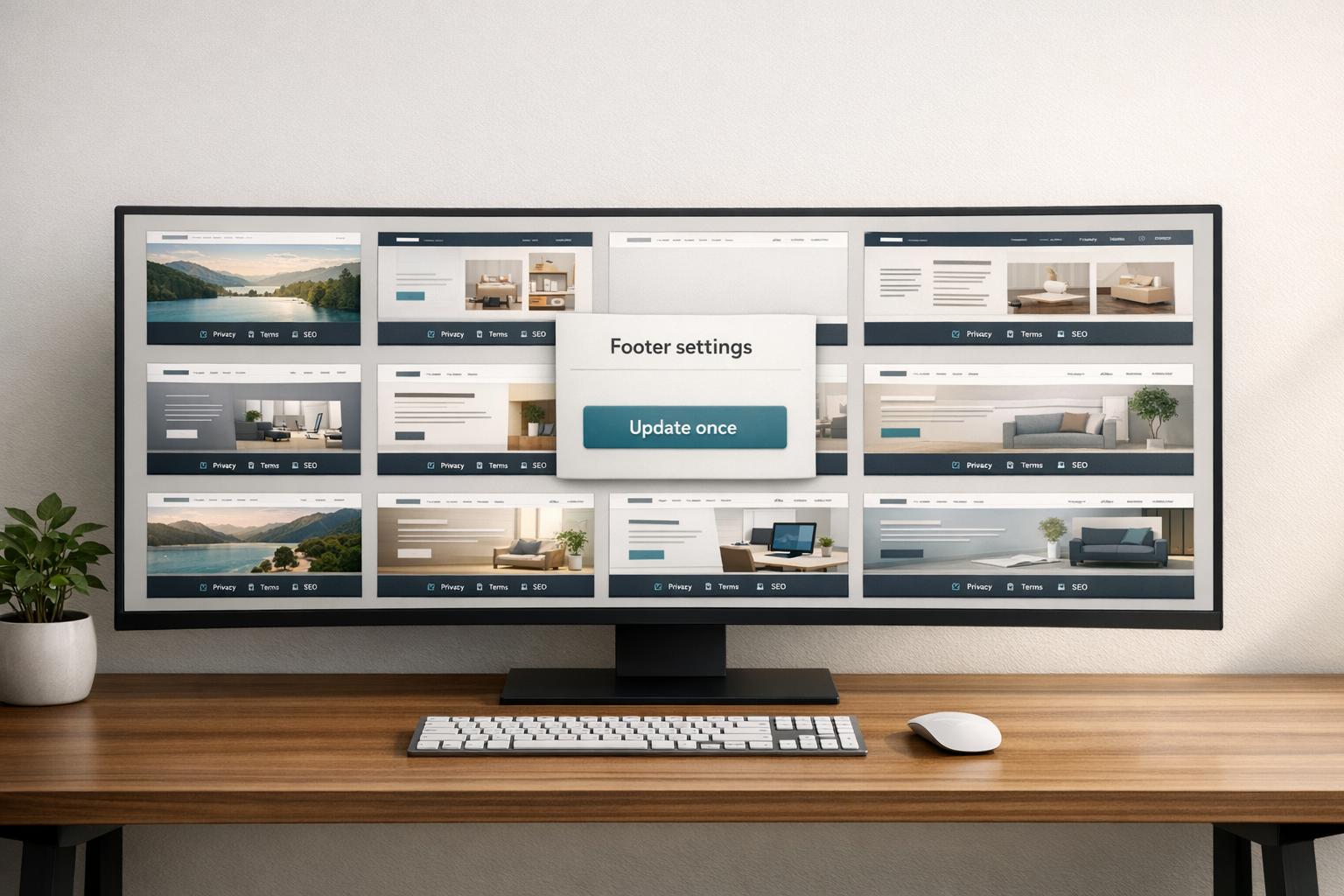
If your team wants one place to manage every footer update, centralized footer management is the fastest fix. 1Footer puts legal footer updates for all connected sites into a single dashboard, so the footer works like shared infrastructure across your network.
That means you don’t have to log into each site one by one just to swap a Privacy Policy URL or add a Cookie Policy link. You make the update once, and it publishes across every connected domain. Simple.
This matters because footer mistakes tend to pile up quietly. A legal link gets changed on one site, missed on three others, and now your network has mismatched footers. 1Footer helps stop that by checking for:
broken URLs
missing legal links
unpublished changes before they go live
It also uses a draft → verify → publish flow, which gives teams a clear review path before anything is pushed live. That makes it easier to confirm legal link consistency before publishing across multiple sites.
1Footer supports 50+ integrations and multi-site legal link monitoring. The payoff is fewer errors, faster updates, and lower compliance risk across the network. And if your team also wants reuse at the code level, shared footer components can add one more layer of consistency.
2. Shared Footer Templates and Reusable Components
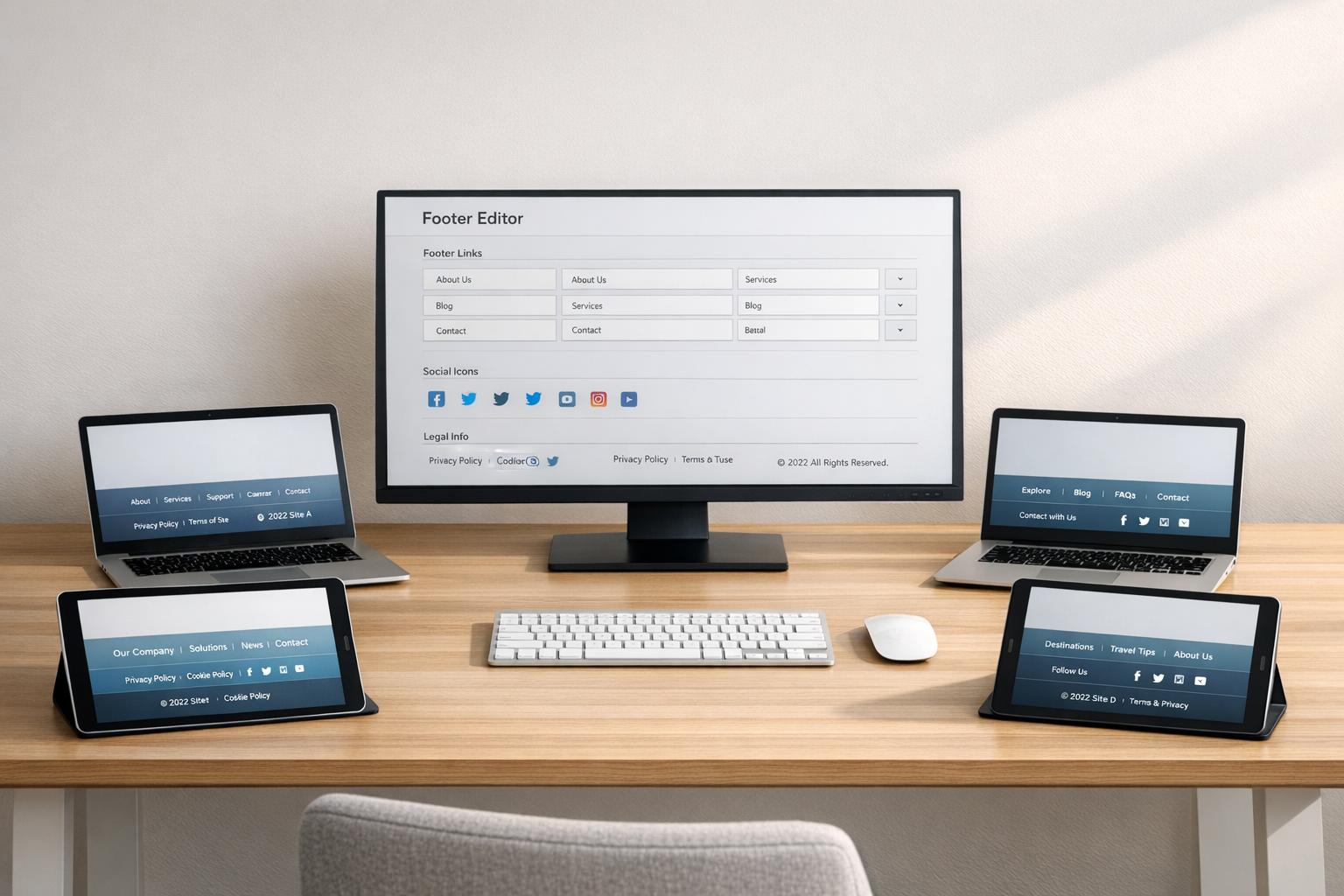
Instead of pasting footer markup into every codebase, define your legal links once in a shared component and reuse it across sites. Put Privacy Policy, Terms of Service, Cookie Policy, Accessibility Statement, and Do Not Sell/Share links in one shared block.
That way, when a URL changes or a new required link needs to be added, you update the shared component instead of touching multiple repositories.
This helps stop footer drift when different teams ship on different schedules. Change the shared component once, and every site that uses it stays in sync.
If those legal pages also live in a CMS, sync the URLs there as well.
3. CMS Multisite Syncing and Canonical Legal Pages
Even after you centralize the footer, you still need a dependable way to push updates to every site the moment a legal page changes. That’s where CMS multisite syncing comes in.
This matters most when the legal page itself changes, not just the footer markup.
A simple setup works best: keep each legal page canonical in one CMS record, then publish its URL to every site. When that page changes, every site pulls the new URL. That keeps legal URLs lined up across the network without duplicating page content.
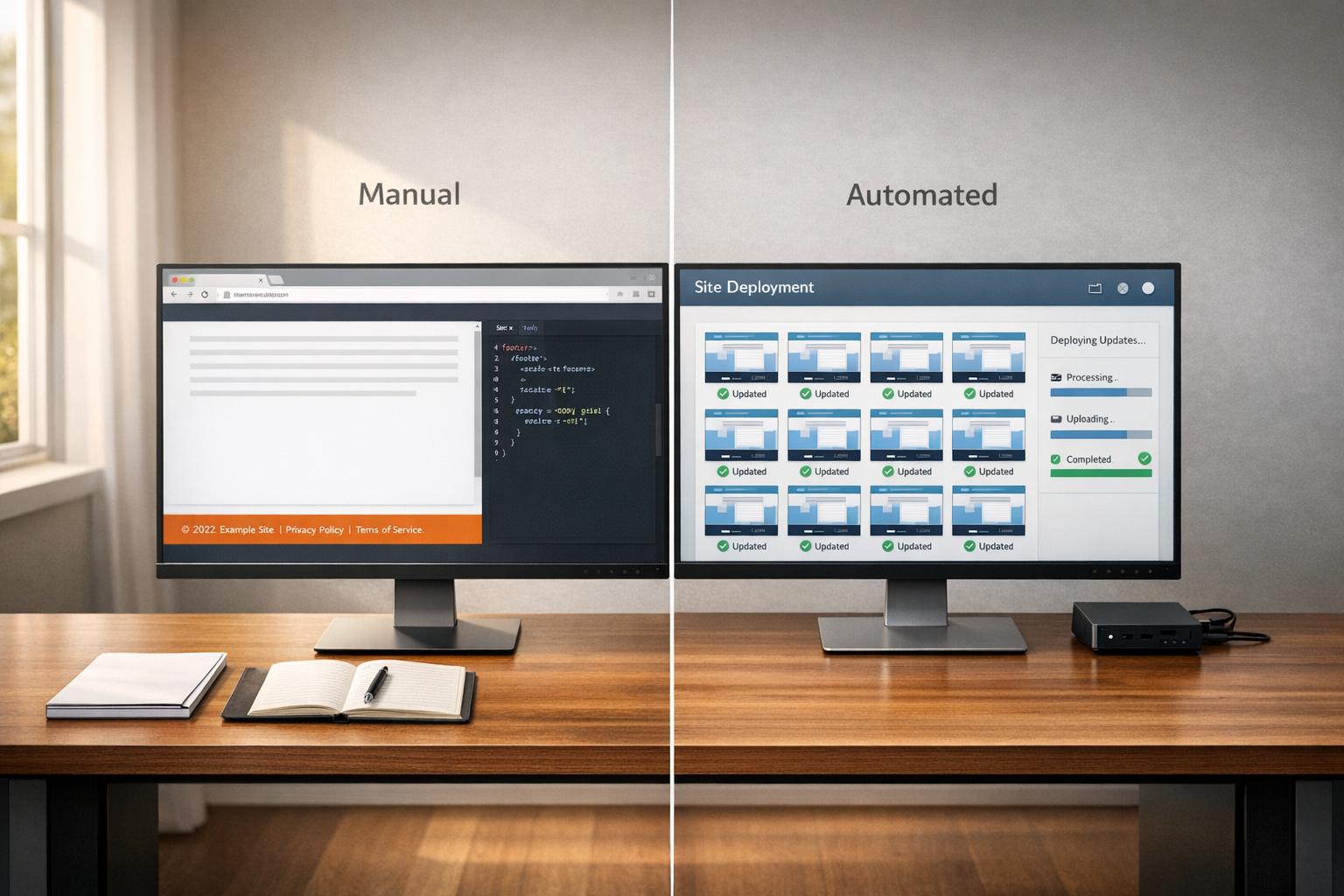
This becomes especially important when URLs change. With a manual process, it’s easy for one or more sites to drift and keep pointing to an old legal page. Centralized syncing cuts that risk by treating footer updates as release artifacts with a clear content approval flow.
For SEO and crawlability, each site should render its own legal links while the content stays centrally managed. You get one source of truth without forcing every site to use a single cross-domain URL.
Centralized dashboards can flag missing links, broken URLs, and old policy versions before they go live. Use governance checks before publish to keep synced changes compliant, and route updates through approval before they ship.
4. Governance Checklists for Legal Link Updates
Once legal URLs sync across sites, you still need a final check. That checklist makes sure the rollout worked the way it was supposed to. Use the centralized dashboard as the single source of truth so every team checks the same approved version and verified, compliant links appear on every site.
Handle each legal link update like a release: Draft → Review → Publish → Verify. That simple flow keeps the work clear and traceable. The legal or compliance team drafts and reviews policy changes, engineering confirms the delivery path, and a system administrator logs the publish event with a timestamp and per-domain rollout status. Each site then renders the approved links in its own footer.
Giving each step to one owner helps avoid the all-too-common problem where one site slips through the cracks.
Process Step | Owner | Record Required |
|---|---|---|
Drafting/Updates | Legal/Compliance Team | Policy version history and draft approval log |
Delivery Setup | DevOps/Engineering | Delivery path verification |
Publish Rollout | System Administrator | Publish timestamp and rollout status per domain |
Compliance Audit | Legal/DPO | Approval log and final rollout status |
Use the dashboard to label each site as Healthy, Needs update, Missing legal link, or Unpublished changes. After the checklist passes, automated audits can catch future mismatches.
5. Automated Legal Link Audits Across All Sites
A governance checklist sets the rules. Automated audits make sure every legal link points to the canonical URL. That means checking for broken links, redirects, missing footer links, and footer drift, where one site still uses an old legal URL across connected domains. Put simply, governance defines the process, and audits make sure people follow it.
Use one dashboard to group failures by domain and by issue type. That way, compliance and operations can see what broke and move fast.
Track these audit metrics:
Audit Metric | What It Detects | Why It Matters |
|---|---|---|
HTTP Status | Broken links or redirects (301/302) | SEO health and user trust |
Link Presence | Missing Privacy, Terms, or Cookie links | Legal compliance risk |
Sync Status | Drift or unpublished changes | Regulatory non-compliance |
Anchor Text | Inconsistent labels (e.g., T&C vs. Terms) | Brand and legal uniformity |
Touch Targets | Links smaller than 44×44px | Accessibility (WCAG) failure |
Each metric catches a different kind of cross-site mismatch. A missing legal link should alert the compliance team. Drift and update alerts should go to operations so they can trigger a re-sync.
Post-rollout checks matter too. They confirm that each domain renders the updated footer in the actual response, not just in the CMS.
Run audits after every rollout and on a fixed schedule. That helps teams catch drift before users run into it. Once audits surface mismatches, version control helps stop the next policy update from slipping out of sync again.
6. Version-Control Workflows for Policy Pages and URLs
Version control gives every policy page and footer URL a clear, tracked history. Each legal-link update should move like a release: from draft, to review, to publish, and only then go live. That paper trail matters a lot when one legal page needs to change across dozens of sites.
It also helps stop footer drift. If a policy page gets a new slug or a URL changes, the approved release can go out to every connected domain at the same time. That means your team can use the same approved version everywhere, without messy manual copy-paste.
Version history also answers a simple but important question: what was live, and when? If a URL change breaks across sites, rollback is fast because you can point to the last working release and restore it.
The main items to track are the ones that drift most often:
Change Category | Elements to Track | Risk If Ignored |
|---|---|---|
Policy Pages | Privacy Policy, Terms of Service, Cookie Policy | Legal non-compliance, regulatory fines |
URL Structure | Slugs, absolute vs. relative paths, redirects | Broken links and SEO loss |
Link Labels | Anchor text (e.g., "Privacy" vs. "Privacy Policy") | Accessibility failures, vague user context |
Brand Details | Copyright years, contact emails, social media handles | Stale brand signals, eroded user trust |
When you track these pieces, version history becomes more than a compliance record. It turns into a day-to-day workflow tool that helps your team catch issues early and push legal updates the same way across every site.
7. Consistent Standards for Labels, Placement, and Accessibility
After you sync and audit your links, the next step is simple: set one shared standard for how those links look and where they live. Standards spell out what each legal link should be called and where it should appear. Once links are centralized, this is what keeps every site lined up in both structure and presentation.
Use one approved label set across every site. "Privacy Policy", "Terms of Service", and "Cookie Policy" are the default choices.
Placement matters just as much as naming. Keep the legal link block in the footer, and keep the order the same on every site. That way, users know where to look, and teams aren't reinventing the wheel from one property to the next.
Use this checklist on every site:
Accessibility Feature | Requirement | Purpose |
|---|---|---|
Link Element |
| Crawlability and keyboard use |
Landmark |
| Screen reader navigation |
Active State |
| Identifies current page for assistive tech |
Focus Indicator |
| Visual feedback for keyboard navigation |
Consistency | Same footer order across pages | Keeps footer order stable |
Use these standards as the baseline. The comparison table below shows which approach fits each workflow.
Strategy Comparison Table
Not every strategy works for every team. The best setup depends on how many sites you run, how often content changes, and how much hands-on work your team can spare.
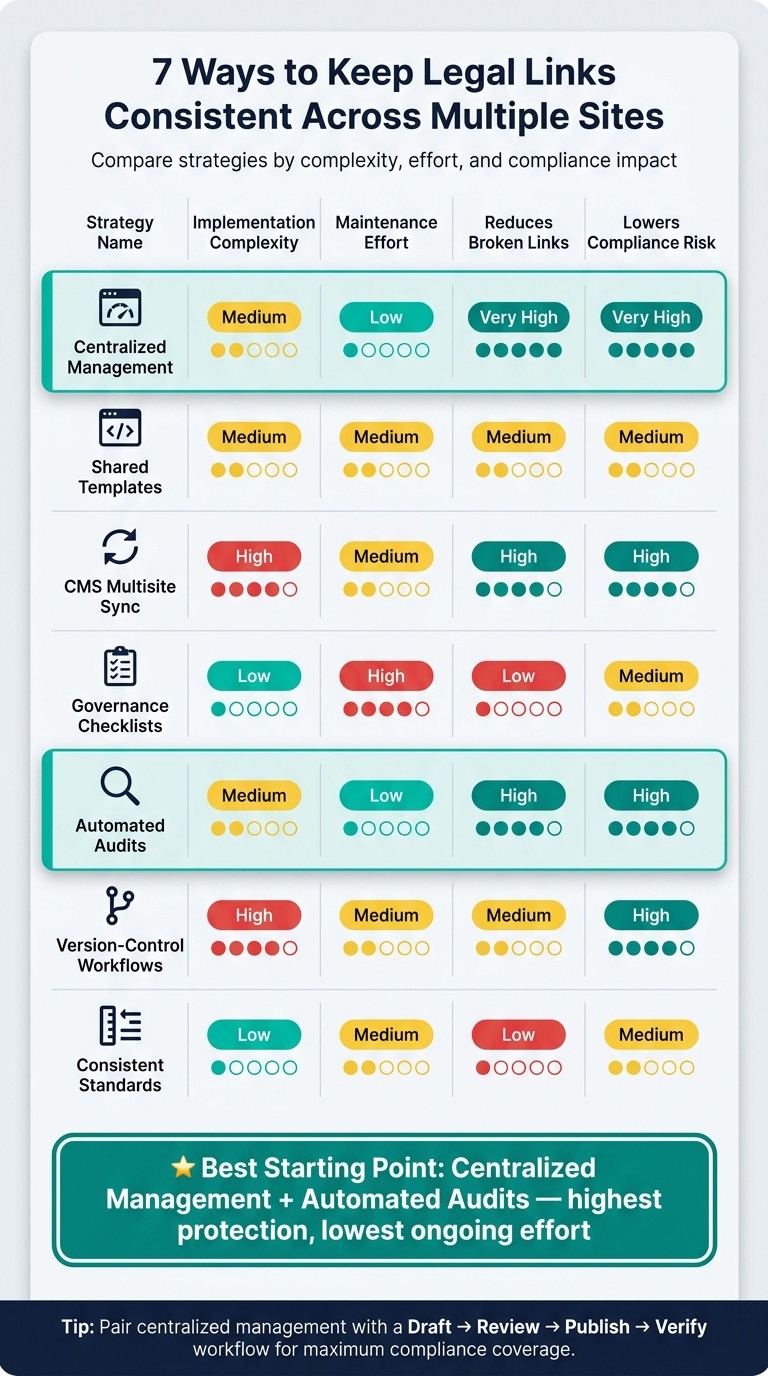
Here’s how the seven strategies stack up:
Strategy | Implementation Complexity | Maintenance Effort | Reduces Broken Links | Lowers Compliance Risk |
|---|---|---|---|---|
1. Centralized Management | Medium | Low | Very High | Very High |
2. Shared Templates | Medium | Medium | Medium | Medium |
3. CMS Multisite Sync | High | Medium | High | High |
4. Governance Checklists | Low | High | Low | Medium |
5. Automated Audits | Medium | Low | High | High |
6. Version-Control Workflows | High | Medium | Medium | High |
7. Consistent Standards | Low | Medium | Low | Medium |
One pattern stands out fast: centralized management and automated audits give teams the best starting point. They offer the strongest protection while keeping day-to-day upkeep fairly light.
If you need a simple place to begin, start there. Those two approaches do the most to prevent broken links and cut compliance risk without piling on extra manual work.
Canonical Pages vs. Per-Site Copies
Once you’ve centralized your legal links, the next call is simple on paper but important in practice: where should the policy content live? You usually have two paths. You can keep one canonical legal page for all connected sites, or you can keep a separate copy on each site.
Day to day, the difference shows up fast. One model keeps updates in one place. The other gives each site more freedom, but it also adds more work and more room for drift.
Feature | Canonical Legal Pages | Per-Site Policy Copies |
|---|---|---|
Maintenance | Update once, publish everywhere | High - manual edits required in every repo |
Consistency | High - single source of truth | Low - prone to footer drift and stale links |
Compliance | Faster response to privacy-law updates | Risk of missing updates on older sites |
Customization | Limits site-specific or regional customization unless the system supports domain rules | Easier to tailor for site-specific or regional needs |
Dependency | Relies on a central management system | No central dependency; each site stands alone |
Deployment | No redeploy needed | Requires a redeploy for every change |
If your team wants one update path across every connected domain, canonical pages are usually the better fit. They cut down on repeat work, keep links lined up, and make policy changes much easier to push out.
Per-site copies make more sense when local rules or brand needs mean each site must control its own legal content. That setup gives you more flexibility, but it also means more manual upkeep.
In most cases, canonical pages do their best work when they’re paired with centralized footer management and syncing. That combination keeps legal content in one place instead of scattered across repos and deployments.
Use per-site copies only when regional rules or brand requirements require local control. Use the comparison below to choose the model that fits your update workflow.
Conclusion
Keeping legal links in sync across multiple sites starts with one shared source of truth and a repeatable way to push updates. Put those seven tactics together, and you get a setup that keeps legal links lined up across every site. The best setup pairs centralized management with a draft-verify-publish workflow.
Treat the footer like managed infrastructure, not static markup. That shift matters. Even a small URL change can ripple across many sites and create drift before anyone notices. A controlled process helps stop footer drift across repositories and turns policy URL changes into managed updates, which cuts compliance risk across every connected domain.
Regular audits also do a lot of the heavy lifting. Keep labels consistent - such as Privacy Policy, Terms of Service, and Do Not Sell/Share - so each site reflects legal updates when URLs change. Standardize, sync, and audit so every footer stays current without manual cleanup.
FAQs
When should I use canonical pages instead of per-site copies?
Use canonical pages when legal links and footer content need to stay consistent, indexed, and accessible across many domains.
A single source of truth cuts down on broken links, old information, and compliance problems that can show up when footer markup gets edited site by site. It also makes updates and governance much simpler across a multi-site network.
How often should I audit legal links across all sites?
Audit your legal footer links quarterly. That simple check helps make sure footer URLs return the right HTTP status codes, mobile touch targets still meet the 44px by 44px minimum, and anchor text remains clear and concise.
It also keeps your footer links in line with your XML sitemap. That means fewer mixed signals for search engines and fewer broken trust signals for users.
Who should own legal link updates on a multi-site team?
Legal link updates on a multi-site team should follow a centralized governance model, not scattered edits across separate codebases.
Ownership should live with the people who manage site infrastructure, such as operations leads or site administrators. They should use one control plane to draft, review, and publish updates in a consistent way across connected domains.