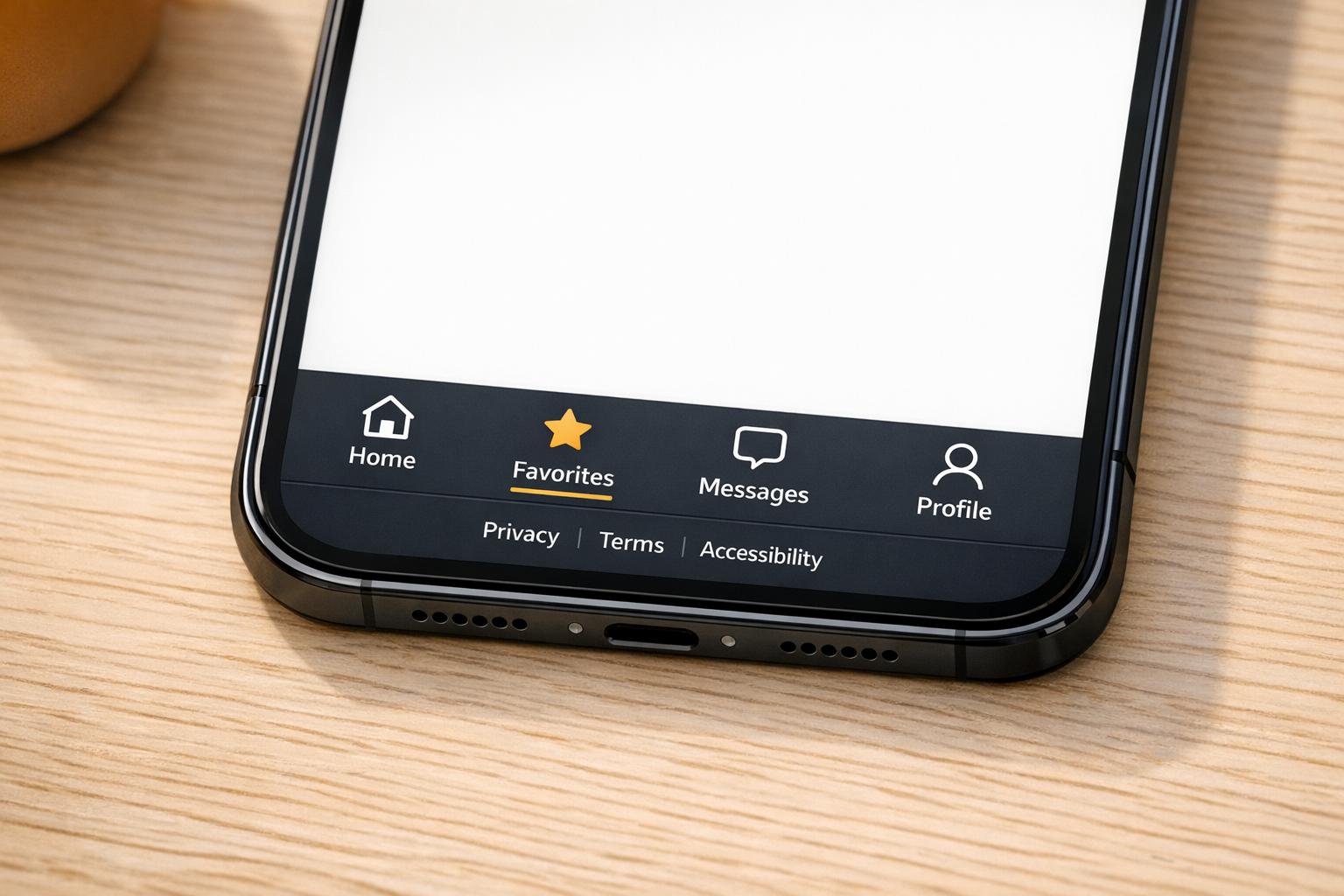
HTML Footer Generator
Create clean, responsive footer HTML and CSS in seconds. Customize links, contact info, legal sections, and preview your footer live.
Create Better Website Footers Without Writing Them by Hand
A strong footer does more than fill the bottom of a page. It gives visitors quick access to navigation, contact details, legal pages, and social profiles in one clean, reliable space. This HTML Footer Generator is built for people who want production-friendly code fast, whether you're working on a business site, portfolio, landing page, or client project.
Clean Code, Less Friction
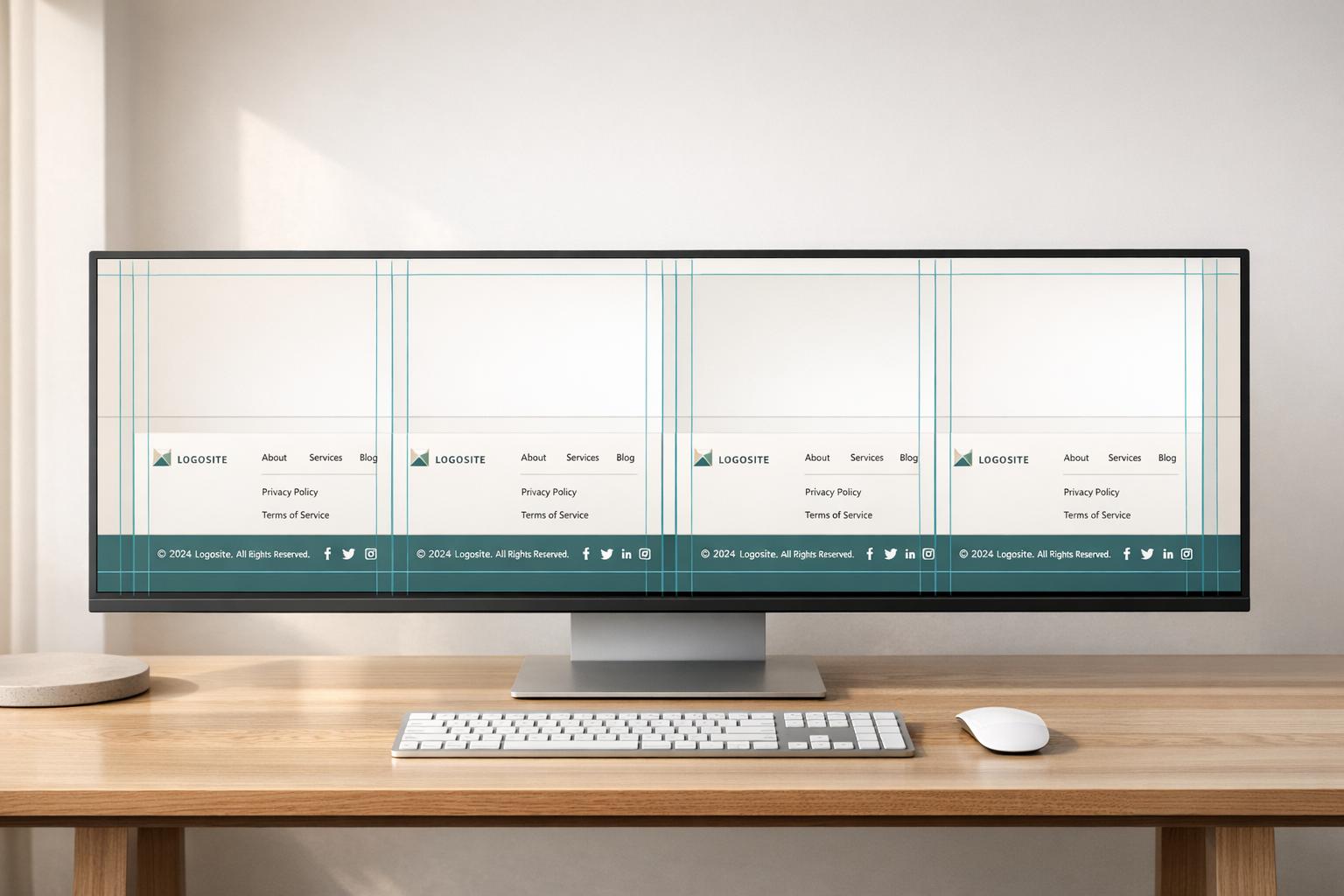
Instead of piecing together footer markup manually, you can choose your layout, add the sections you need, and generate organized output in a few steps. The tool builds semantic structure with clear grouping for navigation, contact information, social links, and legal pages. It also removes empty sections automatically, which keeps the final result lean and easier to maintain.
Built for Real-World Use
A good footer builder should do more than print code. This one checks links and email formats, escapes special characters, and helps you create a responsive website footer that looks clean across screen sizes. If you want styling, it includes lightweight CSS; if not, you can keep the output HTML-only. For anyone who needs a practical HTML footer generator, this makes the process quicker, cleaner, and much less repetitive.
FAQs
Does this tool generate both HTML and CSS?
Yes. The main output is ready-to-use footer HTML, and you can also generate matching embedded CSS if you want styling included. If you prefer to handle design on your own, you can use the HTML-only structure and apply your own stylesheet later.
What happens if I enter an invalid URL or email address?
The tool validates URLs and email formatting before adding them to the final markup. If something doesn’t pass validation, it shows an inline error state and leaves that item out of the generated footer. That way, you don’t end up copying broken links or unusable contact details into production code.
Will the generated footer be responsive and accessible?
That’s the goal. The footer markup uses semantic elements like footer, nav, ul, and address where they make sense, and the CSS is built to adapt to different screen sizes with a simple responsive layout. It also supports better accessibility through descriptive link text, sensible structure, and aria-labels for items like social links or a back-to-top link when needed.