How to Fix Inconsistent Footers Across Your Websites
Audit, centralize, and automate footer updates across multiple sites to ensure consistent branding, legal compliance, and SEO.
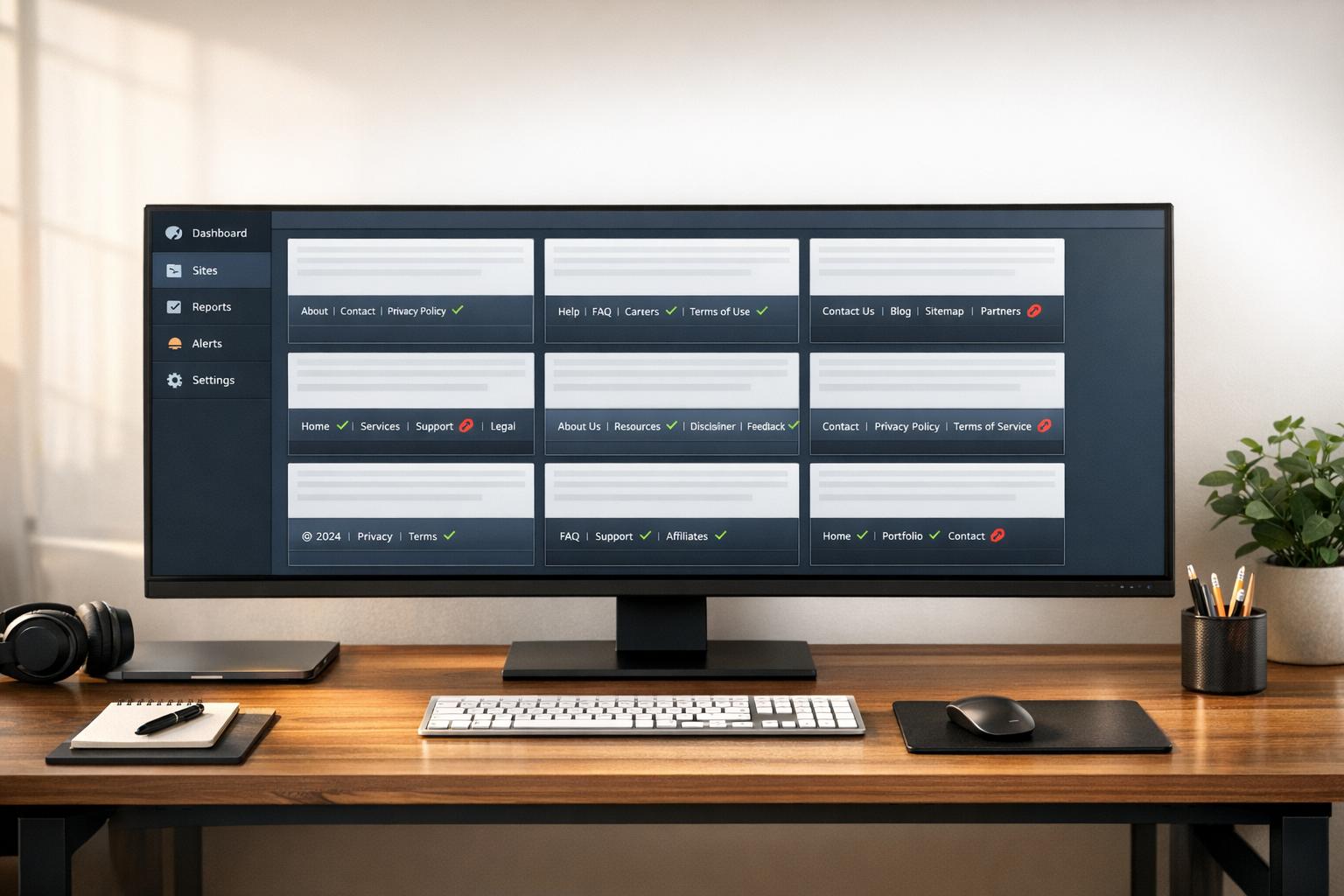
Inconsistent footers across your websites can damage user trust, hurt your brand, and even lead to legal risks. Here's the solution:
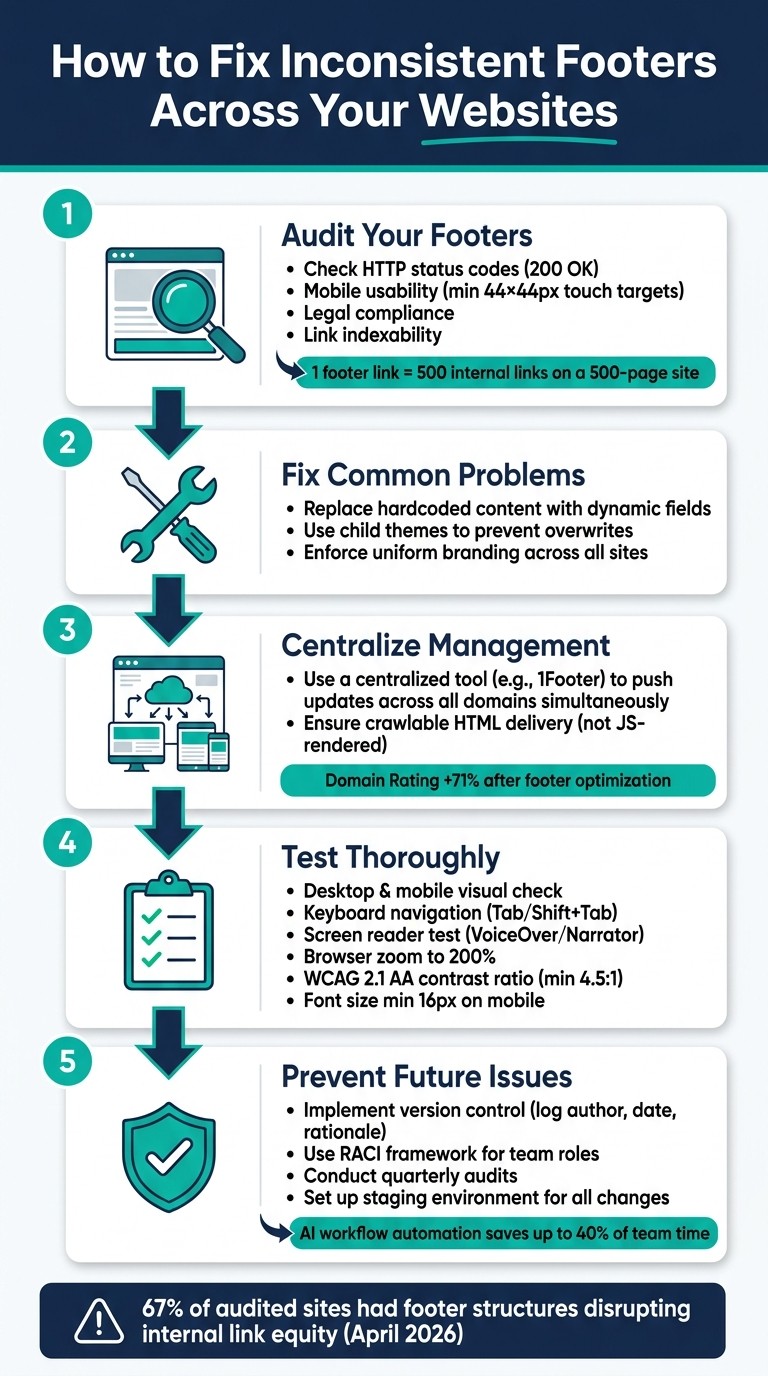
Audit Your Footers: Identify issues like broken links, outdated content, or mismatched designs. Use tools to check HTTP status codes, mobile usability, and legal compliance.
Fix Common Problems: Update hardcoded content, use child themes to prevent overwrites, and ensure uniform branding.
Centralize Management: Tools like 1Footer simplify updates across multiple sites, ensuring consistency and improving SEO.
Test Thoroughly: Verify changes on desktop and mobile, check accessibility, and monitor analytics for performance.
Prevent Future Issues: Use version control, train your team, and set up a centralized system for ongoing updates.
How to Fix Inconsistent Footers Across Multiple Websites
Diagnosing Footer Inconsistencies Across Websites
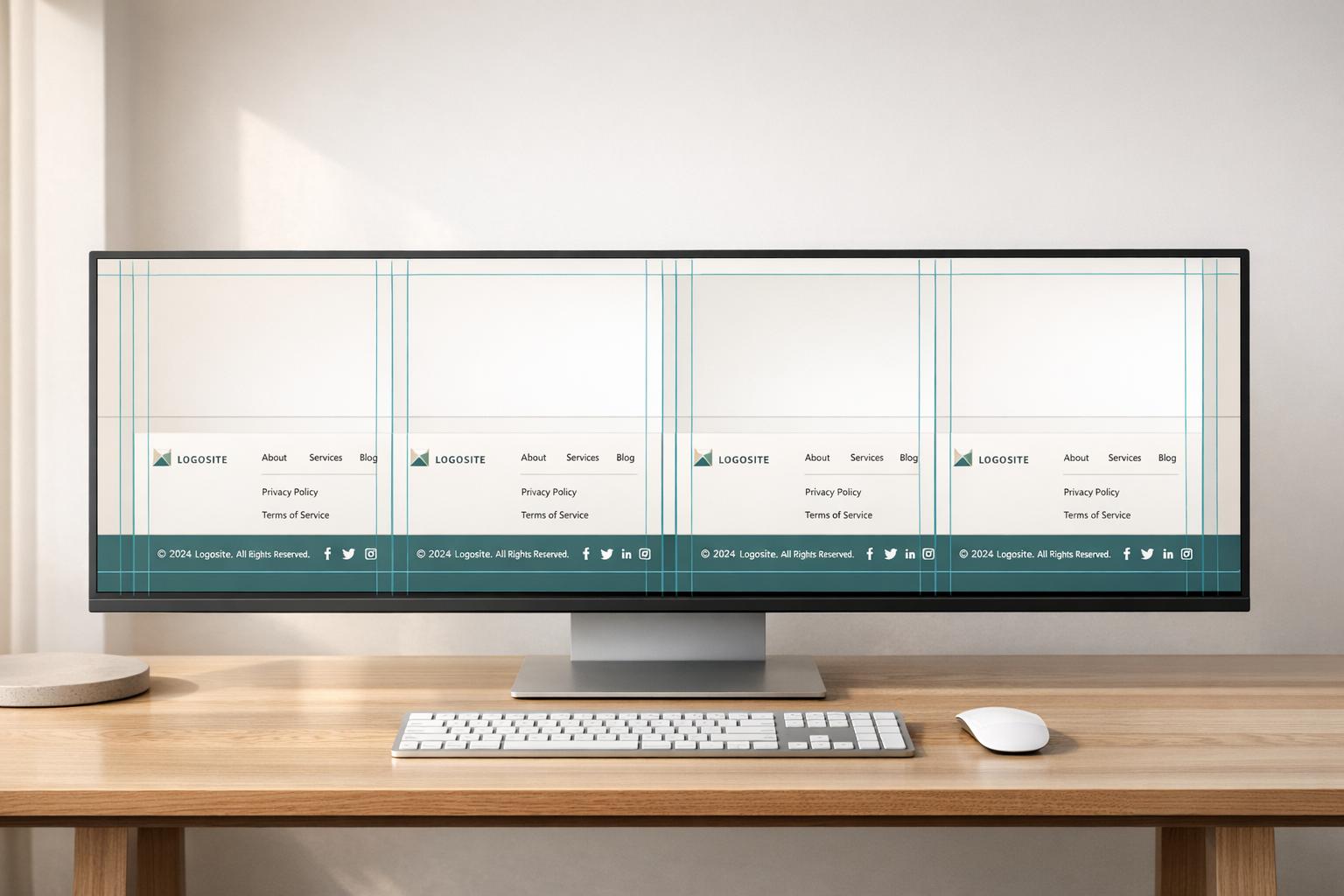
Pinpointing the issues behind footer inconsistencies is the first step to fixing them. These problems often arise from recurring challenges that accumulate over time, especially in a multi-site setup.
Common Causes of Footer Misalignment
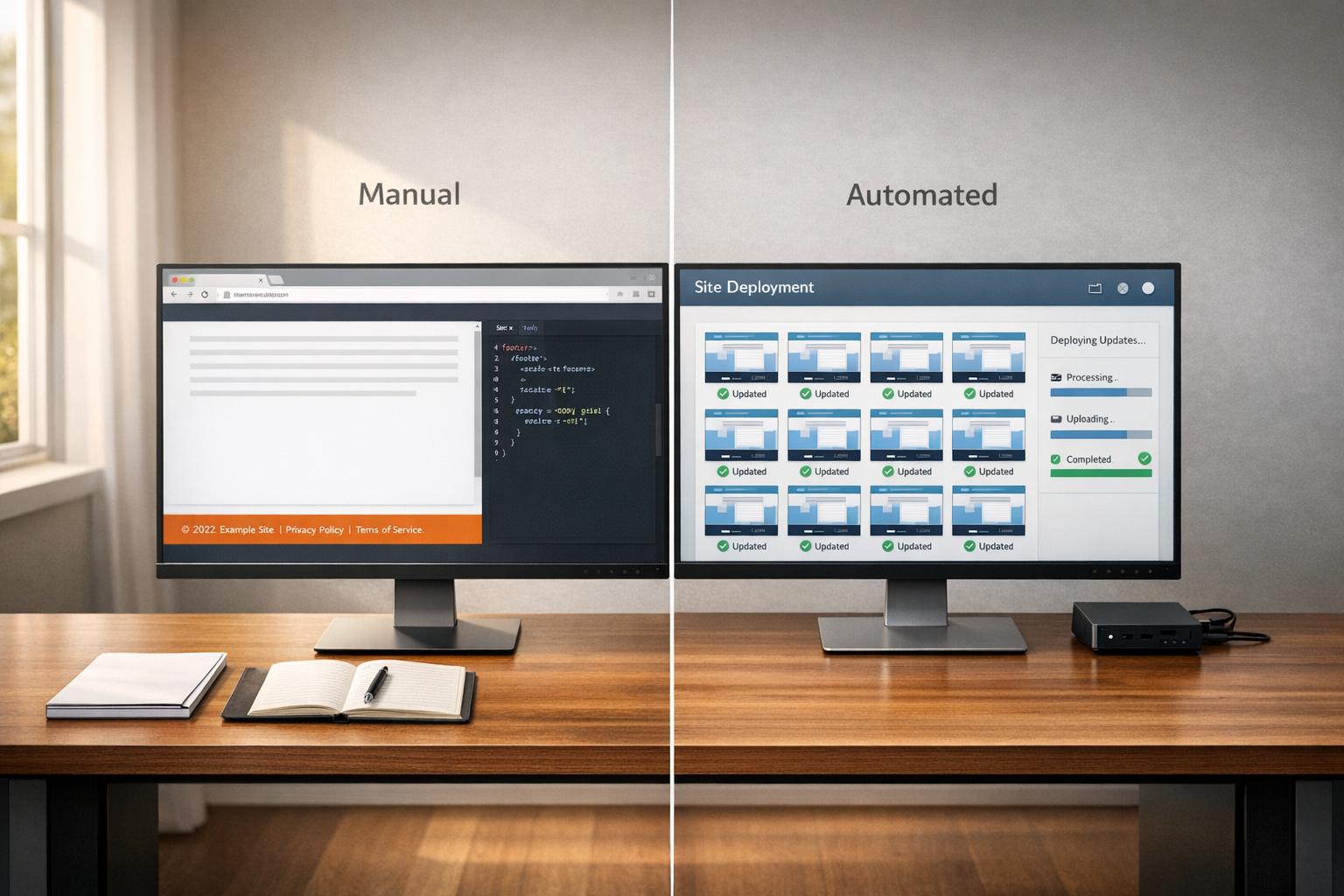
One of the main reasons for footer inconsistencies is manual updates made site by site. For example, someone might update the footer on one site but forget to make the same changes on others. This can lead to outdated copyright years or mismatched branding across your sites.
Another frequent issue is hardcoded content. If elements like copyright years, phone numbers, or social media links are hardcoded into the footer’s HTML instead of being dynamically sourced, every update becomes a manual task. This is especially problematic in a multi-site setup. Similarly, if your sites use different themes - like Astra on one and OceanWP on another - the underlying footer structure will naturally differ over time.
A third common problem is theme updates overwriting customizations. If your team directly edits footer.php instead of using a child theme, any updates to the main theme can erase those customizations completely. Without a centralized system for managing footer content, these issues are almost inevitable.
These challenges highlight the need for a systematic approach to auditing and managing footer configurations.
How to Audit Your Multi-Site Footers
A footer audit doesn’t have to be overly complex, but it does need to be thorough. The goal is to identify inconsistencies and ensure uniformity across all your sites. Start by crawling through homepages, blogs, and product pages across your network. Look for variations in footer structure, link sets, and visual layouts that shouldn’t exist.
For every footer link you encounter, check that it returns a 200 HTTP status code, points to a canonical URL, and isn’t marked with a noindex directive. A broken or misconfigured footer link can be a big issue: on a site with 500 pages, a single footer link acts as 500 internal links pointing to the same destination. Use the table below to guide your audit:
Audit Step | Focus Area | Success Metric |
|---|---|---|
Link Crawl | HTTP Status & Indexability | 200 OK; No |
Performance Audit | JavaScript Payload | Under 50KB for optimal INP |
Mobile UX | Touch Target Size | Min. 44×44 px |
Legal Check | Compliance | Current copyright & Privacy Policy links |
SEO Review | Anchor Text | Descriptive, keyword-relevant text |
Plan to conduct this audit quarterly. As Jordan Mercer explains:
"Internal links are one of the most powerful tools you have for communicating page importance to Google - and the footer is the highest-leverage placement on your entire site."
Here’s a practical tip: always test footer changes in a staging environment first. This ensures you can catch any design or functionality issues before they impact live users.
Strategies for Synchronizing Footer Content
Now that we've identified the challenges with footer management, let's dive into how to address these issues effectively. Depending on your needs, you can opt for manual updates through your CMS or explore a centralized automation tool for a more streamlined approach.
Manual Synchronization Using CMS Tools
Manual updates can get the job done, but they require precision and can vary significantly based on the WordPress theme you're using. As Pavel Ciorici, Founder of WPZOOM, points out:
"The tricky part? How you edit the footer depends entirely on the type of WordPress theme you're using. A method that works perfectly on one theme might not even be available on another."
For Block themes, you can visually edit the footer by navigating to Appearance → Editor → Patterns → Footer. If you're using Classic themes, footer content is typically managed through the Customizer or Widgets. For more advanced changes, you might need to modify the footer.php file directly. However, as Jen Swisher, Customer Experience Specialist at Jetpack, advises:
"Use a child theme for customizations to avoid loss during updates."
While manual updates give you control, they can be time-consuming and prone to inconsistencies, especially when managing multiple sites.
Approach | Ease of Use | Flexibility | Sync Effort | Risk Level |
|---|---|---|---|---|
Block Themes (Site Editor) | High | High | High (per-site) | Low |
Classic Themes (Customizer/Widgets) | Medium | Limited by theme options | High (per-site) | Low |
Direct Code Edits (footer.php) | Low | Total control | High (file transfer) | High |
These challenges highlight why many are turning to automated solutions for a more efficient workflow.
Automating Footer Updates with 1Footer
If manual updates feel like a hassle, centralized automation offers a more efficient alternative. This is where 1Footer comes in. As Daniel Sinewe, Indie Hacker, explains:
"1Footer exists because I got tired of manually updating footers across all my indie projects every time I launched something new."
With 1Footer, you can centralize all your footer elements - such as legal links, social icons, product mentions, and copyright text - into a single dashboard. Once you've made your edits, you simply select the domains to update and publish. The changes are applied across all connected sites instantly. Plus, 1Footer ensures the generated HTML is crawlable, making it easy for search engines to index.
Users have reported impressive SEO gains after implementing 1Footer. For instance, YouTubeChapters saw their domain rating jump from 8 to 14 in just a few days, while Aditya Ojha (akoder.xyz) noted a 71% increase in Domain Rating. The platform also supports various tech stacks, including Framer, HubSpot, script embeds, and Cloudflare Worker delivery paths, making it adaptable to a wide range of setups.
Verifying Footer Uniformity After Updates
When you’ve rolled out footer updates across multiple sites, it’s essential to verify that everything works seamlessly. Issues like CSS conflicts, theme overrides, or caching can cause one site’s footer to break while others remain unaffected. To avoid surprises, use a structured approach to check each site. Make sure the design and functionality are consistent across devices.
Testing Footer Design and Functionality
Start with the basics: open each site on both desktop and mobile, and visually compare the footer to your intended design. On mobile, ensure multi-column layouts collapse properly - horizontal scrolling is a red flag. Font sizes should be no smaller than 16px on mobile, and text contrast must meet a minimum 4.5:1 ratio for normal text, as per WCAG 2.1 AA standards.
Next, evaluate functionality. Use keyboard navigation (Tab and Shift + Tab) to test every footer link and confirm that each has a visible focus state. Then, zoom your browser to 200% and check for overlapping or missing text. For sites catering to diverse audiences, it’s worth spending an extra 10 minutes testing with a screen reader like VoiceOver (Mac) or Narrator (Windows).
Here’s a quick reference table for essential footer tests:
Test | Method | What to Check |
|---|---|---|
Zoom Magnification | Enlarge browser to 200% | Ensure no text overlaps or horizontal scrolling occurs |
Keyboard Navigation |
| Verify all links are accessible and have visible focus states |
Screen Reader | VoiceOver / Narrator | Confirm that the footer structure is announced correctly |
Mobile Stacking | Browser DevTools or device | Check that columns stack vertically and padding is consistent |
Dynamic Content | Visual check | Ensure fields like the copyright year auto-update as expected |
Jennifer Rodriguez, Lead Designer at Divi Life, emphasizes the importance of dynamic content in footers:
"Use Divi's dynamic content feature to automatically display the current year, with no manual updates required."
These visual and interaction tests are just the first step. To fully understand how your footer performs, analytics can provide deeper insights.
Using Analytics to Track Footer Performance
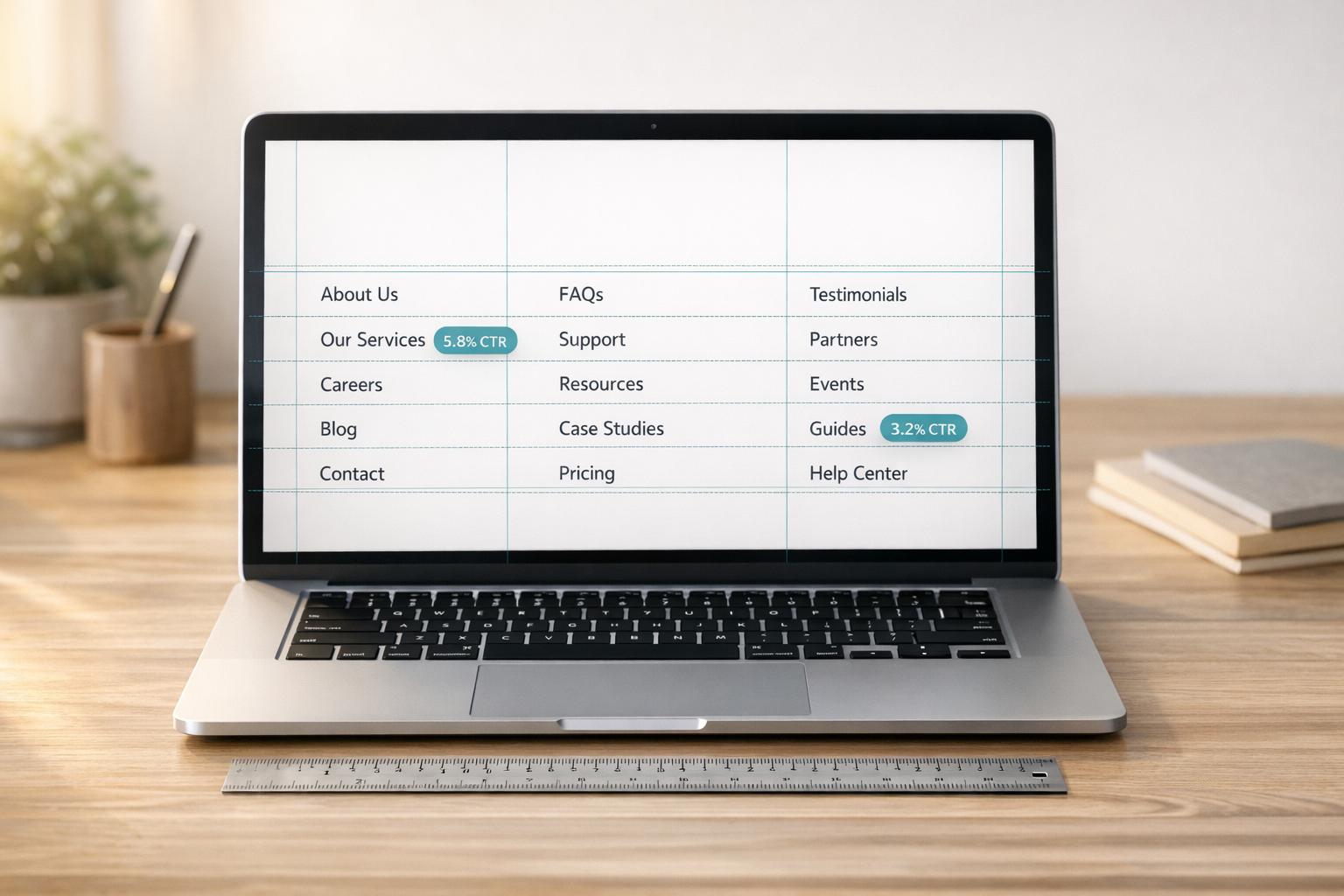
Analytics tools can reveal how users interact with your footer. After implementing updates, review heatmaps and scroll depth data from platforms like Hotjar or Crazy Egg. This will help confirm whether users are reaching the footer across all sites. Research involving 25 million website visits found that visitors often scroll through long pages, making the footer a key navigation element. If scroll depth suddenly drops on one site after an update, it’s a sign something may be wrong.
Additionally, monitor crawl frequency and Interaction to Next Paint (INP) metrics to catch performance issues like broken links or heavy scripts. Run a site crawl to ensure every footer link returns a 200 status code and is included in the XML sitemap.
"Internal links are one of the most powerful tools you have for communicating page importance to Google - and the footer is the highest-leverage placement on your entire site." - Google Search Central Documentation
Finally, track conversion goals tied to your footer, such as newsletter signups or contact form submissions. A well-designed footer can drive up to a 23% increase in website conversions. Catching even small dips in click-through rates early can protect your overall site performance.
Preventing Footer Inconsistencies Going Forward
After addressing diagnostics and updates, the next step is to focus on prevention. Avoiding footer inconsistencies requires the right tools, a clear process for tracking changes, and a well-trained team that understands how to manage updates effectively.
Setting Up Centralized Footer Management
The most effective way to maintain consistent footers across multiple websites is through centralized management. This approach ensures all sites are aligned with the latest legal requirements and branding updates.
Using a central dashboard, as highlighted in the synchronization strategies, reduces errors by applying uniform updates across platforms. A great example is 1Footer, a tool created by indie hacker Daniel Sinewe in early 2026. This platform connects multiple websites - whether built on Framer, HubSpot, or other frameworks - and allows users to push updates to all footers simultaneously from one location.
The benefits are clear. For instance, Aditya Ojha (akoder.xyz) achieved a 71% increase in domain rating after optimizing his footer consistency with 1Footer. Similarly, Olof Harrysson (madebyolof.com) saw his domain rating rise from 9 to 16. These gains go beyond aesthetics - consistent, crawlable footer links directly enhance SEO performance.
To maximize these results, ensure your system delivers footers as crawlable HTML rather than JavaScript-rendered content. Search engines and AI crawlers need direct access to these links for proper indexing.
Using Version Control for Footer Content
Footers may seem static, but they often change more than expected - think copyright updates, legal disclaimers, or social media links. Without a version history, tracking these changes becomes a challenge.
Implementing a version control system can simplify this process. For instance, a version control table can log every change, along with its rationale:
Version | Date | Author | Rationale |
|---|---|---|---|
0.1 | March 1, 2025 | N. Bailey | First draft of global footer |
0.5 | April 3, 2025 | N. Bailey | Final version for signature; links updated |
1.0 | April 14, 2025 | F. Jacobs | Issued to all production sites |
1.1 | April 27, 2025 | N. Bailey | Updated copyright year and social icons |
Adapted from manual versioning best practices [13].
Elizabeth Harrin, Founder of RebelsGuideToPM.com, underscores the importance of this practice:
"Document version control is the process of tracking and managing different versions (or drafts) of a document so you know which is the current iteration of a file."
In a multi-site setup, this becomes even more critical. If a footer update causes issues, such as broken links across several sites, version control helps you quickly identify and revert to the last stable version. Use named versions like "Approved for Production" to make rollbacks clear and efficient.
Training Teams on Footer Management Standards
While version control tracks changes, it’s equally important to train your team on proper management standards. Combining clear protocols with defined roles ensures everyone knows their responsibilities and avoids errors.
The RACI framework is a helpful tool for defining roles. It clarifies who is Responsible for updates, who is Accountable for the outcome, who needs to be Consulted (e.g., legal or compliance teams), and who should be Informed about the changes. This eliminates confusion and prevents tasks from slipping through the cracks.
Stick to established staging protocols, such as using child themes when modifying WordPress footer files. This precaution ensures that updates won’t overwrite custom changes.
Finally, create a feedback loop. After major updates, hold a quick retrospective to identify any bottlenecks or issues. Workflow automation powered by AI can save up to 40% of team time on repetitive tasks, but only if processes are well-documented and consistently followed.
Conclusion: Keeping Footers Consistent Across All Your Sites
Inconsistent footers can weaken SEO, increase legal vulnerabilities, and harm your brand's credibility. Addressing these issues requires regular audits, synchronized updates, and centralized management.
By April 2026, a staggering 67% of audited sites showed footer structures that disrupted internal link equity. Fixing this starts with treating your footer as a strategic tool - one that prioritizes focused links and proper indexing. As Jordan Mercer, Senior SEO Strategist, explains:
"Internal links are one of the most powerful tools you have for communicating page importance to Google - and the footer is the highest-leverage placement on your entire site."
For teams managing multiple sites, tools like 1Footer simplify the process. They allow for a single update to be applied across all connected domains while maintaining crawlable HTML for better indexing. The impact is clear: YouTubeChapters.com saw its Domain Rating jump from 8 to 14 within just days of implementing this approach in April 2026.
Uniform footers are essential for effectively managing multiple sites. By adopting centralized tools, maintaining version control, and conducting quarterly audits, you can turn footer inconsistencies into a thing of the past.
FAQs
What should my footer audit checklist include?
When reviewing your website's footer, make sure to check these key areas:
Consistency: The design, content, and legal links should match across all pages and sites.
Legal Links: Verify that privacy policies, disclaimers, and compliance links are present and accurate.
Navigation: Test all links to ensure they work, and confirm that contact information and social media icons are included.
Design: Evaluate the layout for clarity, responsiveness on different devices, and overall accessibility for users.
Updates: Double-check dynamic elements like copyright dates to ensure they're up-to-date.
Covering these points helps create a footer that's functional, compliant, and easy for users to navigate.
How do I stop theme updates from breaking my footer?
To make sure your footer stays intact during theme updates, it's important to take a few precautions. First, consider using a child theme or creating a custom footer template. This approach prevents your changes from being overwritten. Avoid directly editing core theme files - instead, rely on hooks, widgets, or built-in theme options to make adjustments.
Before running any updates, always create a backup of your site. That way, if something goes wrong, you can restore your footer without hassle. Following these steps ensures your footer remains consistent and fully functional, even after updates.
How can I update footers across all my sites at once?
To make updating footers across all your websites easier, consider centralizing footer management. You can use tools like CMS globals, automation systems, or a unified dashboard to streamline the process. For instance, 1Footer lets you handle and publish footer updates from one platform. This approach ensures consistent design, maintains legal links, and optimizes SEO across your sites, saving you time and reducing manual work.