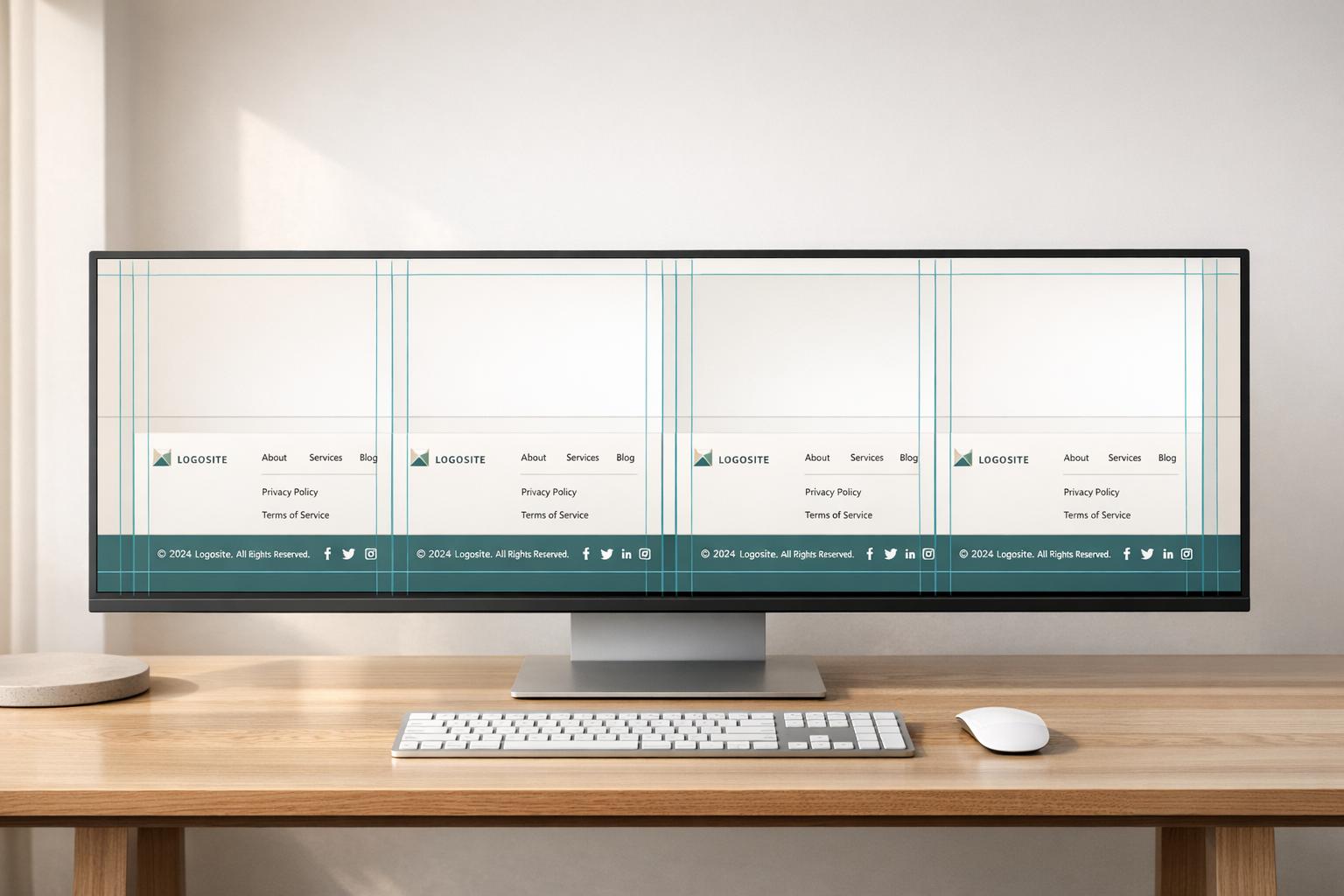
Complete Guide to Website Footer Standardization
Standardize website footers for consistent branding, legal compliance, accessibility, and easier multi-site updates.
Website footers are often overlooked but are critical for user navigation, legal compliance, and branding. A standardized footer ensures consistency across all pages or sites, making updates easier and improving user trust. Here's what you need to know:
What is Footer Standardization?
It means creating a uniform footer design across a website or multiple sites, ensuring consistent branding, navigation, and legal links.
Why It Matters:
Users rely on footers for key information like contact details, privacy policies, and navigation shortcuts. A poorly designed footer can frustrate users and lead to legal risks.
Core Components:
Branding: Logo, tagline, mission statement.
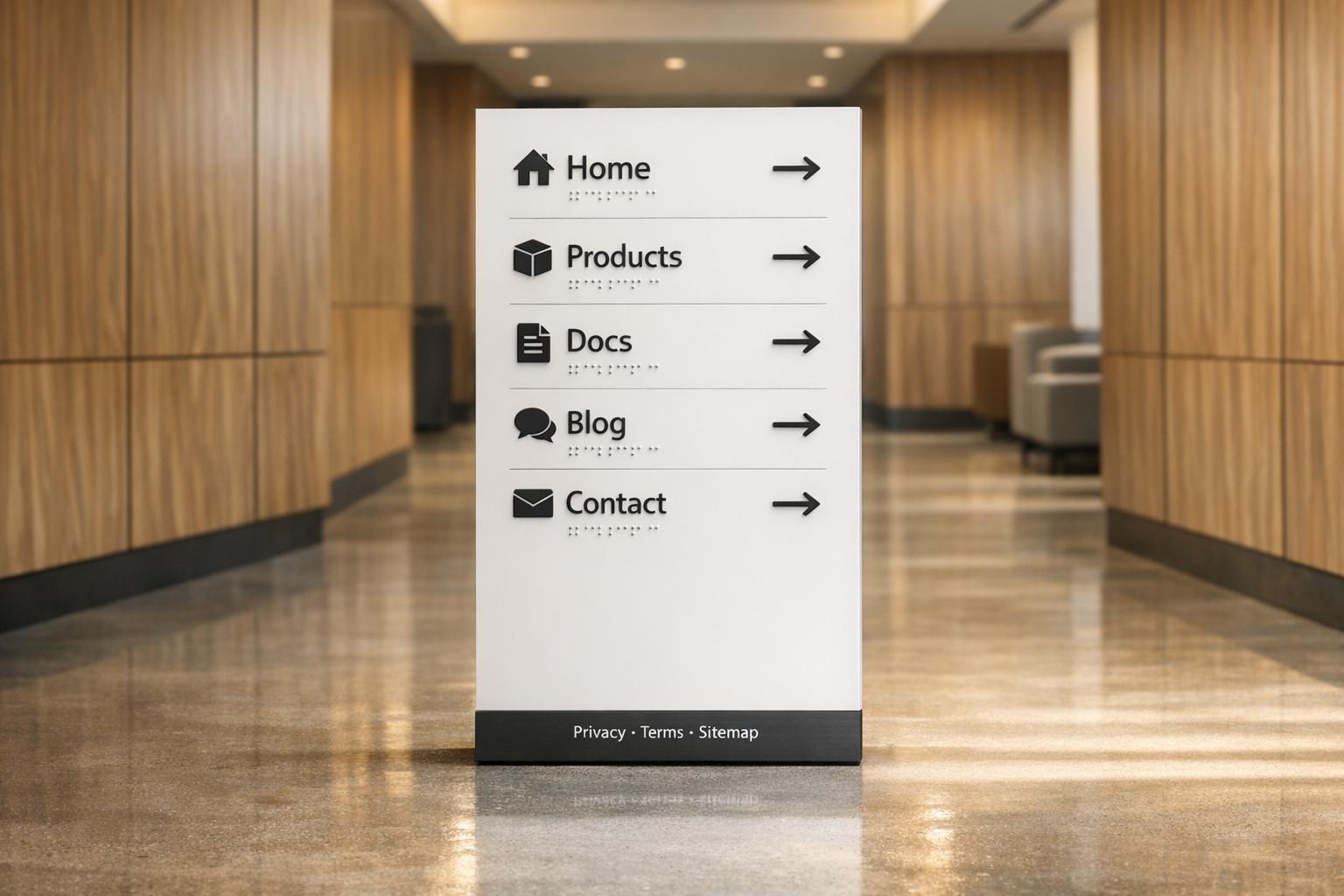
Navigation: Sitemap, secondary links.
Contact Info: Address, phone, email, social media.
Legal Notices: Privacy Policy, Terms of Service, copyright.
Conversion Tools: Email signups, CTAs.
Best Practices:
Use responsive design, clear typography, and WCAG-compliant color contrast. Ensure all links work and are accessible via keyboard navigation.
Managing Footers Across Sites:
Use centralized tools or shared components to simplify updates and maintain consistency. Options include API-based models, static content entry, or reusable design systems.
Legal and Accessibility Compliance:
Include required links (e.g., Privacy Policy) and follow
WCAG 2.1 AA standards for accessibility. Test regularly to ensure compliance.
A well-structured footer isn't just functional - it supports SEO, builds trust, and ensures your site meets legal and accessibility standards.
Core Elements of a Standardized Footer
Key Footer Components
A well-designed footer should include five primary areas: branding, navigation, contact information, legal notices, and conversion elements.
"A well-structured footer is like a mini sitemap. It helps people who've scrolled through your content quickly jump to other areas without having to scroll back up." - Webflow Team
Here’s a breakdown of what each category entails and why it’s essential:
Component | Essential Elements | Purpose |
|---|---|---|
Branding | Logo, tagline, mission statement | Reinforces identity and ownership |
Navigation | Sitemap, secondary links, popular pages | Enhances user exploration and crawlability |
Contact | Address, phone, email, social icons | Builds trust and provides easy support access |
Legal | Copyright, Privacy Policy, Terms, cookies | Ensures compliance with regulations |
Conversion | Newsletter signup, "Get Started" CTA | Captures leads and promotes user action |
Social media icons are a must-have in today’s digital landscape, offering visitors quick ways to connect and engage.
With these components in mind, the next step is to focus on how to design a footer that’s both effective and visually cohesive.
Footer Design Best Practices
To create a footer that fits seamlessly into your site’s overall design, pay close attention to typography, color schemes, and spacing. Clear headers help organize content, making it easier for users to find what they need. For instance, Apple uses consistent typefaces and darker-colored headers to establish a clear hierarchy without relying on bold text.
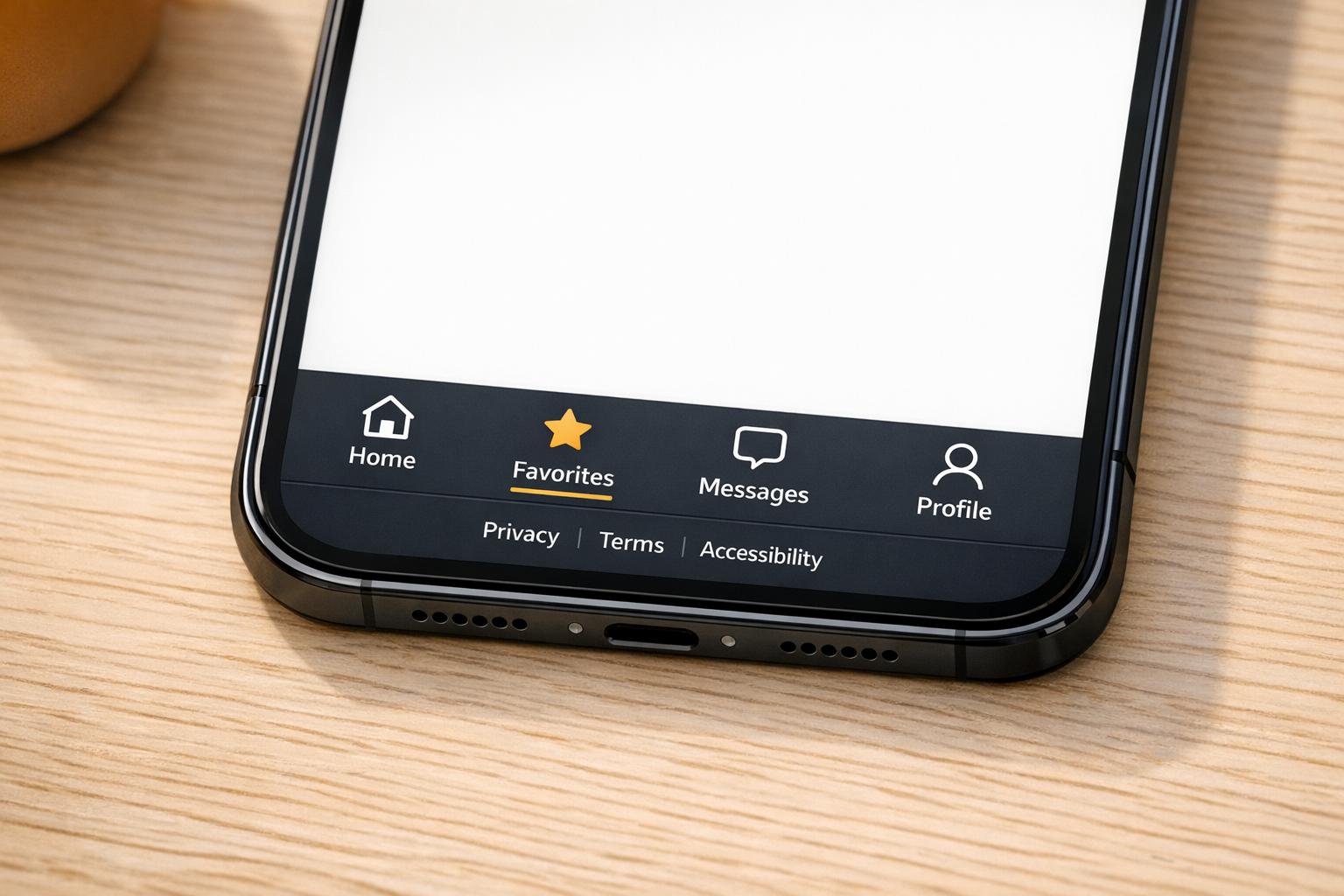
Responsive design is non-negotiable. On desktops, multi-column layouts work well to present information in an organized way. For mobile devices (screens under 768px), accordions are a smart choice to keep the layout clean and functional. H&M demonstrates this perfectly by combining collapsible menus with recognizable social icons, ensuring usability across all screen sizes.
Contrast is another critical factor. According to WCAG standards, text should have a minimum color contrast ratio of 4.5:1 for normal text and 3:1 for larger text. Additionally, footer text on mobile devices should be at least 16px to maintain readability.
"The footer is like the credits at the end of a movie - it contains important information that isn't necessarily part of the main content." - Eric Chung, LogRocket
Localization Considerations
For a polished and professional footer, it’s important to adapt to regional conventions. On U.S.-based sites, phone numbers should follow the (XXX) XXX-XXXX format, while physical addresses should include the full ZIP+4 code to boost local SEO. Business hours should also specify a time zone to avoid confusion for visitors from different areas.
For companies managing multiple regional websites, a two-layer footer is often the best solution. The universal layer can feature global branding, legal links, and a language switcher, ensuring consistency across all properties. Meanwhile, the localized layer can include region-specific navigation, local social media links, or accepted payment method icons tailored to the audience in that area. This approach is especially effective for ecommerce sites, where clarity and trust are crucial.
Legal, Compliance, and Accessibility Requirements
Required Legal Footer Elements
In the U.S., every website footer needs certain legal links to ensure compliance and build trust with visitors. At a minimum, your footer should include links to a Privacy Policy, Terms of Service, a Copyright Notice, and Cookie Preferences. If your site is accessible to the public, adding an Accessibility Statement is becoming more common - and in some cases, it's legally necessary.
State-specific rules can add complexity. For example, official California government websites must display Conditions of Use, a Privacy Policy, an Accessibility Certification, a Contact page, and the CA.gov logo. Depending on your industry, additional legal disclaimers may be required, such as FDA notices for medical sites.
Make sure all legal links in your footer return a clean 200 status code and avoid redirect chains. Regularly check that these links are functional and up to date as part of your footer maintenance.
Once legal compliance is addressed, it's time to focus on accessibility.
Accessibility Standards for Footers
As of April 2024, the WCAG 2.1 AA standard has been officially recognized by the Department of Justice as the accessibility benchmark for state and local government websites under ADA Title II. While private businesses may not always be legally required to meet this standard, it has become the go-to guideline across industries.
When it comes to footers, a few technical details are key. Use the semantic <footer> HTML5 element or role="contentinfo" to help screen readers identify and navigate to the footer easily. Ensure all links and buttons are fully usable via keyboard navigation - Tab and Shift + Tab should work seamlessly - and include visible focus indicators for interactive elements. Social media icons and logos must have descriptive alt text, while purely decorative images should use an empty alt="" attribute.
For guidance, the U.S. Web Design System (USWDS) offers a pre-tested footer component. This component met 13 out of 15 WCAG 2.1 AA success criteria during manual testing. While it's a helpful starting point, you’ll still need to test it on your own site to ensure full compliance.
By addressing these accessibility details, your footer can remain both user-friendly and compliant.
Managing Footer Change Approvals
To maintain compliance, legal and accessibility reviews should be part of your footer update process. Any edits to legal text or navigation links can create risks if not carefully managed. A structured approval system is essential to avoid gaps.
Consider a four-step review process for updates: automated testing with tools like Axe, manual testing with screen readers (e.g., VoiceOver or NVDA), keyboard navigation checks, and responsive layout verification. Additionally, confirm that all legal links are present, anchor text is descriptive (e.g., "Privacy Policy" instead of "Click Here"), and the footer's JavaScript payload is under 50KB to prevent performance issues.
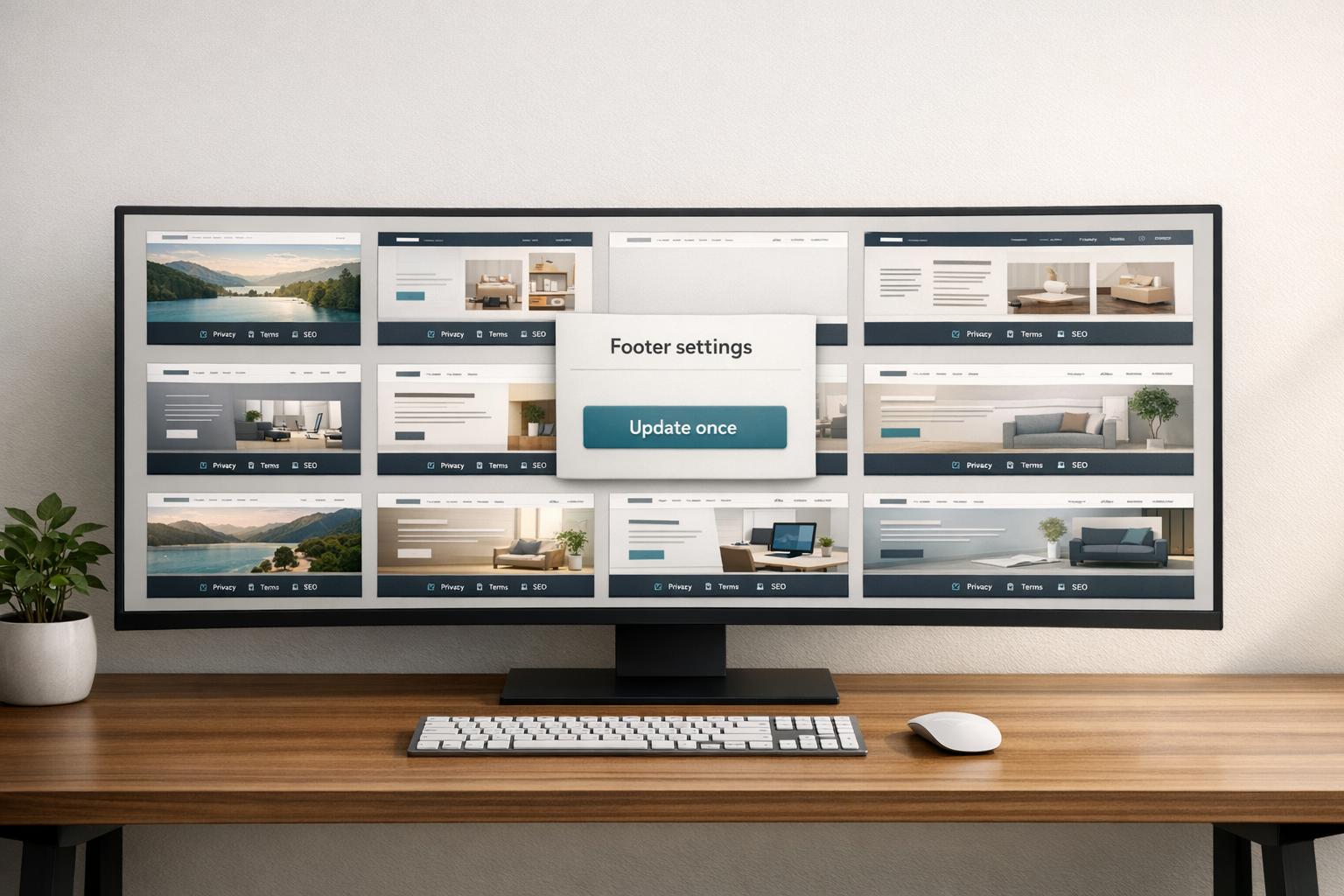
For organizations managing multiple websites, using a centralized footer component is a smart move. Updating the footer in one place and deploying it across all sites reduces the risk of inconsistencies. Conduct these reviews quarterly or whenever significant changes are made to ensure your footer stays compliant and accessible across your entire network.
The Anatomy of a Webpage: What to Include in a Footer
Technical Approaches to Multi-Site Footer Management
This section delves into the technical strategies for managing footers across multiple sites, building on earlier discussions about compliance and design.
Shared Footer Architecture Models
Once compliance and accessibility are addressed, the next step is sharing a footer across sites efficiently, without duplicating code. Here are four common approaches, each with its own pros and cons:
Model | Ideal For | Trade-off |
|---|---|---|
API-Based | Real-time synchronization across diverse frameworks | Requires a stable central API; minor runtime overhead |
Component Pattern | High performance with frequent design updates | May increase page payload size |
Content Entry | Strict legal compliance and governance | Changes require application rebuilds |
NPM Package | Version control with developer-driven workflows | Needs manual updates across all consuming apps |
The API-based model is ideal for teams managing footers across varied tech stacks. A central application provides footer content as HTML or JSON via an API, which secondary apps (like blogs or marketing sites) can fetch either at runtime or during the build process. By avoiding iframes, this approach sidesteps SEO issues and maintains design flexibility.
For teams prioritizing performance over real-time updates, the Content Entry approach works well. Here, the footer is treated as a dedicated content type, fetched during the build process, and stored as a static JSON file. While updates are slower, this method ensures tighter governance and is particularly suited for legal-heavy environments.
These approaches provide a foundation for centralizing footer management, streamlining updates, and reducing redundancy.
Centralized Footer Content Structures
Centralizing footer management simplifies maintenance by consolidating content into a single source. Instead of editing footers across multiple codebases, teams can manage them in one place. A key principle is to structure the footer content to prioritize maintainability and minimize repetition.
Footer content can be divided into static and dynamic elements. Static elements, like copyright notices or links to privacy policies, remain consistent across all sites. Dynamic elements, such as region-specific calls-to-action or local social media links, vary by site. Red Hat's design system formalizes this as "Universal" versus "Website-specific" content:
"The universal footer should look the same across all... websites. Do not create your own custom universal footer by changing, deleting, or rearranging any elements." - Red Hat Design System
For teams using Web Components, the Shadow DOM is a useful tool. It encapsulates footer styles, preventing site-specific CSS from interfering with the global design. A practical tip: prefix custom elements (e.g., <site-footer>) to avoid conflicts with future HTML standards. Studies show that reusing components systematically can reduce CSS by up to 60% and allow a single shared library to support over 30 sites.
With a centralized structure in place, the next step is automating updates.
Automating Footer Deployment
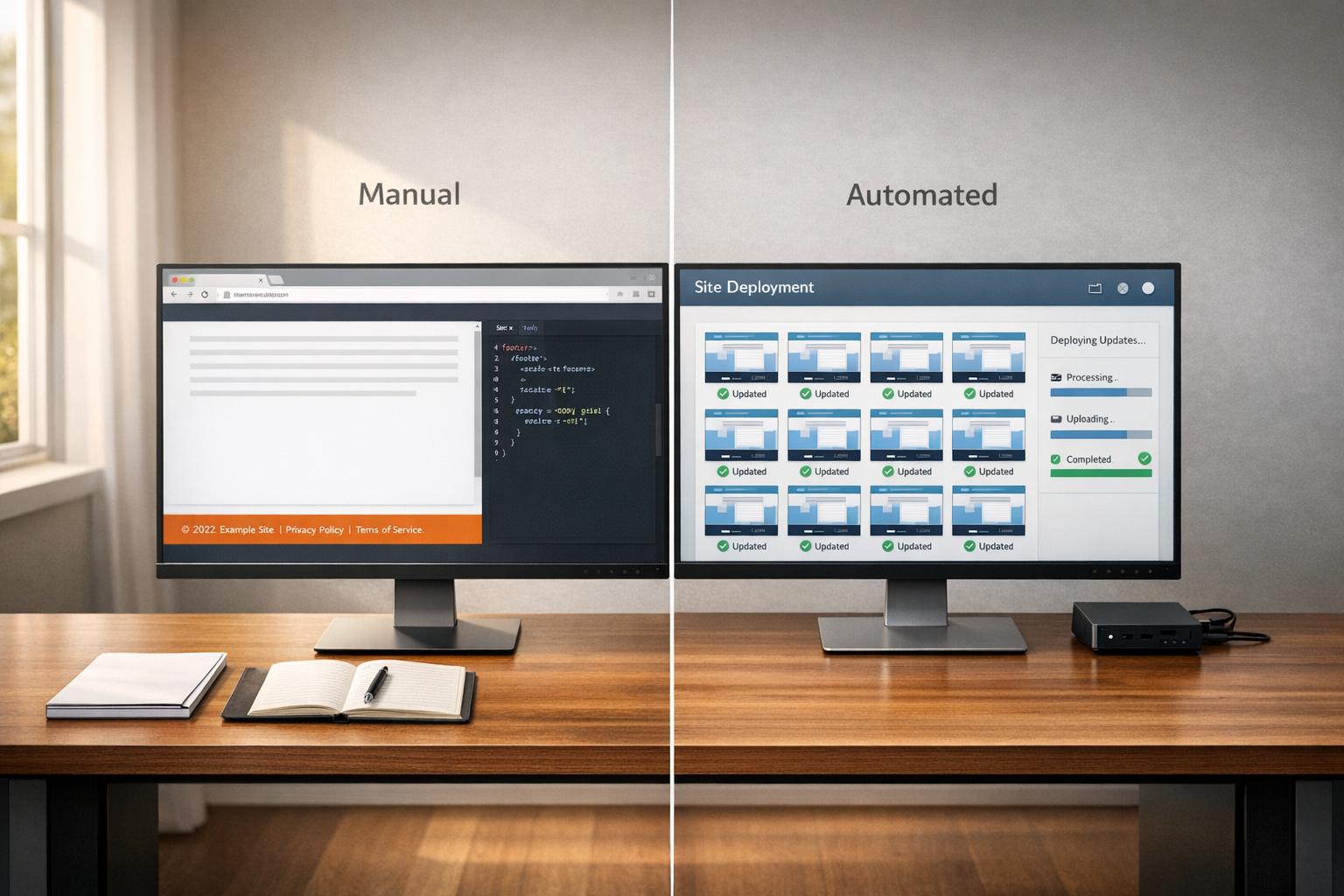
Updating footers manually across multiple sites is time-consuming and prone to errors. A better solution is to integrate footer updates into your CI/CD pipeline.
In this workflow, build-time scripts pull footer content from a CMS or API and embed it into the site before deployment. For WordPress networks, a Master Site model is effective. This centralized environment manages shared templates and design logic, which then cascade to child sites.
"Updates to components or layout logic are deployed from the Master to all child sites, automatically tested across brands, and rolled out via feature flags if needed." - OnePress Handbook, rtCamp
Feature flags are particularly valuable here. They allow teams to test updates across specific brands or environments before rolling them out globally. Combined with automated cross-brand testing in the CI/CD pipeline, this approach minimizes the risk of breaking layouts on child sites.
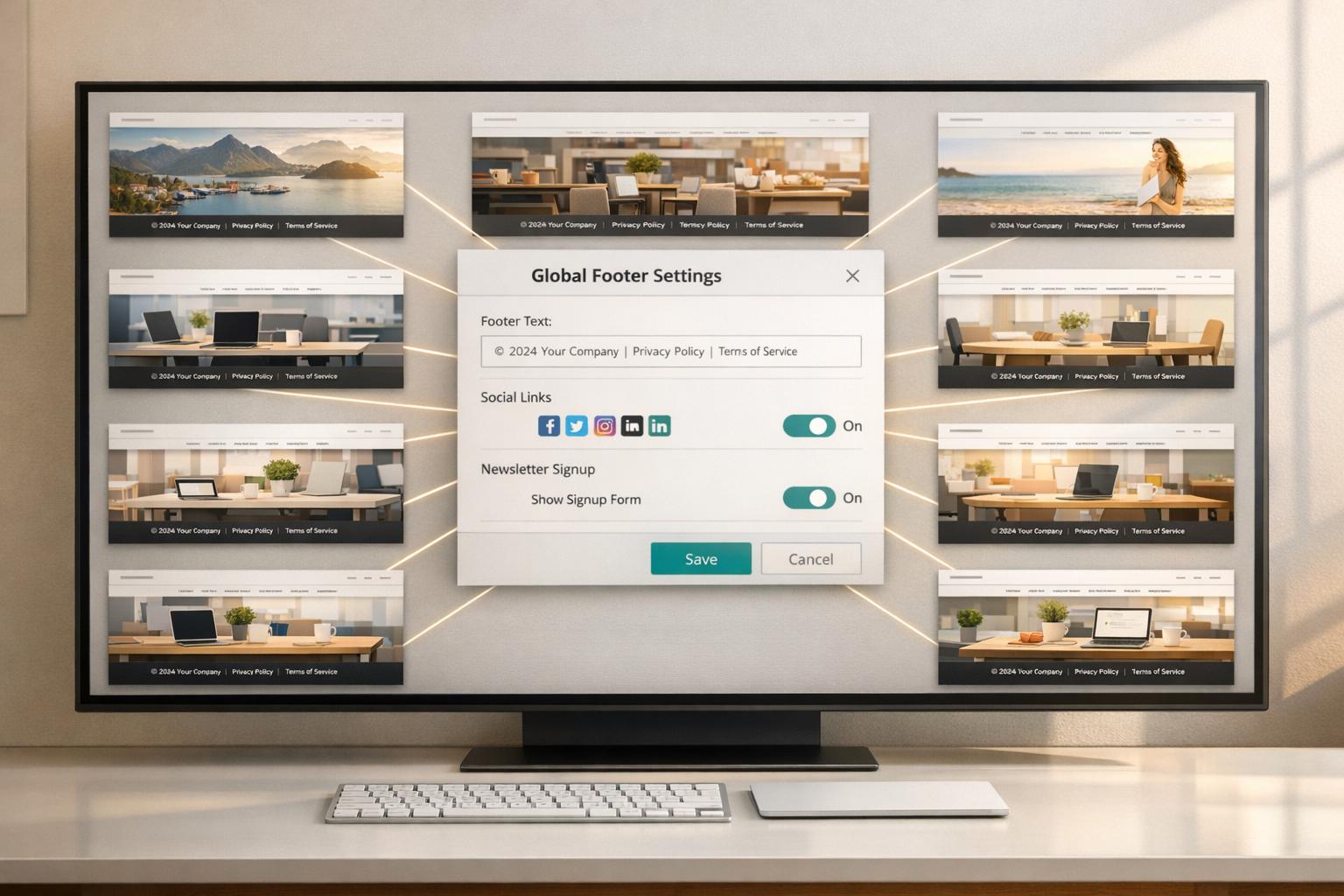
For teams seeking a simpler solution without custom infrastructure, tools like 1Footer offer centralized footer management. They deliver crawlable HTML across multiple domains, ensuring that footer links remain discoverable by search engines, regardless of the underlying tech stack.
How to Plan and Manage Footer Standardization
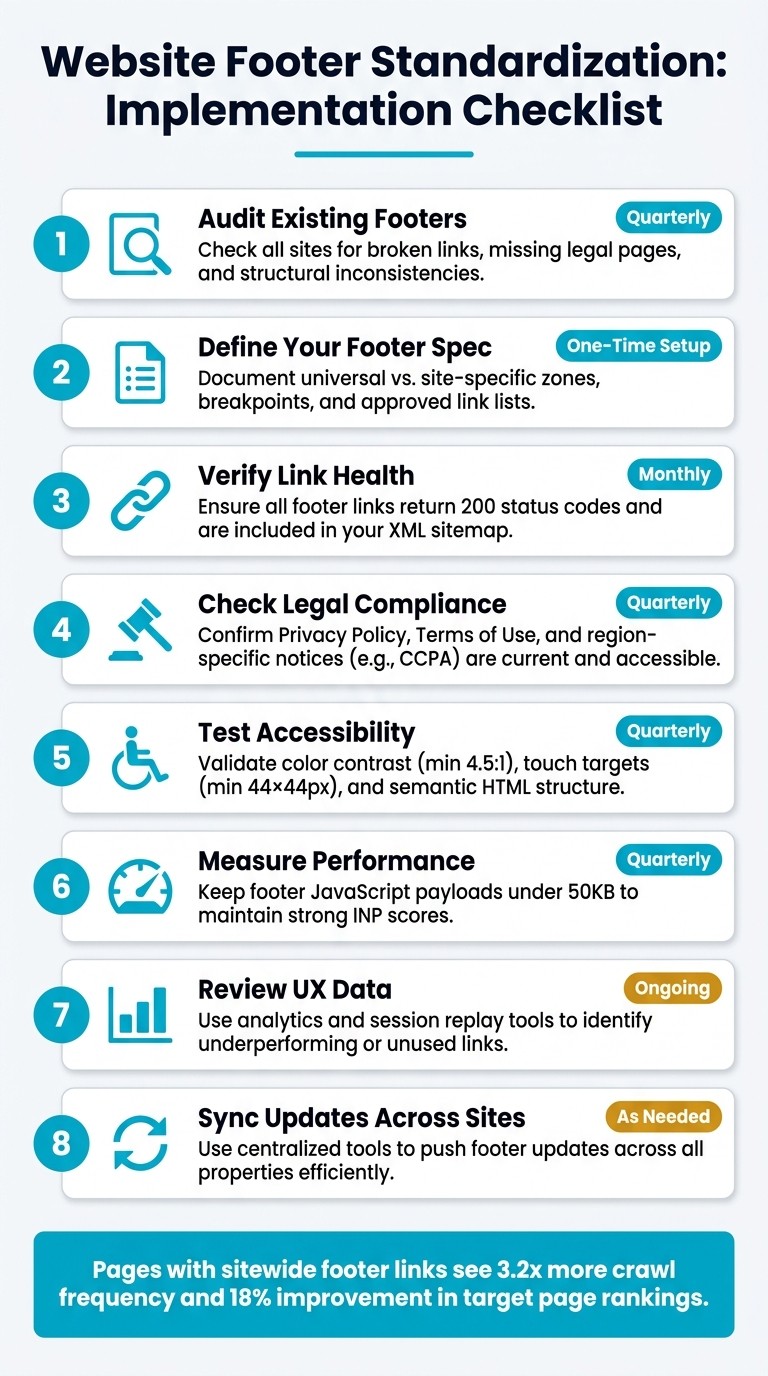
Website Footer Standardization: Implementation Checklist
To ensure footer consistency across your sites, focus on regular auditing, clear specifications, and ongoing monitoring.
Auditing Your Existing Footers
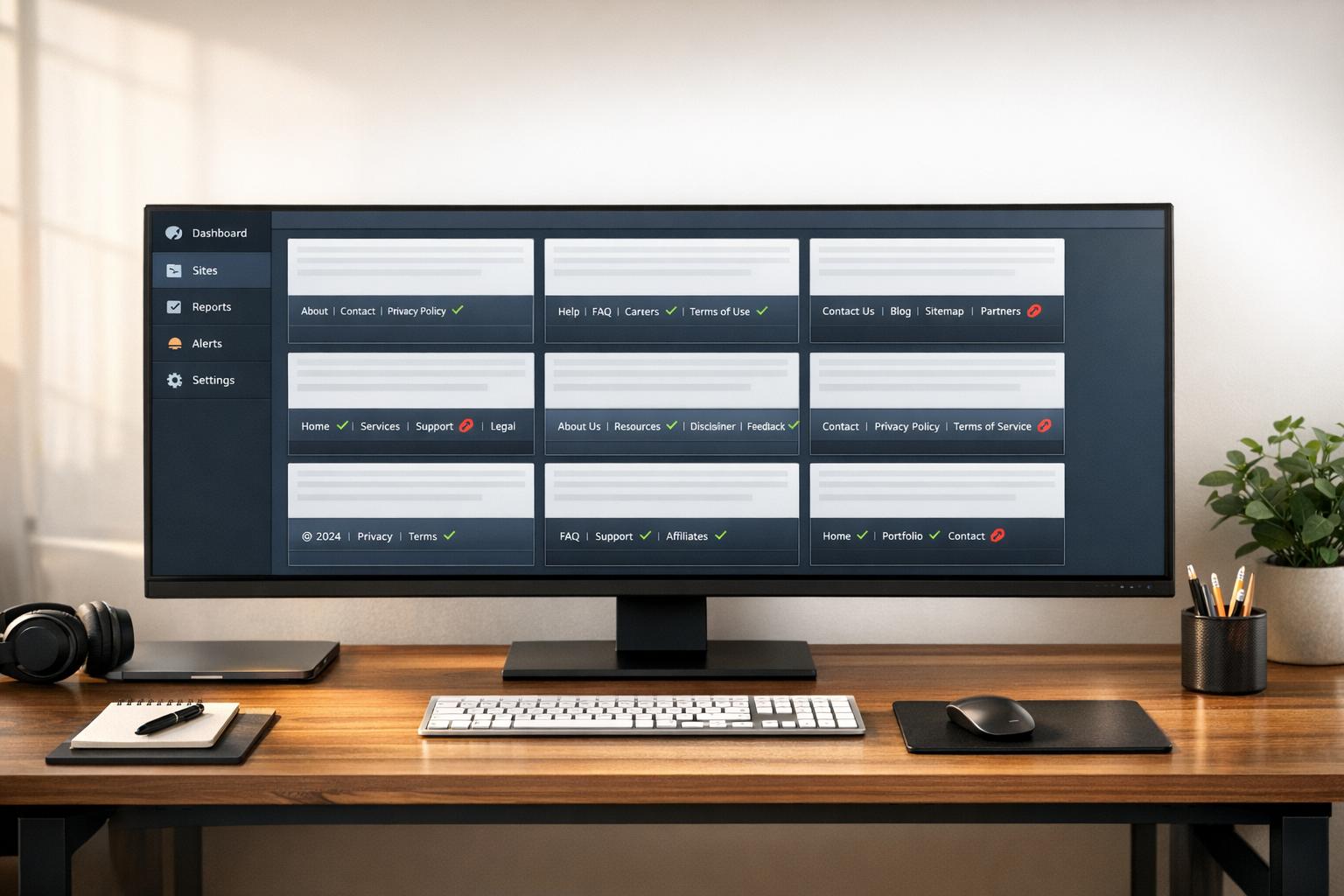
Start by auditing how footers are implemented across your sites. Crawl each site and extract footer links from various page types - homepage, category pages, blog posts, and product pages. Look for structural inconsistencies like missing legal links, broken URLs, or navigation columns that vary between sections. This step reinforces the centralized management approach discussed earlier.
As of April 2026, 67% of audited sites had footer link structures that weakened internal link equity. Confirm that each footer link returns a 200 status, references a canonical URL, and is included in the XML sitemap. Also, assess technical performance and run accessibility tests as outlined previously.
"Internal links are one of the most powerful tools you have for communicating page importance to Google - and the footer is the highest-leverage placement on your entire site." - Jordan Mercer, Senior SEO Strategist, SEOAuthori
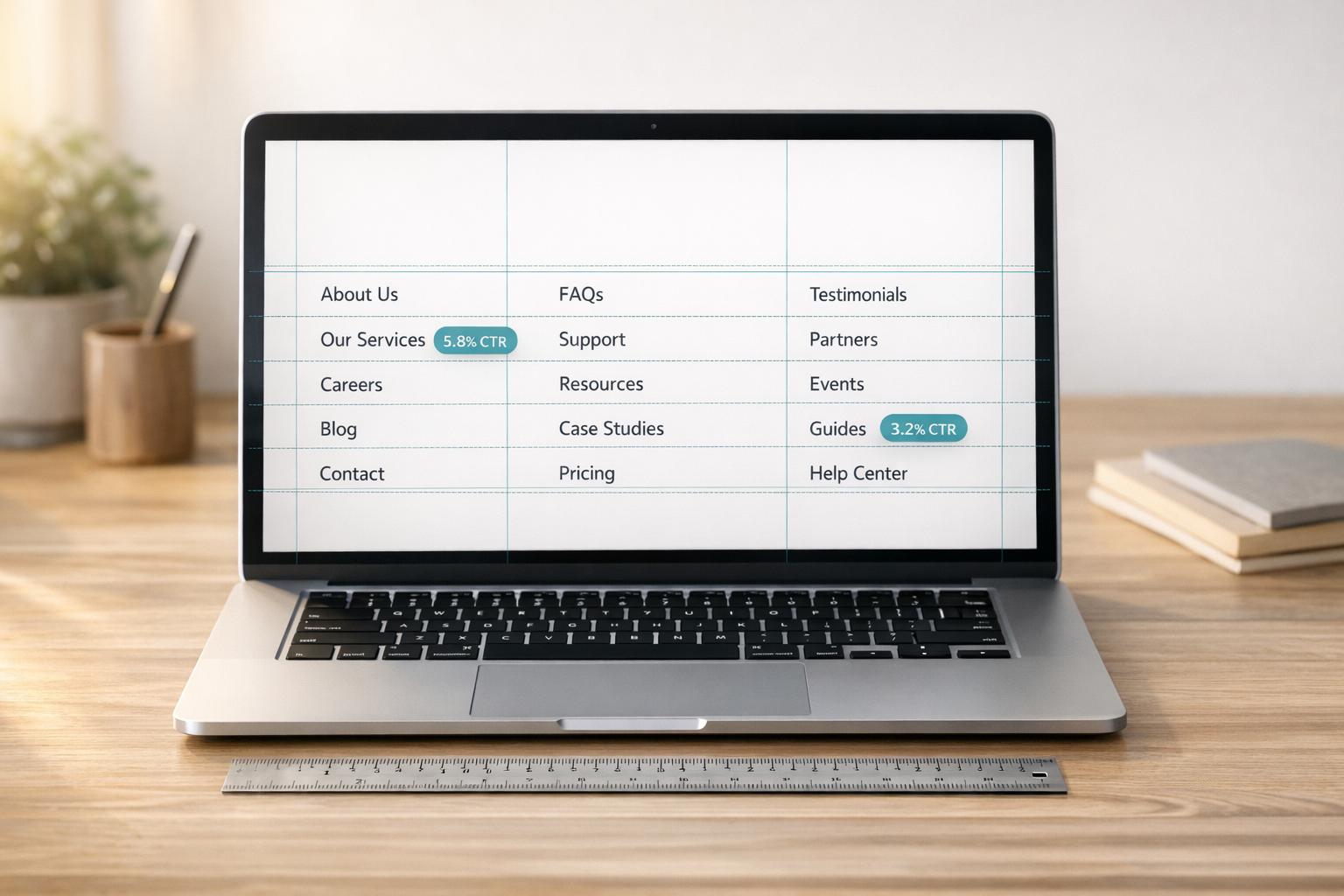
Dive into analytics and heatmaps to uncover which footer links drive meaningful traffic and where users lose interest. This data can highlight links that occupy valuable space without contributing to user engagement.
Building a Reusable Footer Specification
Use the audit results to create a clear and structured footer specification. This document should serve as a single source of truth for designers, developers, and legal teams, aligning with the standards for compliance, legal requirements, and design discussed earlier.
A layered architecture approach works well: implement a locked Universal Footer for global elements (like legal links, copyright notices, and language switchers) and a flexible Website-specific Footer for localized navigation, regional social links, and site-specific calls-to-action. Define which parts are editable and which are fixed.
Region | Customizable | Use Case |
|---|---|---|
Universal Footer Links | No | Global pages, legal information, corporate policies |
Corporate Message | No | Standardized brand statement across all properties |
Website Logo | Yes | Custom logo for specific sub-sites or properties |
Navigation Links | Yes | Links tailored to the site's architecture |
Social Media Links | Yes | Regional or departmental social media links |
Language Switcher | No | Standardized global language menu |
Source: Red Hat UX Guidelines
Be sure to define responsive behavior. For example, on desktop, a multi-column layout might work best, but for screens narrower than 768px, collapsing those columns into accordions can improve usability on mobile. Clearly document breakpoints to ensure consistency across devices.
Monitoring and Improving Footer Consistency
Once your specifications are in place, monitor footers regularly to maintain consistency and compliance. Treat footer consistency as a quality metric and include it in your routine evaluations.
Incorporate a footer review into your quarterly SEO and technical audits. Test for responsive design, accessibility, and functional legal links as part of these audits. Ensure the copyright year is updated annually and that links to the Privacy Policy and Terms of Use remain visible and functional.
"A website footer provides site visitors with a sense of consistency, as the same information will appear at the bottom of every single one of your pages." - Rob Pugh, Product Manager
Use session replay tools to see how users interact with the footer. If users frequently scroll through the footer searching for something, reorganize link groupings or make anchor text clearer. Combine this data with A/B testing on CTA placement or link structure to make evidence-based improvements over time.
Conclusion and Implementation Checklist
Key Takeaways
A well-structured footer isn’t just a design element - it’s a powerful tool for improving SEO, ensuring legal compliance, enhancing accessibility, and building user trust. When approached as a thoughtfully managed system, it can significantly benefit your site. For example, pages with sitewide footer links experience an average increase in crawl frequency of 3.2x, while optimizing footer link structures can improve target page rankings by an average of 18%.
To achieve these results, it’s essential to establish clear ownership of the footer, maintain a universal layer for global and legal elements, and allow for controlled customization of site-specific content. Regular audits, semantic HTML, and mobile-first design principles can help transform your footer into a reliable, low-maintenance asset for your entire web presence. Below is a checklist to help you implement these practices effectively.
Implementation Checklist
Here’s a step-by-step guide to putting these strategies into action:
Step | Action | Frequency |
|---|---|---|
Audit existing footers | Check all sites for broken links, missing legal pages, and inconsistencies in structure | Quarterly |
Define your footer spec | Create a clear document outlining universal vs. site-specific zones, breakpoints, and approved link lists | One-time setup, with updates as needed |
Verify link health | Ensure all footer links return 200 status codes and are included in your XML sitemap | Monthly |
Check legal compliance | Confirm that Privacy Policy, Terms of Use, and region-specific notices (e.g., CCPA) are current and easily accessible | Quarterly |
Test accessibility | Validate color contrast (minimum 4.5:1), touch target sizes (at least 44×44px), and semantic HTML structure | Quarterly |
Measure performance | Keep footer-related JavaScript payloads under 50KB to maintain strong INP scores | Quarterly |
Review UX data | Use analytics and session replay tools to identify underperforming or unused links | Ongoing |
Sync updates across sites | Utilize centralized tools like 1Footer to push updates across all properties efficiently | As needed |
Relying on manual updates for footers across multiple sites often leads to inconsistencies that can harm compliance and SEO performance. A centralized management system - whether through CMS global settings or a tool like 1Footer - helps maintain alignment across all properties without adding unnecessary complexity.
FAQs
What’s the fastest way to standardize footers across multiple sites?
The quickest solution is to use a centralized management tool like 1Footer. This tool allows you to control footer content for all your websites from a single dashboard. With it, you can update multiple footers at once, ensuring consistent branding, legal links, and design across your sites. Features like CMS globals or automation streamline the process even further, cutting down on manual work while keeping everything aligned.
Which footer items are legally required for U.S. websites?
U.S. websites are generally expected to feature a privacy policy, terms of use, and copyright information in their footer. These elements aren't just about ticking legal boxes - they're key to meeting regulations and fostering trust with users.
How do I test a footer for WCAG 2.1 AA compliance?
To check if a footer complies with WCAG 2.1 AA standards, you'll need to perform a few manual accessibility tests. Start by ensuring all input fields have proper labels and that the color contrast meets the required levels. Test how the footer behaves when zoomed to 200% - it should remain functional and readable.
Next, confirm that keyboard navigation works smoothly, with clear and visible focus indicators for all interactive elements. For screen reader users, make sure the footer is compatible and includes only one contentinfo landmark. These checks will help confirm that your footer aligns with accessibility guidelines.