HTML Delivery for Navigation Links: Guide
Build crawlable, accessible HTML navigation using real <a> links, semantic <nav>/<footer>, ARIA attributes, and server-side rendering.
HTML navigation links are the backbone of website SEO and accessibility. Properly implemented <a> elements ensure search engines like Google and AI crawlers (e.g., GPTBot) can index your content, while also enabling smooth navigation for users, including those using assistive technologies. This guide covers how to structure crawlable HTML navigation, avoid common pitfalls (like JavaScript-only links), and manage consistent navigation across multiple sites.
Key Takeaways:
Use
<a>elements with validhrefattributes for crawlable links.Avoid JavaScript-only navigation methods; they’re invisible to many crawlers.
Use semantic tags like
<nav>and<footer>to organize navigation.Add
aria-labelandaria-currentattributes for accessibility.Tools like 1Footer simplify managing navigation across multiple domains, ensuring consistency and SEO-friendly HTML.
Quick Tip: Always verify raw HTML (Ctrl+U) to ensure links are visible to crawlers without requiring JavaScript. This simple check prevents indexing issues and improves your site's discoverability.
How Crawlable Navigation Links Work
What Makes Navigation Crawlable
Crawlable navigation depends entirely on using standard <a> elements with proper href attributes. Google spells this out clearly:
"Generally, Google can only crawl your link if it's an
<a>HTML element (also known as anchor element) with anhrefattribute." - Google Search Central
If a link doesn’t stick to this structure, search engine crawlers won’t follow it. Here's a breakdown of common link patterns and whether they meet the crawlability criteria:
Link Pattern | Crawlable? | Why |
|---|---|---|
| Yes | Standard anchor with valid URI |
| No | Missing |
| No |
|
| No | Doesn’t resolve to a requestable URI |
| No | Not a valid anchor element |
To ensure your links are crawlable, always check your navigation markup in the raw HTML (Ctrl+U). This ensures that the links are visible to crawlers without requiring JavaScript execution. Once verified, follow these additional HTML guidelines to optimize your links further.
HTML Best Practices for Navigation Links
Using proper <a> elements is just the start. A few additional details can make your navigation more effective. The href attribute should always point to a valid URL that returns a 200 status code. Both absolute URLs (https://example.com/about) and relative URLs (/about) work, as long as they resolve correctly. However, for multi-site setups, absolute URLs are often better to avoid confusion about which domain a relative path refers to.
Be mindful of attributes like rel. For example:
rel="nofollow": Prevents passing ranking signals to the linked page. Use this only when necessary.rel="noopener noreferrer": Essential for external links that open in a new tab, as it guards against potential security risks.
Anchor text is another critical element. Avoid vague phrases like "click here" or "learn more", which provide no context. Instead, use clear, descriptive text such as "Privacy Policy" or "Shipping Information." This not only helps users but also gives search engines a better understanding of the linked page's content.
If your site uses multiple <nav> elements (e.g., one for the header and one for the footer), include aria-label attributes to differentiate them. For instance, <nav aria-label="Footer"> helps screen readers and crawlers distinguish between the sections.
Following these practices ensures that your navigation links are both crawlable and user-friendly.
Using Semantic Markup for Navigation
To make navigation even clearer for both crawlers and assistive technologies, wrap your links in a <nav> element. This signals the section's purpose:
"The best element to use for navigation sections is
<nav>. It automatically informs the screen reader and search engine that a section has a role of navigation, a landmark role." - web.dev
For breadcrumbs, use an ordered list (<ol>) instead of an unordered list (<ul>). Breadcrumbs represent a hierarchy, and an ordered list reflects this structure accurately. Using semantic markup like this enhances both SEO and accessibility, ensuring your navigation is easy to understand.
The <footer> element also plays a role in navigation. Including site-wide links within a <footer> tag helps search engines distinguish between primary navigation (like menus) and secondary navigation (like footer links). This structural clarity allows crawlers to better interpret your site’s layout.
Building Navigation for Accessibility and SEO
HTML Structures for Different Navigation Types
When creating navigation, use semantic elements like <header>, <nav>, and <footer> for global navigation areas. For breadcrumbs, use an <ol> to clearly reflect the sequence and hierarchy of pages. Decorative separators can be styled with CSS to maintain clarity without confusing screen readers. This combination of semantic HTML and accessibility-focused design ensures your navigation is user-friendly while remaining easy for search engines to index.
Let's look at how to refine these structures to maximize accessibility.
Accessibility Best Practices for Navigation
The <nav> element acts as a landmark, allowing screen reader users to jump to it directly using keyboard shortcuts. To make its purpose clear, label each <nav> element with aria-label or aria-labelledby.
To indicate the active page, use aria-current="page". This helps assistive technologies identify the current location, as visual cues like CSS highlights alone aren’t sufficient. For dropdown menus or hamburger menus, use aria-expanded to show whether the menu is open or closed. Also, avoid removing focus indicators with outline: none; instead, use the :focus-visible pseudo-class to ensure keyboard users can navigate effectively.
"aria-current (state) indicates the element that represents the current item within a container or set of related elements." - WAI-ARIA 1.1
Avoid using roles like menu or menubar for standard site navigation. These roles are designed for application-style menus and can alter keyboard behavior in ways that may confuse users accustomed to traditional tab-based navigation.
With these accessibility strategies in mind, let’s explore how to handle footer navigation efficiently, especially for multi-site teams.
Footer Navigation Standards for Multi-Site Teams
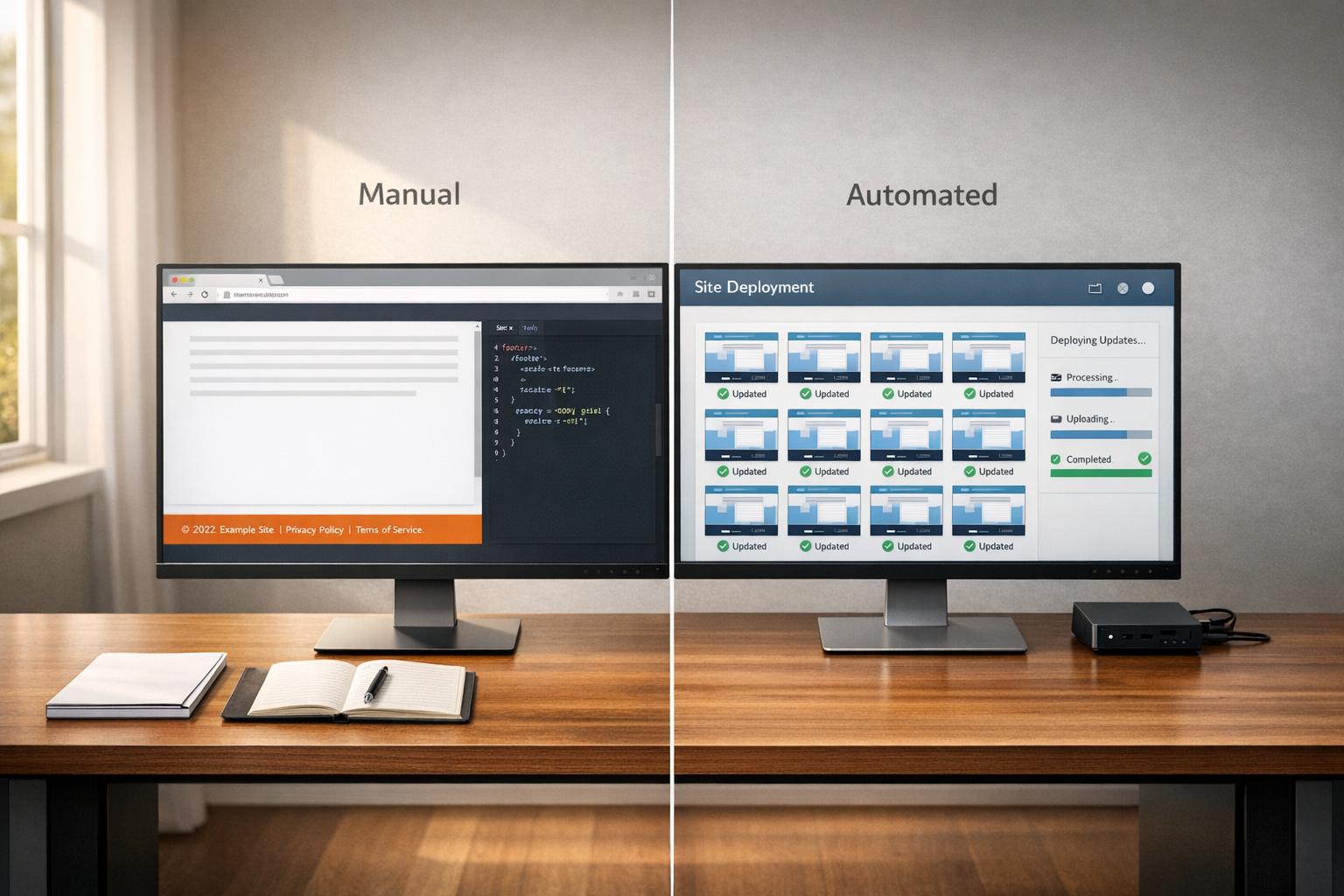
Footer navigation typically includes legal links and other key information. For teams managing multiple sites, tools like 1Footer simplify updates by enabling changes to be applied across all sites simultaneously. This ensures consistent, crawlable HTML while saving time and reducing manual effort. By integrating accessibility, consistency, and efficiency, tools like 1Footer keep navigation links and legal information aligned across domains without hassle.
How Links in Headers, Footers, Content, and Navigation Can Impact SEO - Whiteboard Friday
Crawlable Navigation in JavaScript Frameworks
Rendering Strategies vs. Crawlability: SSG, SSR, CSR & Dynamic Rendering
Navigating through JavaScript frameworks like React, Vue, and Angular can be a double-edged sword. While they simplify development, they can also introduce complications when it comes to navigation crawlability.
How JavaScript Frameworks Affect Navigation Crawlability
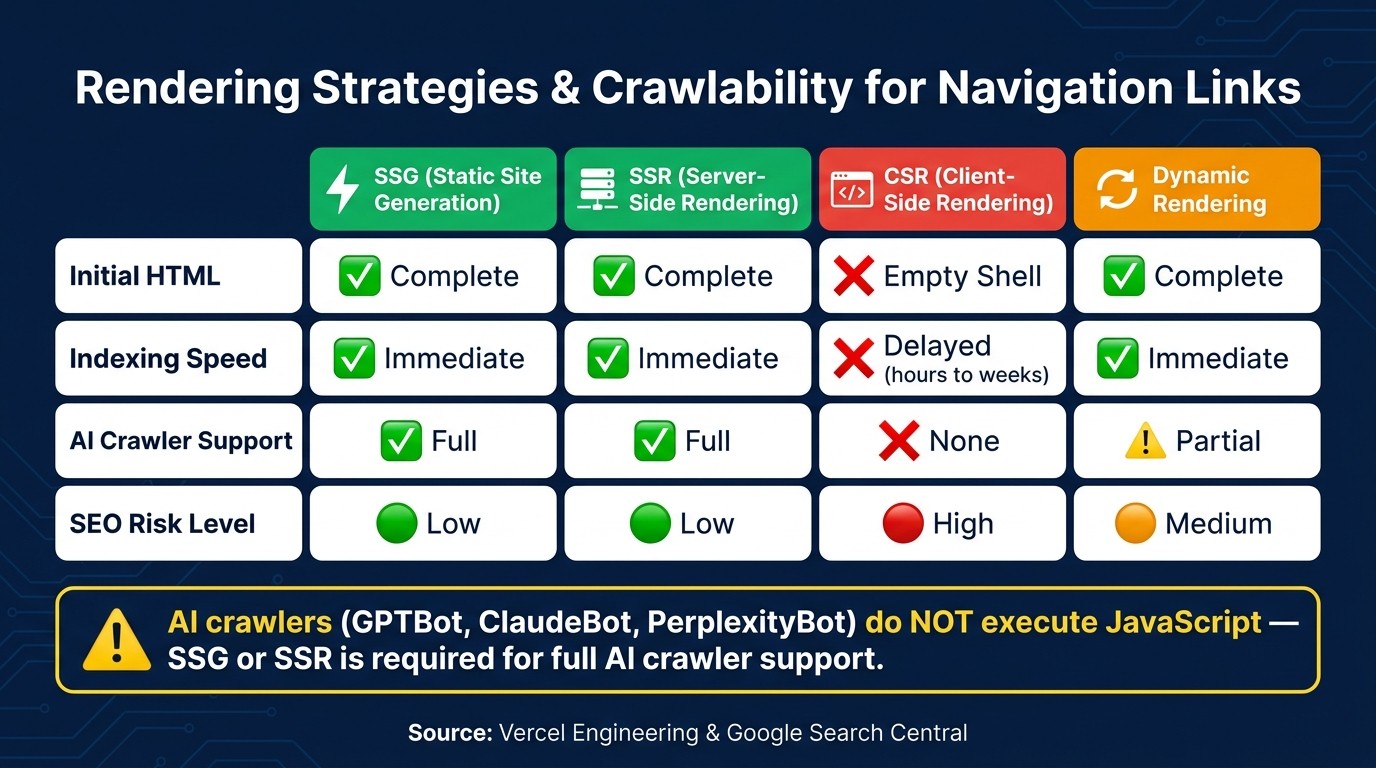
JavaScript frameworks often rely on dynamic rendering, which can delay or even block navigation links from being discovered by search engine crawlers. Google, for instance, uses a two-step indexing process: first, it crawls the raw HTML, and later it renders the JavaScript. This second step can take anywhere from a few hours to several weeks. During this time, any navigation links created via JavaScript might remain invisible to crawlers. This issue is even more pronounced for AI crawlers like GPTBot, ClaudeBot, and PerplexityBot, which currently do not execute JavaScript.
"The results consistently show that none of the major AI crawlers currently render JavaScript." - Vercel Engineering
Another frequent issue is the button trap, where developers use <button> elements or onclick handlers for navigation instead of proper <a href="..."> anchor tags. This approach fails to pass link equity and can hinder SEO efforts.
Crawlable Navigation in Single-Page Applications
Single-Page Applications (SPAs) often generate an empty HTML shell initially, with the content being added later through JavaScript. This can lead to issues with publicly accessible pages like product listings, blog posts, or pricing pages, as search engines may struggle to index them effectively. To address this, developers can use Server-Side Rendering (SSR) or Static Site Generation (SSG), which provide fully rendered HTML on the first request. While client-side rendering (CSR) works most of the time, it isn't foolproof - timeouts or execution errors can cause problems, whereas server-rendered pages are far more reliable.
Rendering Strategy | Initial HTML | Indexing Speed | AI Crawler Support |
|---|---|---|---|
SSG (Static) | Complete | Immediate | Full |
SSR (Server) | Complete | Immediate | Full |
CSR (Client) | Empty shell | Delayed (hours to weeks) | None |
Dynamic Rendering | Complete | Immediate | Partial |
To ensure crawlable navigation in SPAs, use tools like Next.js's <Link> component. This ensures that standard <a> tags appear in the final HTML, making them easily accessible to crawlers. Additionally, avoid hash-based URLs (e.g., example.com/#/page) and use the History API to create clean, path-based URLs. Hash fragments can confuse crawlers, as they are often treated as internal jump links rather than separate pages.
It's also crucial to verify that your navigation links are present in the raw HTML.
"A lot of people are still looking at view source. That is not what we use for indexing. We use the rendered HTML." - Martin Splitt, Developer Advocate, Google
Handling Navigation Errors and Broken Links
Another common issue in SPAs is the soft 404 problem. This occurs when non-existent routes return a 200 OK status code but display a "Page Not Found" message via client-side logic. To search engines, these pages appear valid, wasting crawl budget and leading to incorrect indexing. To fix this, configure your server to return proper 404 or 410 status codes for invalid routes. This clearly signals to search engines that the page does not exist.
For React-based sites, Error Boundaries can be a lifesaver. If a navigation component fails to load, these boundaries ensure the server delivers a meaningful HTML fallback instead of leaving users with a broken shell.
Standardizing Footer Navigation Across Multiple Sites
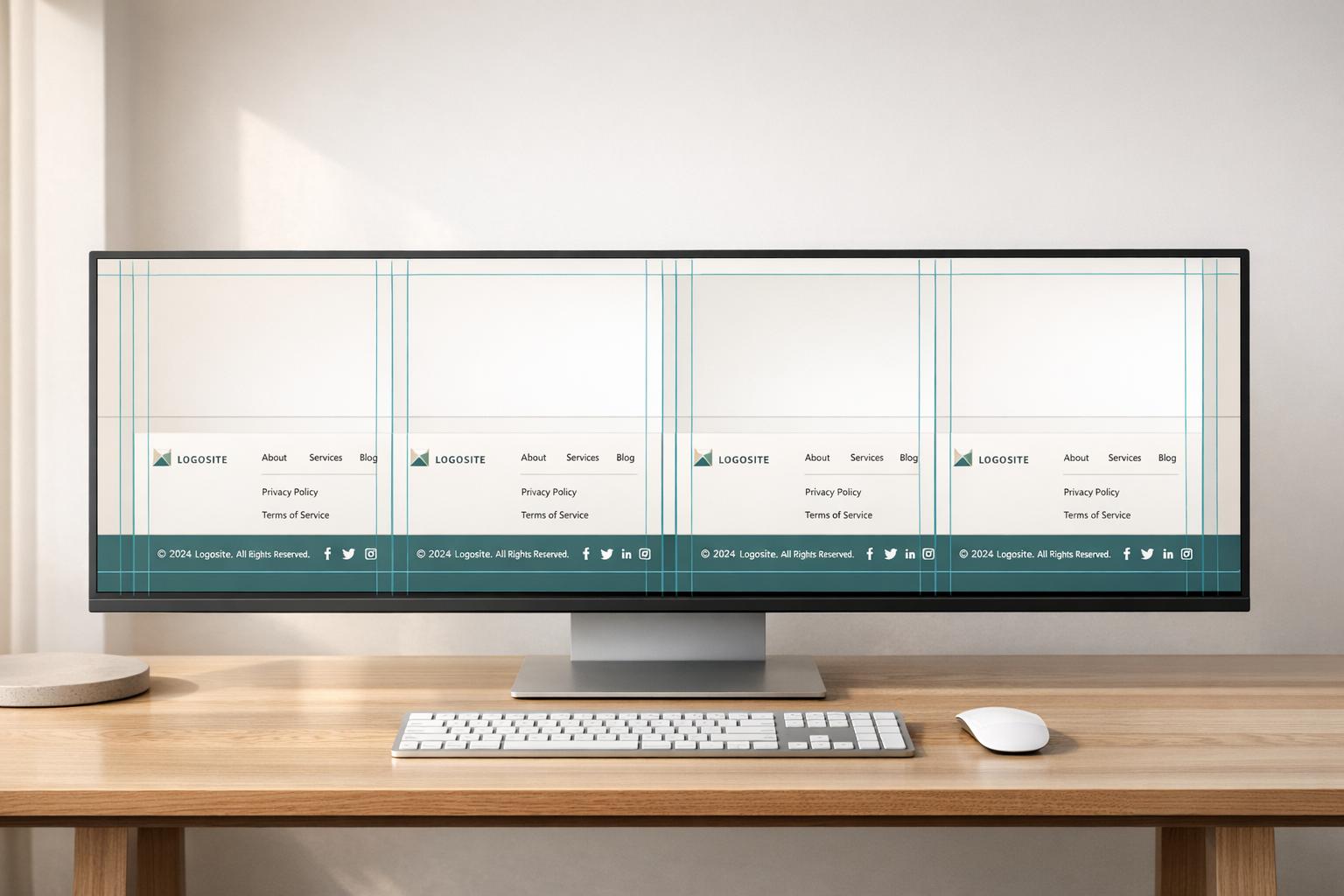
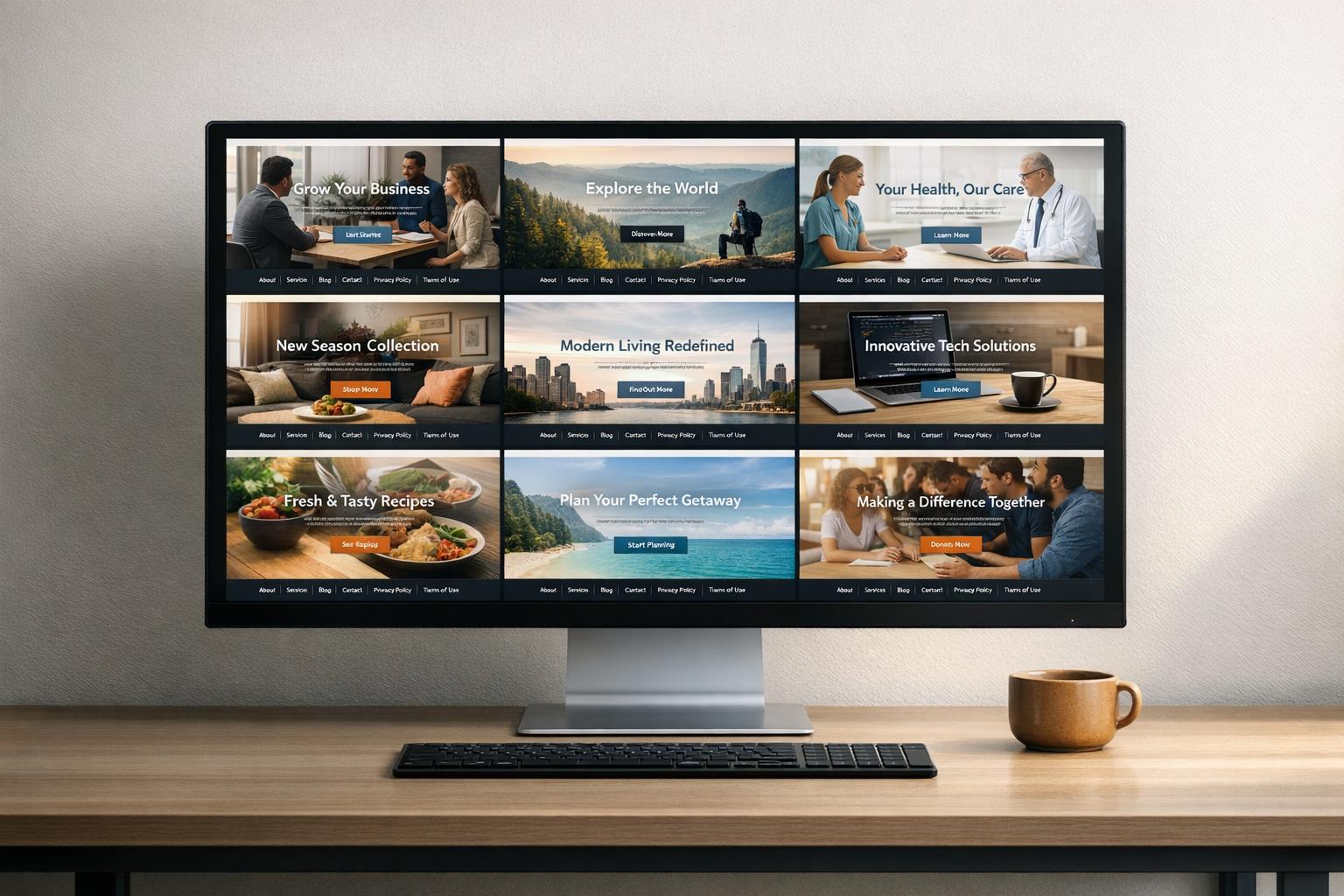
Standardizing footer navigation across multiple websites is a key step toward improving SEO, ensuring legal compliance, and building user trust. For organizations managing several sites, inconsistent footer links can harm search rankings, lead to legal issues, and erode user confidence.
Key Links to Include in Footer Navigation
Every footer should include links to Privacy Policy, Terms of Use, Contact, Sitemap, and a Copyright notice. These links are not only legally required but also help establish credibility. Google's Gary Illyes has pointed out:
"Google treats footer links differently based on intent. Links that help users, like contact or privacy pages, are fine. But links made only to pass ranking power are spam."
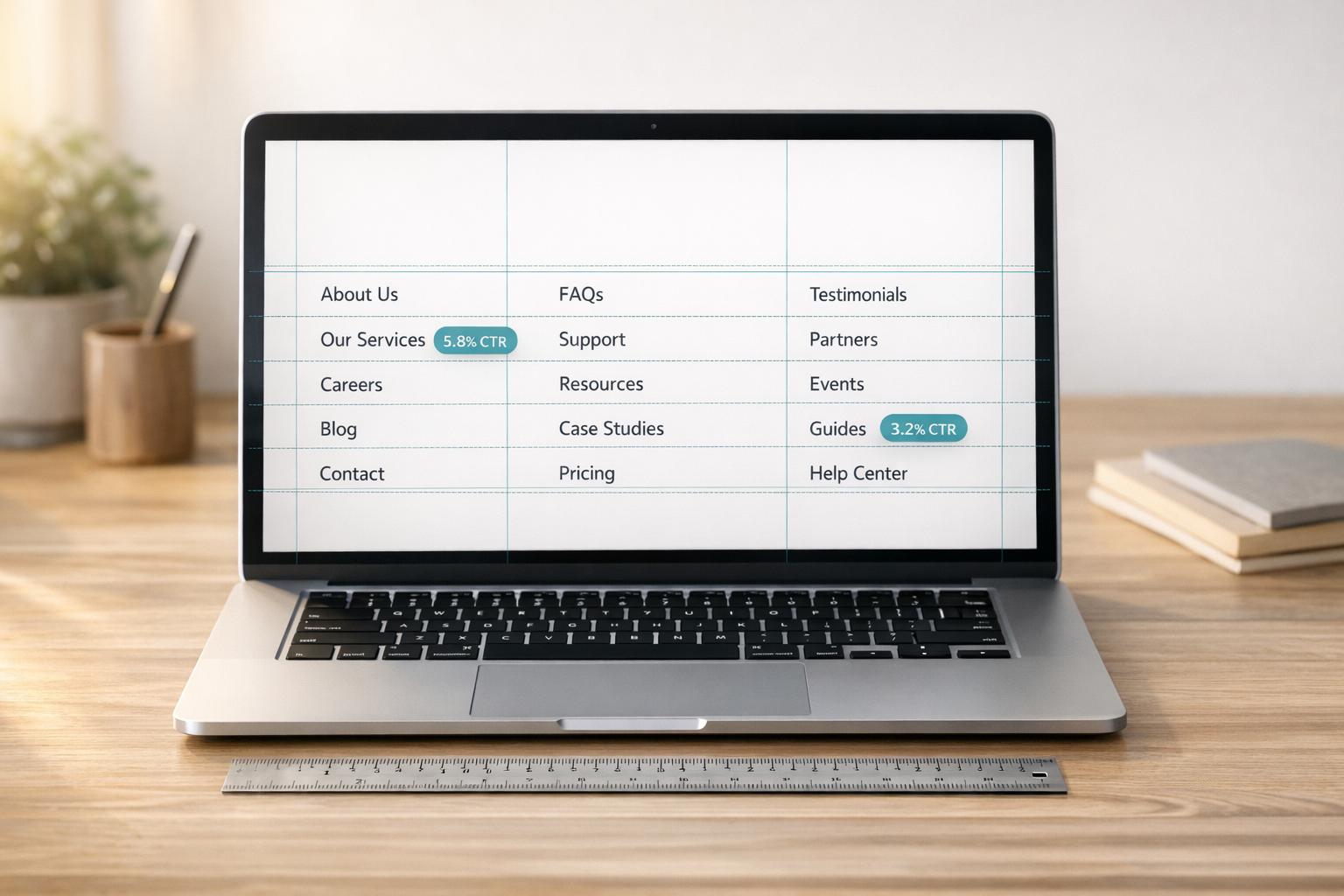
In addition to these essential links, other links should be grouped into 4–5 logical categories, such as Products, Support, Company, and Legal. Ideally, the total number of footer links should range between 15 and 25. Research shows that when footers exceed 12 links, engagement drops by 40%. For instance, Amazon reduced its footer links from 32 to 14 in 2025, which led to a 7% increase in user engagement. Similarly, HubSpot reorganized its footer into topic clusters, resulting in a 17% increase in content consumption and a 9% rise in organic lead generation.
Once the essential links are defined, centralized management becomes vital to maintain uniformity across all sites.
Managing Footer Navigation with 1Footer
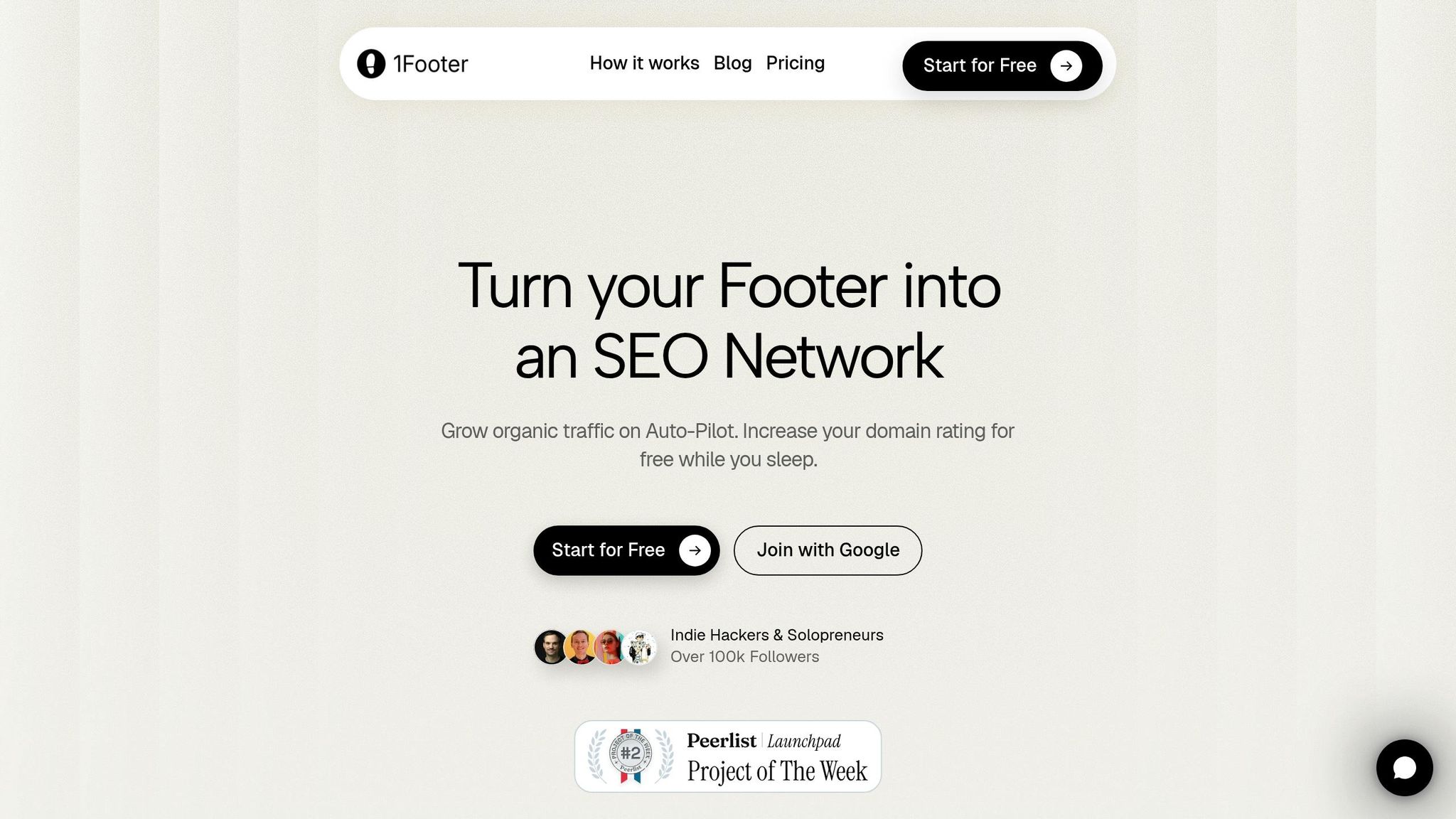
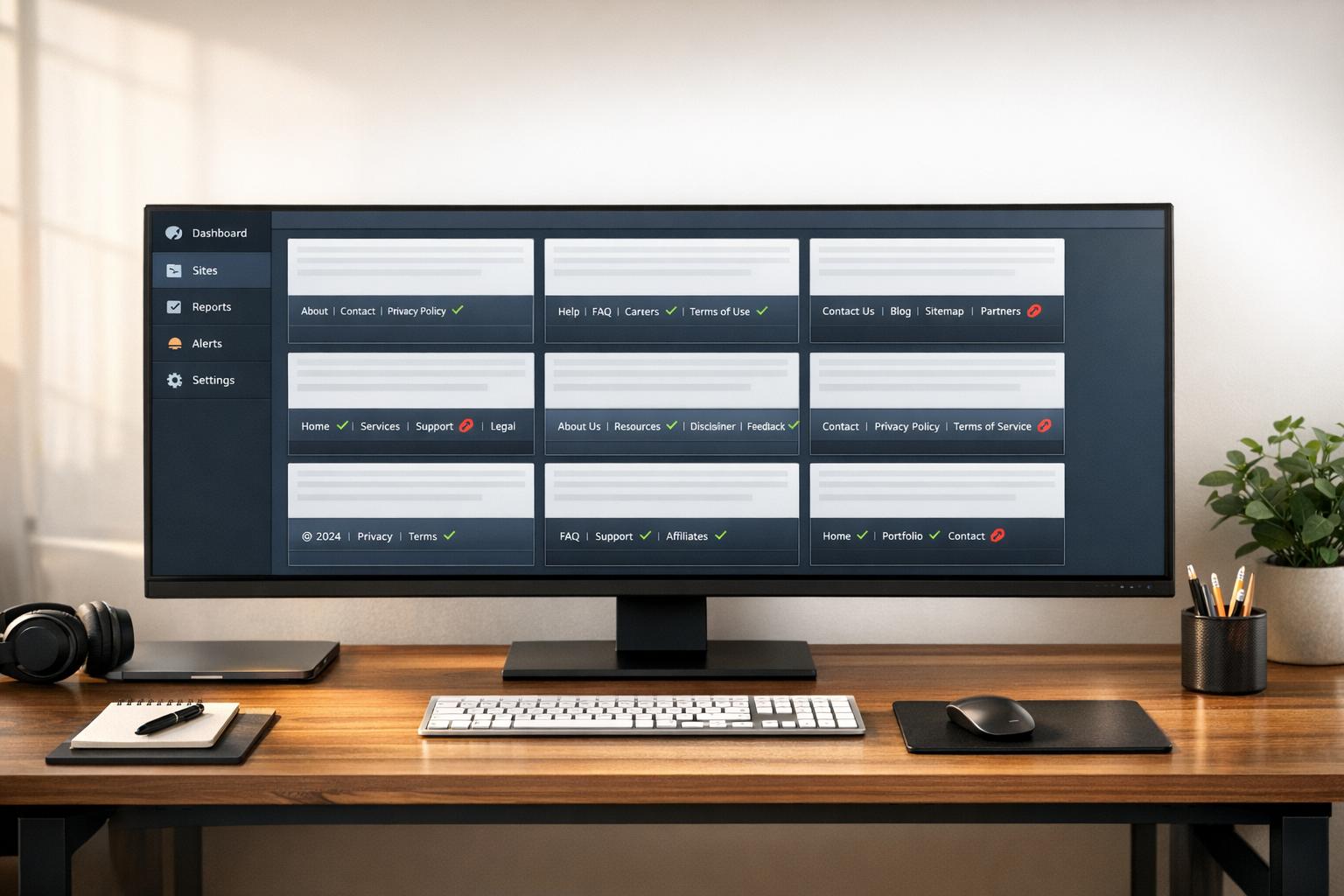
Manually updating footers across multiple domains can be time-consuming and error-prone. 1Footer simplifies this process by allowing teams to manage all footer updates through a single dashboard.
1Footer delivers footer content as crawlable HTML, ensuring search engines can easily read and index these links. This guarantees that critical legal links like Privacy Policy and Terms of Use remain accessible and consistently indexed, reducing both SEO risks and legal liabilities. By using crawlable HTML, 1Footer supports both search optimization and accessibility goals, providing a reliable solution for multi-site management.
Governance and Upkeep of Multi-Site Footers
Once core footer links are established, maintaining consistency requires a well-defined governance model. Without a clear process, teams may add unnecessary links, leading to cluttered footers with keyword-heavy anchor text. John Mueller, Google's Search Advocate, has emphasized:
"Adding essential navigation links is helpful, but keyword-heavy links to every page add no real value and may count as spam."
A strong governance strategy should include:
An approval workflow to manage changes to footer links
A quarterly audit to ensure footer URLs return the correct HTTP status codes, mobile touch targets meet the 44×44px minimum, and anchor text remains clear and concise
Regular audits also help ensure footer links align with the site's XML sitemap. Discrepancies between the footer and sitemap can confuse search engines, sending mixed signals. As of April 2026, 67% of audited sites had poorly structured footers that diluted internal link equity, highlighting the importance of consistent reviews.
Conclusion and Key Takeaways
Best Practices for HTML Navigation Delivery: A Recap
When it comes to crawlable HTML navigation, the basics are non-negotiable: crawlers only recognize valid <a> elements with proper href attributes. Anything outside of this - like JavaScript-only routing, <button> elements for navigation, or onclick handlers without href - simply doesn’t exist to crawlers. It’s a fundamental rule worth emphasizing again.
But crawlability is just the beginning. The way you structure your navigation matters, too. Using <nav> to wrap navigation, organizing links with <ul> and <li>, adding aria-label for clarity, and marking the active link with aria-current="page" all contribute to better SEO and accessibility . Web developer Manuel Matuzović sums it up perfectly:
"Solid linking means you're thinking about semantics, accessibility, security, and long-term maintenance - not just pixels."
Consistency also plays a key role. According to WCAG criterion 3.2.3, navigation links should maintain the same relative order across all pages. This isn’t just about meeting guidelines; it’s about making life easier for users who rely on muscle memory to navigate.
These principles provide a strong foundation for managing navigation across multiple sites.
Managing Multi-Site Navigation with Centralized Tools
For teams handling multiple domains, the challenge is more than just nailing navigation for one site - it’s ensuring consistency across all of them. Centralized tools make this possible by simplifying the process of managing navigation at scale. With a single update, you can improve SEO and accessibility across thousands of URLs.
Take 1Footer, for example. This tool delivers footer content as crawlable HTML from one centralized dashboard, ensuring key legal links like Privacy Policy and Terms of Use remain consistently indexed across every domain. It’s a practical solution for reducing SEO risks and maintaining compliance. For teams managing multiple sites, centralized navigation governance isn’t just helpful - it’s essential.
FAQs
How can I confirm my nav links are crawlable without running JavaScript?
To ensure your navigation links are crawlable without JavaScript, check for standard HTML anchor tags (<a href="...">) in the initial server response. The easiest way to do this is by using View Page Source (not Inspect Element) in your browser. This method shows the raw HTML as it was delivered by the server.
Alternatively, you can perform a quick command-line check:
If you don't see the links in the output, they might be added dynamically through JavaScript, which could negatively impact your site's SEO.
What’s the safest way to make SPA navigation indexable by Google and AI crawlers?
The most reliable way to make sure Single Page Application (SPA) navigation is indexable is by using standard HTML anchor tags with valid href attributes. Search engine bots focus on these tags to grasp the structure of your site. On the other hand, relying on buttons or JavaScript elements might leave your navigation overlooked.
It's also important to render navigation links server-side - whether through Server-Side Rendering (SSR) or Static Site Generation (SSG). This ensures the links are included in the initial HTML that bots crawl. To double-check your setup, use the "View Source" option in your browser to confirm that the links are immediately accessible to crawlers.
Which ARIA attributes matter most for accessible navigation menus?
When creating navigation menus that are easy for everyone to use, semantic HTML should be your go-to choice instead of relying heavily on ARIA roles. This is because roles like menu and menubar are designed for application-style interfaces, not standard site navigation.
Here are some important attributes to focus on:
aria-current="page": Use this to highlight the active link, helping users know their current location on the site.aria-label: Add a unique description to your navigation menu for better clarity, especially when there are multiple menus.aria-expanded: Clearly indicate whether a dropdown menu is open or closed.aria-haspopup: Specify when a menu item opens a submenu, providing better context for assistive technologies.aria-controls: Connect buttons to their corresponding menus, ensuring a logical and smooth navigation experience.
By combining semantic HTML with these ARIA attributes, you can create navigation menus that are both functional and accessible.