

Sites synced
Unlimited
Any number of production domains from one workspace.
SEO-safe central publishing
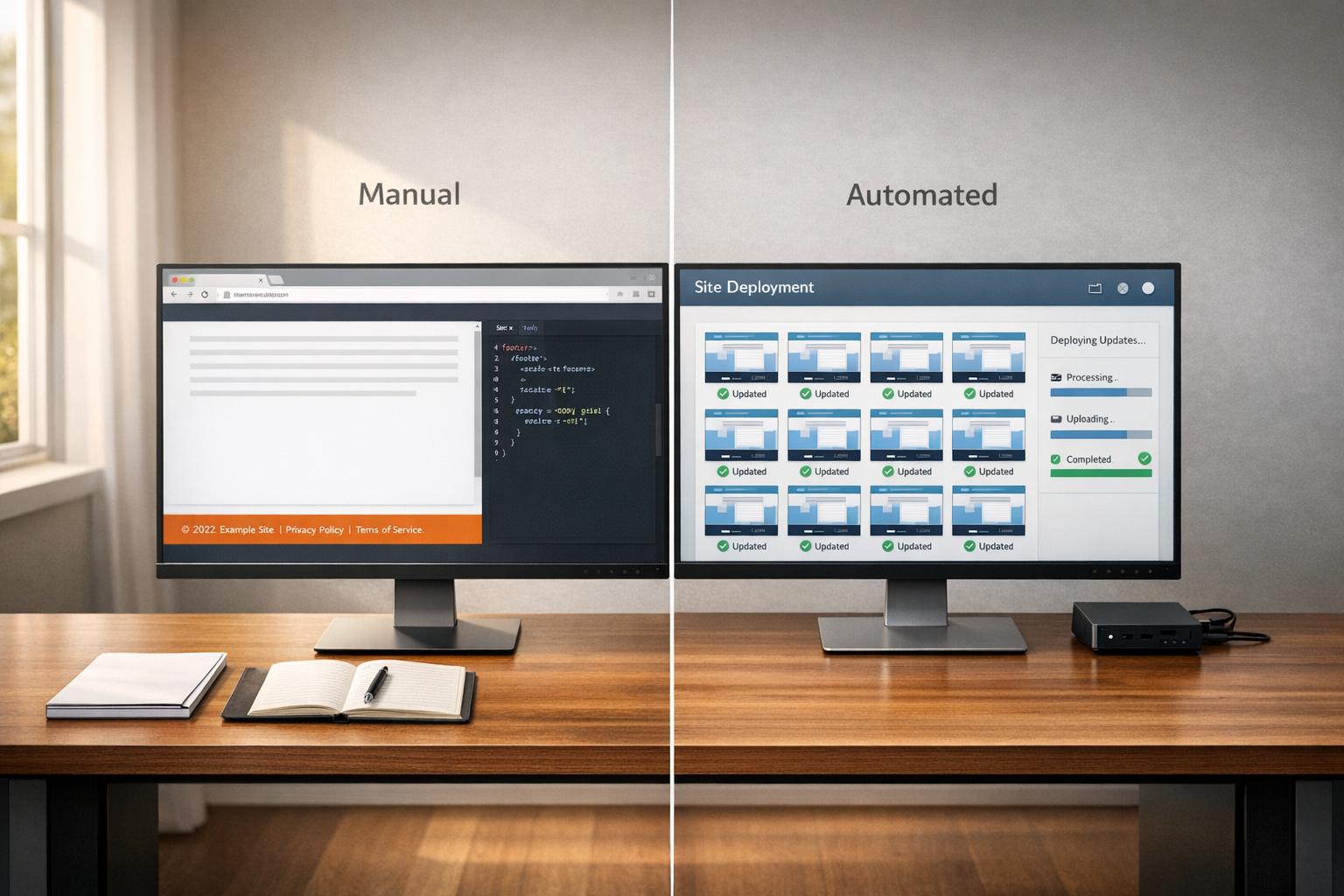
1Footer is website footer management software for multi-site teams. Ship one update and roll it out across every site in minutes, including cross-promo links, launches, and campaign announcements.
Last updated on February 27, 2026.
Sites synced
Unlimited
Any number of production domains from one workspace.
Publish flow
Single approval
One action updates every connected website.
SEO delivery
Server-side HTML
No iframe dependency for critical footer links.
Command center
Inspect domain setup, draft changes, and publish controls from one interface designed for teams managing multiple repositories and brands.

Interactive demo
Load the full live dashboard when you want to explore the workflow.
Process
1
Set up Cloudflare Worker delivery or server-side rendering on each site so footer HTML stays on your domain.
2
Add websites to your 1Footer dashboard and map domain-specific branding and footer rules.
3
Push one footer change and propagate links, launches, and campaign updates across every connected site.
Comparison
| Category | 1Footer | Manual workflow |
|---|---|---|
| Update time | One publish updates every connected site | Update each repository or CMS one-by-one |
| SEO delivery | Server-side footer HTML on your own domain | Often mixed patterns with iframe or JS-only injection |
| Campaign rollouts | Global cross-promo links in minutes | Coordination across teams and environments |
| Brand consistency | Central source of truth per domain | Drift across sites is common over time |
Integration
Use Cloudflare Worker or server-side rendering so the footer is in the page HTML. That keeps links crawlable while making updates immediate across every domain.
Example fetch
SEO-friendly// SEO-first integration (no iframe)
// 1) Install Cloudflare Worker from 1Footer dashboard
// 2) Worker serves footer on your own domain at /.footer
// 3) Render footer server-side in your app layout
const res = await fetch("https://yourdomain.com/.footer", {
next: { revalidate: 300 }
});
const html = await res.text();Who uses 1Footer
Keep pricing links, product launches, docs links, and legal updates aligned across product sites.
View use case pageRoll out approved footer updates across client domains without editing each codebase manually.
View use case pageCoordinate shared campaigns while preserving brand-level controls for each website.
View use case pageResources
Use these deep guides as reference material for your team. They support technical decision-making, implementation planning, and internal SEO standards.
The core reference page for footer meaning, examples, and implementation standards.
Open guideAudit a live footer for semantic markup, link health, and accessibility issues.
Open guideDesign patterns, implementation choices, and technical best practices.
Open guideHow footer architecture and internal linking affect crawlability and rankings.
Open guideExamples and trends you can use to modernize high-traffic footer sections.
Open guideFAQ
A website footer is the bottom section of a webpage that typically contains important links, contact information, legal notices, and supplementary content. Footers appear on every page and play a crucial role in navigation, user experience, and SEO.
Footers contribute to SEO through internal linking and site architecture. 1Footer supports SEO-first delivery with server-side or Cloudflare Worker injection, so footer HTML is part of your page response instead of being isolated in an iframe.
Essential footer elements include Privacy Policy and Terms of Service links, contact information, copyright notice, social media links, and quick navigation links to important pages.
1Footer lets you manage footer updates across unlimited websites from one dashboard. Install once per site, then publish cross-promo links, launches, and campaign updates everywhere in minutes.