How to Update Website Footers Across Multiple Sites
Centralize footer edits with CMS globals, automation, or a dashboard to keep legal links, design and SEO consistent across sites.
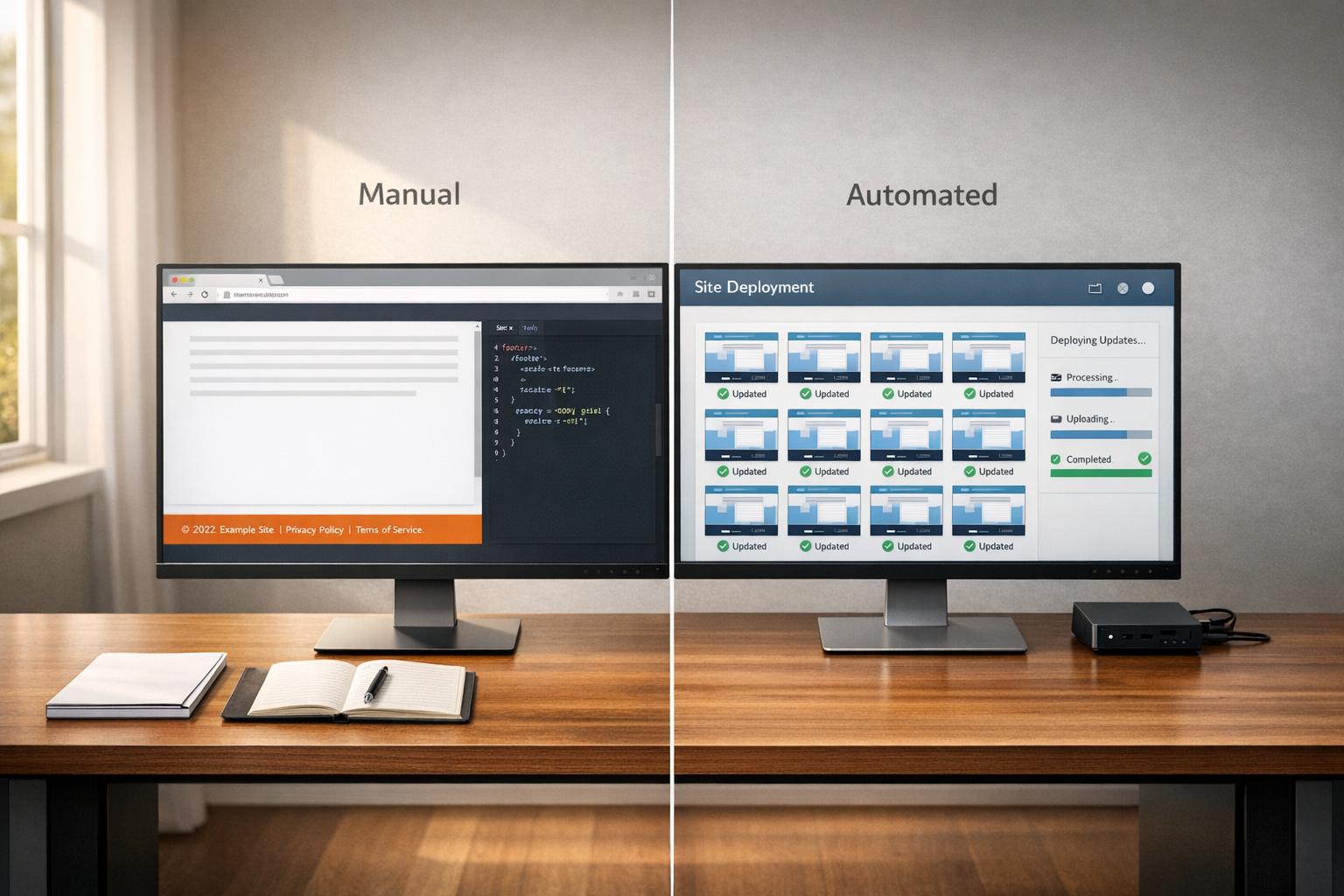
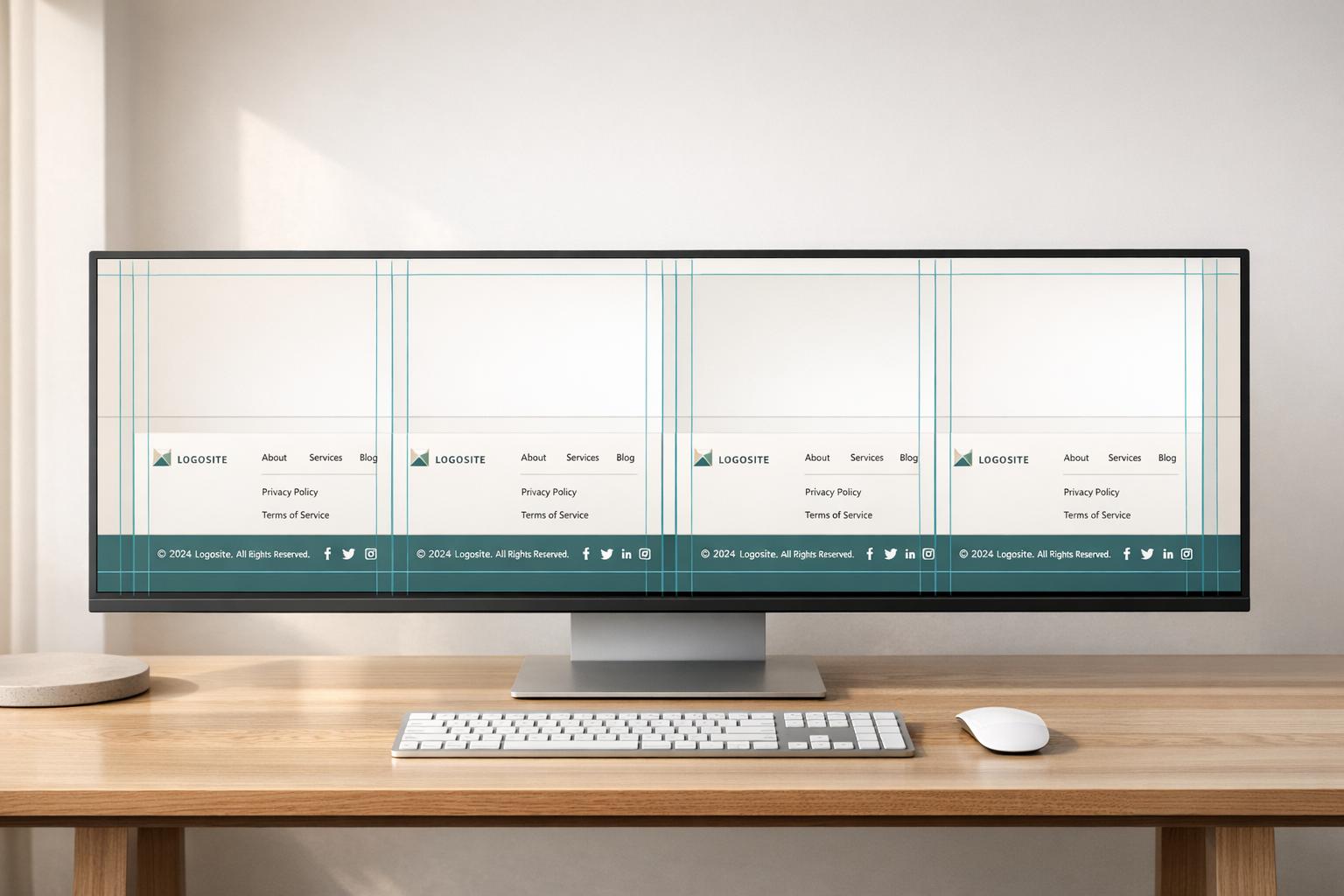
Updating website footers across multiple sites can feel overwhelming, but with the right tools and strategies, you can simplify the process and save time. Here’s the bottom line: centralized management is key. Whether you’re using a CMS, automation tools, or a platform like 1Footer, the goal is to ensure consistency, compliance, and efficiency.
Key Takeaways:
CMS Tools: Use global templates and dynamic content blocks for synchronized updates.
1Footer: Manage multiple footers from a single dashboard, streamlining legal compliance and footer design trends and changes.
Automation & Scripts: For static or custom sites, leverage JavaScript, server-side includes, or build tools like Gulp to maintain consistent footers.
Best Practices: Regularly audit footers, automate dynamic elements (like copyright years), and design for mobile responsiveness.
By following these methods, you’ll keep your footers consistent, up-to-date, and aligned with user expectations and legal requirements.
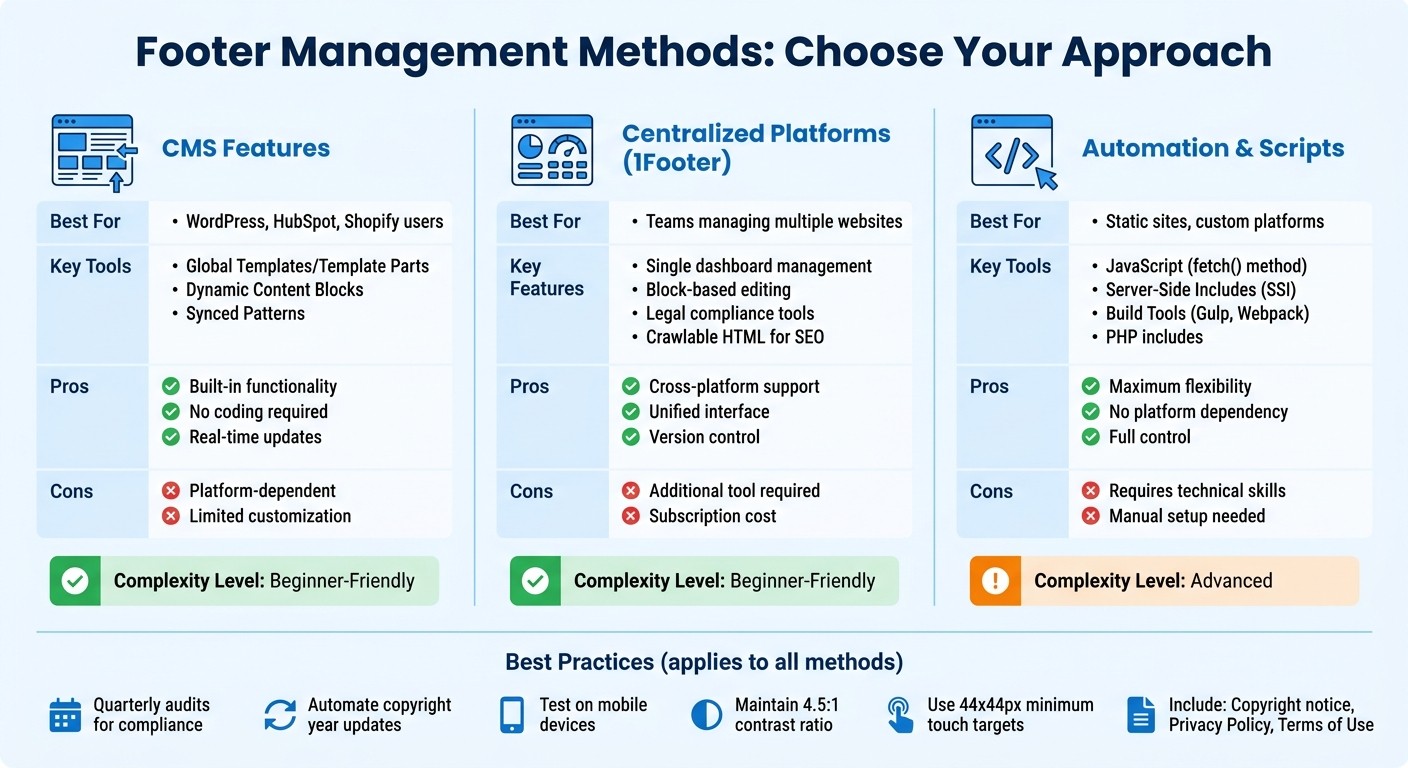
Comparison of Footer Management Methods for Multiple Websites
Using CMS Features for Multi-Site Footer Management
Modern content management systems (CMS) often include tools to simplify managing footer elements across multiple sites. These features allow you to make a single edit that updates everywhere, ensuring consistency while saving time.
Using Global Templates in Your CMS
Global templates - sometimes called "Template Parts", "Global Modules", or "Global Partials" - are essential for managing footers across multiple pages or sites. They act as a master design that automatically updates wherever it's applied.
In WordPress block themes, the Template Part block handles this task. As noted in the official documentation:
"When you change blocks inside a template part, the editor updates the blocks on every block template that includes the template part."
This functionality ensures that any updates to the template are applied site-wide. Other platforms like HubSpot and Divi offer similar tools. HubSpot differentiates between Global Partials (entire structural templates) and Global Modules (smaller, reusable blocks), while Divi uses a "Default Website Template" to manage global footer settings.
The main benefit here? Consistency. Whether you're updating your copyright year, privacy policy link, or contact details, a single change updates every instance across your site.
Here are some tips for using global templates effectively:
Name templates clearly: Use descriptive names like "Standard Site Footer – 2026" to keep your library organized.
Enable Focus Mode: This feature in some editors minimizes distractions, letting you focus solely on editing the footer.
Create unique templates when needed: For special pages, disable global settings and design a custom footer.
Leverage export/import tools: Platforms like Divi offer portability options (e.g., JSON files) to transfer footer designs between installations.
Dynamic Content Blocks for Footer Updates
Dynamic content blocks take global templates a step further by allowing real-time updates to specific footer elements. Known by different names - Synced Patterns in WordPress, Global Modules in HubSpot, or Global Blocks in Shopify - these blocks let you synchronize individual components across multiple domains.
In WordPress, Template Parts manage the overall footer layout, while Synced Patterns handle specific repeated elements like social media links, signup forms, or business hours. This dual-layered approach gives you flexibility: you can update the full layout or tweak individual components independently.
For HubSpot users, permissions are key. Editors need "Global content and theme settings" access to modify these blocks. Once permissions are granted, any changes to a global module instantly update across all linked pages. This feature is particularly helpful for ensuring compliance - like updating a privacy policy URL.
Most CMS platforms also make it easy to convert local elements into global ones. If you've created a footer locally on one page but want to reuse it, simply select "Convert to global" in your editor. The CMS will then create a master version that syncs future edits automatically. Before finalizing changes, use preview tools to check how the footer looks on different devices - desktop, tablet, and mobile - to ensure responsive design.
Managing Footers with 1Footer

If you're juggling footers across multiple websites, 1Footer simplifies the process by offering a centralized solution. Instead of logging into each site individually, you can manage everything from one platform. Designed for teams handling multiple websites, 1Footer helps ensure consistency in legal and navigation links while keeping footer content visible to search engines. It builds on centralized CMS principles, providing a focused tool for managing footers efficiently. This approach streamlines multi-site administration, saving time and effort.
Setting Up and Connecting Your Websites
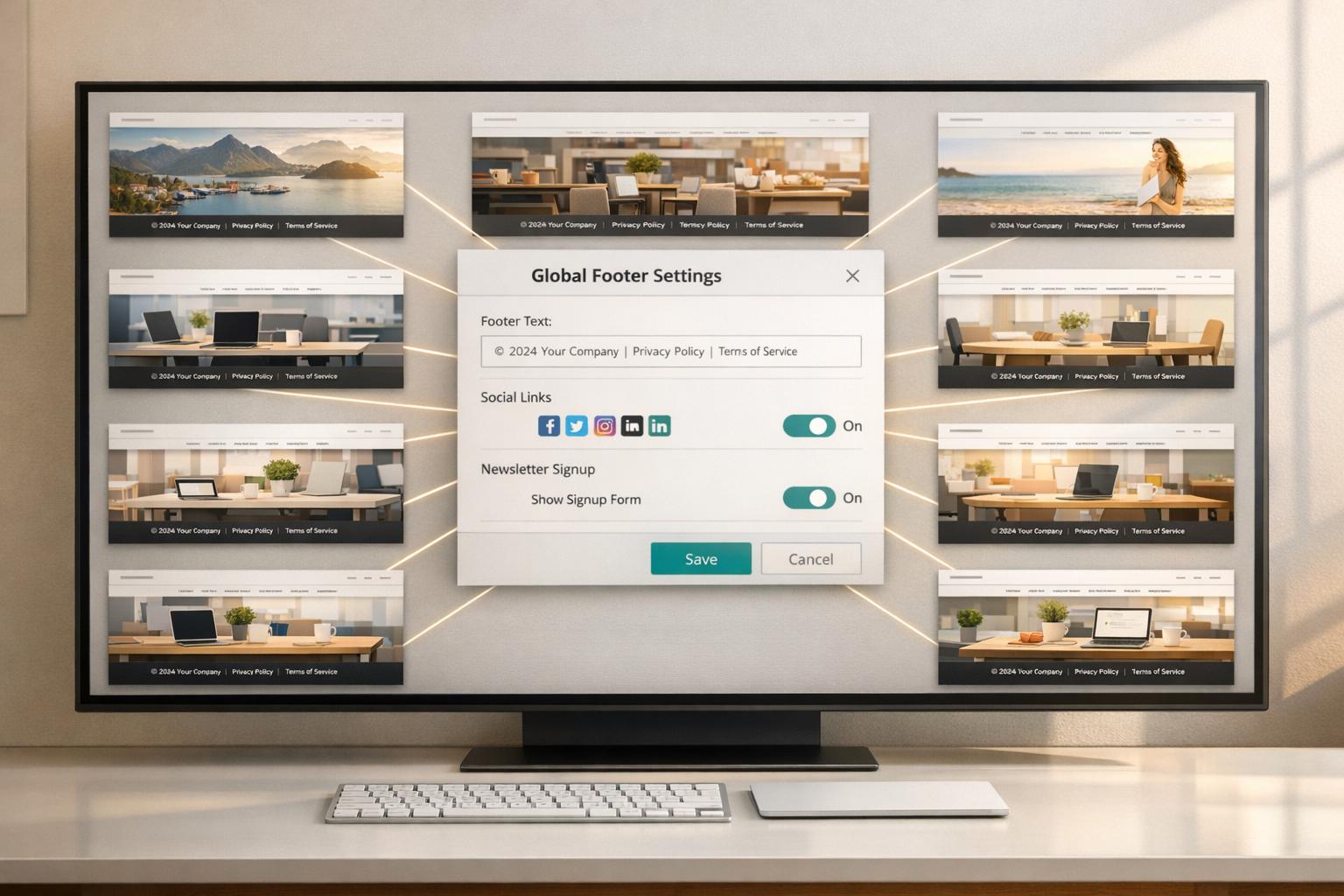
Getting started with 1Footer is straightforward. First, create an account and connect your websites through the dashboard. Once connected, all your websites appear in a single, unified view, making it easy to track which sites are part of your network. This setup allows you to apply a single footer update across all connected domains at the same time, eliminating repetitive tasks.
Creating and Publishing Footer Blocks
1Footer uses a block-based editing system that makes updating footers intuitive. From the dashboard, you can select specific footer components - like text, links, or branding elements - and make edits. The platform also tracks revisions, providing a clear history of changes. Before finalizing updates, use the "Preview" feature to see exactly how the footer will appear on your live sites. When everything looks good, the "Publish" button applies the changes across all connected websites instantly. If you’re still working on changes, you can save your updates as a "Draft" without affecting live sites.
This system ensures you can maintain consistent legal and navigational elements across your entire network.
Managing Legal and Navigation Links
1Footer makes handling legal compliance across multiple sites a breeze. By creating a dedicated "LEGAL" block in the dashboard, you can centralize mandatory links such as Terms of Use, Privacy Policy, and Cookie Policy. If you need to update a legal link - like changing the URL for your privacy policy - you only have to make the change once, and it will automatically update across all connected domains.
The platform also generates crawlable HTML, ensuring these links are visible to search engines, which is crucial for SEO. Additionally, navigation blocks can be used to manage links to sister sites or partner projects, keeping your network unified and aligned with minimal effort. This centralized approach helps you maintain consistency and saves time while managing multiple websites.
Using Automation Tools and Custom Scripts
When CMS features or centralized platforms fall short, automation and custom scripts can step in as a dependable solution. These methods are particularly useful for developers managing static sites, custom-built platforms, or environments where server-level control is possible. With custom automation, you can ensure footers are consistently synchronized across sites, even in technically demanding setups.
JavaScript-Based Footer Replacement
JavaScript offers a dynamic way to fetch and inject footer content across multiple sites. Using the fetch() method, you can store footer HTML in a central .js file with template literals, making updates easy to manage across all linked sites. This method eliminates the need for additional network requests for an HTML file.
For more complex configurations, you can retrieve footer content from a central footer.html file or an API endpoint, then inject it into a designated <div> using innerHTML. Another approach involves Web Components. By defining a custom HTML tag (e.g., <app-footer></app-footer>) with the customElements.define API, you can encapsulate the footer's structure into a reusable component supported by all major browsers.
"Including files using a script has major disadvantages: It hinders performance as the client needs to download the main page, load the DOM, run the script and only then can download the included files." - Dim Vai
One downside of fetching external HTML files is the additional server request required after the initial page load, which can impact performance. If you're pulling content from a different domain, ensure the server has proper Cross-Origin Resource Sharing (CORS) headers configured to prevent browser issues.
These JavaScript techniques are a versatile option when CMS-based solutions aren't enough.
Server-Side Includes and Template Systems
Server-Side Includes (SSI) allow you to inject the contents of one file into another directly on the web server before the page is delivered to the browser. This method compiles content server-side, ensuring a single, efficient request. SSI is compatible with servers like Apache, LiteSpeed, NGINX, and IIS.
To enable SSI on an Apache server, add Options +Includes to your httpd.conf or .htaccess file. By default, servers often only parse .shtml files, but you can configure standard .html files by adding AddType text/html .html and AddHandler server-parsed .html to your .htaccess. Then, place <!--#include virtual="footer.html"--> where you want the footer to appear.
"I highly recommend using server-side includes because they are powerful, efficient and easy to update. Edit the include file, save, and upload it to update all pages instantly." - Nancy O'Shea, Product User & Community Expert
If your server supports PHP, you can achieve similar results by creating a footer.php file and including it in your pages with <?php include 'footer.php';?>. Keep in mind that the parent file must have a .php extension for this to work. Unlike JavaScript-based solutions, server-side includes ensure the footer content is visible even if users have JavaScript disabled.
These server-side approaches provide a solid alternative to client-side scripting.
Using Build Tools for Footer Integration
Build tools such as Gulp and Webpack can simplify footer integration during development. For instance, the gulp-file-include NPM package is a handy tool that lets you store footer code in a partials/ directory and reference it across multiple pages using @@include. Any changes to the partial file are automatically reflected across all pages.
"With the help of Gulp File Include most common used components (e.g. header, sidebar, footer etc.) can be globally updated at once. It functions like PHP include: change a single file to update all pages." - Htmlstream Team
For multi-site setups using frameworks like Next.js, you can create an API endpoint to serve footer HTML as JSON. Secondary sites can fetch this data dynamically, ensuring updates to the master site are instantly applied across all connected platforms. To make things even easier, you can automate copyright dates by using new Date().getFullYear() in your build pipeline or footer template, saving you from manual updates.
These tools and strategies streamline the process of managing footers, especially in environments where consistency and efficiency are key.
Best Practices for Footer Maintenance
Keeping your website footer consistent, functional, and compliant requires regular attention and maintenance.
Regular Audits and Compliance Checks
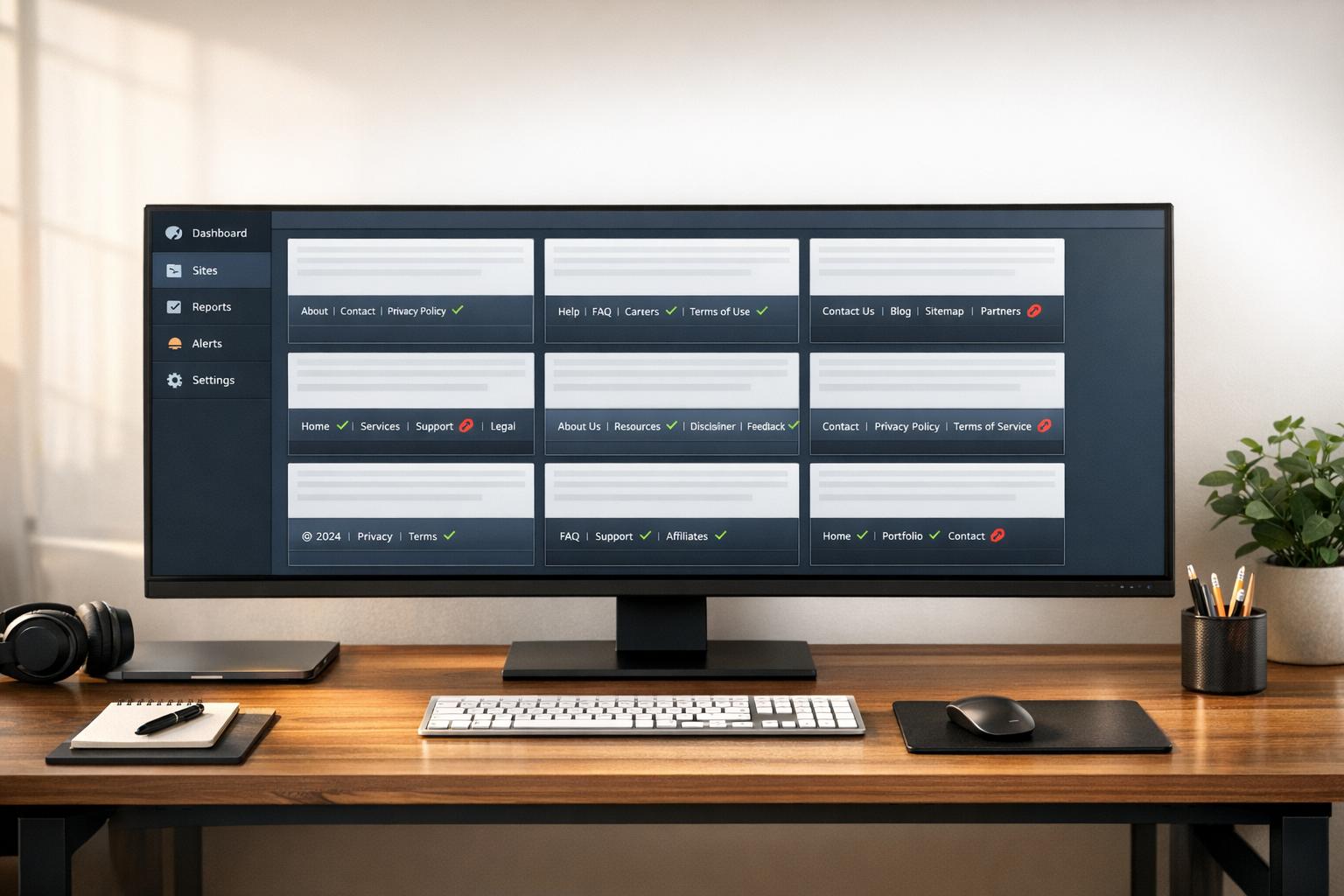
Set up quarterly reviews to ensure every footer element on your site is in top shape. During these audits, confirm that your footer includes key elements like a copyright notice with the current year, links to your Privacy Policy, and Terms of Use. Test email signup forms and lead tracking systems to ensure they’re working properly. Also, check secondary navigation links and social media icons to avoid frustrating users with broken links.
Using a unified admin interface can simplify managing footers across multiple sites. Before making any changes, back up your site using tools like Jetpack VaultPress or UpdraftPlus. Always test updates in a staging environment before going live to minimize risks. If you’re editing code in footer.php, use a child theme to protect your customizations from being overwritten during updates. After making changes, clear all caches to ensure updates are reflected everywhere.
Legal compliance is another critical aspect. For example, websites targeting EU users must comply with GDPR and include cookie consent notices, while US-based sites may need CCPA-compliant links like "Do Not Sell My Personal Information". Automate dynamic elements like copyright years using CMS features or scripts to prevent outdated information. Also, avoid "manipulative footer tactics" like hiding text or keyword stuffing, as Google may penalize such practices.
"A website footer is usually the last thing a visitor sees... the last opportunity to grab and hold a visitor's attention." - Moritz Prätorius, Author, Slider Revolution
Responsive Design for Footer Elements
Responsive design ensures your footer works seamlessly across all devices. With mobile traffic accounting for over 50% of web usage, your footer must adapt to various screen sizes. Use tools like CSS Grid or Flexbox to make footer columns resize or wrap automatically. For example, the CSS rule grid-template-columns: repeat(auto-fit, minmax(250px, 1fr)) creates flexible columns that adjust to the available space.
"The magic happens in
grid-template-columns: repeat(auto-fit, minmax(250px, 1fr)). This tells the browser to create as many columns as will fit in the available space... When there's not enough room, columns automatically wrap to new rows." - Arthur C. Codex
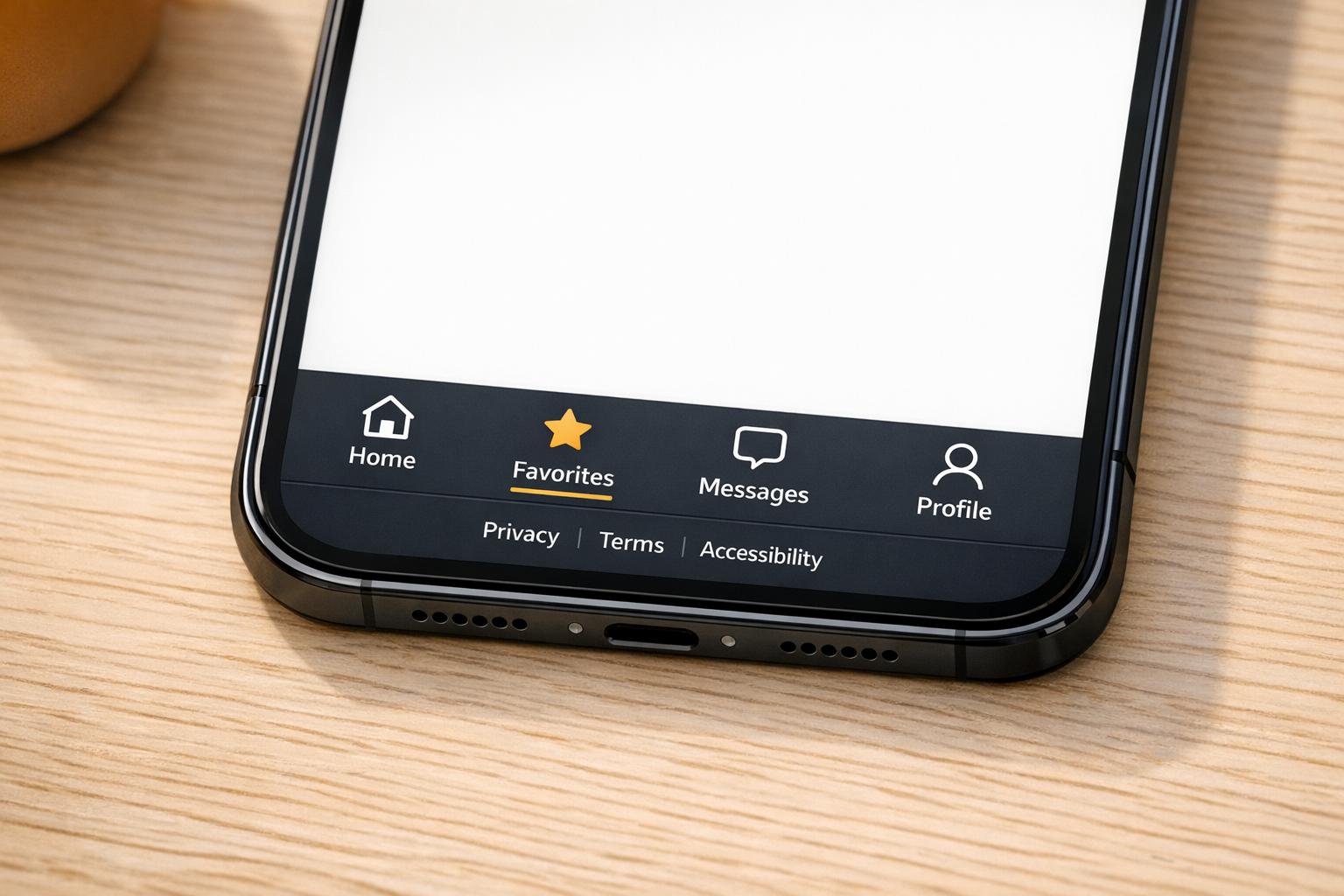
On mobile, stack footer columns vertically or use collapsible accordion-style sections to save space. Ensure links and social media icons are touch-friendly, with targets sized at least 44x44px, meeting WCAG 2.1 accessibility standards. Use a minimum font size of 16px for readability and ensure text meets a contrast ratio of at least 4.5:1 for accessibility.
Avoid using fixed-height footers, as they can create layout issues on smaller screens. Instead, use padding or min-height to let the footer adjust naturally as content wraps. Test your footer under various conditions, including different content lengths, dark mode, and keyboard navigation, to ensure it remains functional and user-friendly.
Conclusion
Managing footers across multiple websites doesn’t have to be a hassle. By applying the strategies outlined here - whether through native CMS capabilities or tools like 1Footer - you can ensure your footers remain consistent, accurate, and easy to manage.
For teams juggling multiple sites, centralized management is a game-changer. Tools like 1Footer allow you to update all linked sites simultaneously, ensuring legal disclaimers and navigation links stay uniform while preserving crawlable HTML for search engines. This approach removes the need for individual logins and tedious manual checks.
No matter the method, it’s crucial to standardize key footer elements. At a minimum, every footer should include a copyright notice, a privacy policy link, and contact details to meet both user expectations and legal standards. To avoid outdated information, automate dynamic elements like copyright years using PHP snippets, such as <?php echo date('Y'); ?>. This simple step keeps your footers up-to-date without extra effort.
FAQs
What’s the fastest way to update footers on dozens of sites at once?
Using a centralized footer management tool like 1Footer is the quickest way to update footers across multiple websites. With this tool, you can make a single approved change, and it will automatically sync across all connected domains in roughly 15 minutes. This approach eliminates the need for manual updates on each site, saving time while maintaining consistency and streamlining the process.
Will my footer links still be SEO-friendly if I load the footer with JavaScript?
When you load footer links using JavaScript, it can have a negative impact on your SEO. Search engines might struggle to crawl or index links that are dynamically loaded, which could hurt their visibility and reduce their SEO value. To avoid this, try using techniques that make it easier for search engines to access and index your footer content effectively.
How do I keep footer legal links compliant across multiple domains?
Keeping your legal content updated and consistent across all your websites is crucial for compliance. This includes documents like privacy policies, terms of service, and disclaimers. To manage this efficiently, consider using centralized tools, such as footer management software, to publish and synchronize updates seamlessly.
Make it a habit to review your legal content regularly to ensure it aligns with current regulations. Additionally, tailor your disclosures to meet the specific requirements of each jurisdiction. This strategy not only helps maintain compliance but also builds trust with your users by presenting clear and uniform legal information across your sites.