Footer HTML Validator
Check footer HTML for structure, semantics, links, and accessibility issues with clear fixes developers and site owners can act on fast.
Footer HTML Validator
A website footer does more work than most people realize. It often holds navigation links, contact details, copyright text, legal pages, social profiles, and trust-building information that visitors expect to find quickly. When that code is messy, repetitive, or missing semantic structure, it can hurt usability and weaken the overall quality of the page. A focused Footer HTML Validator helps you catch those issues early.
Why footer structure matters
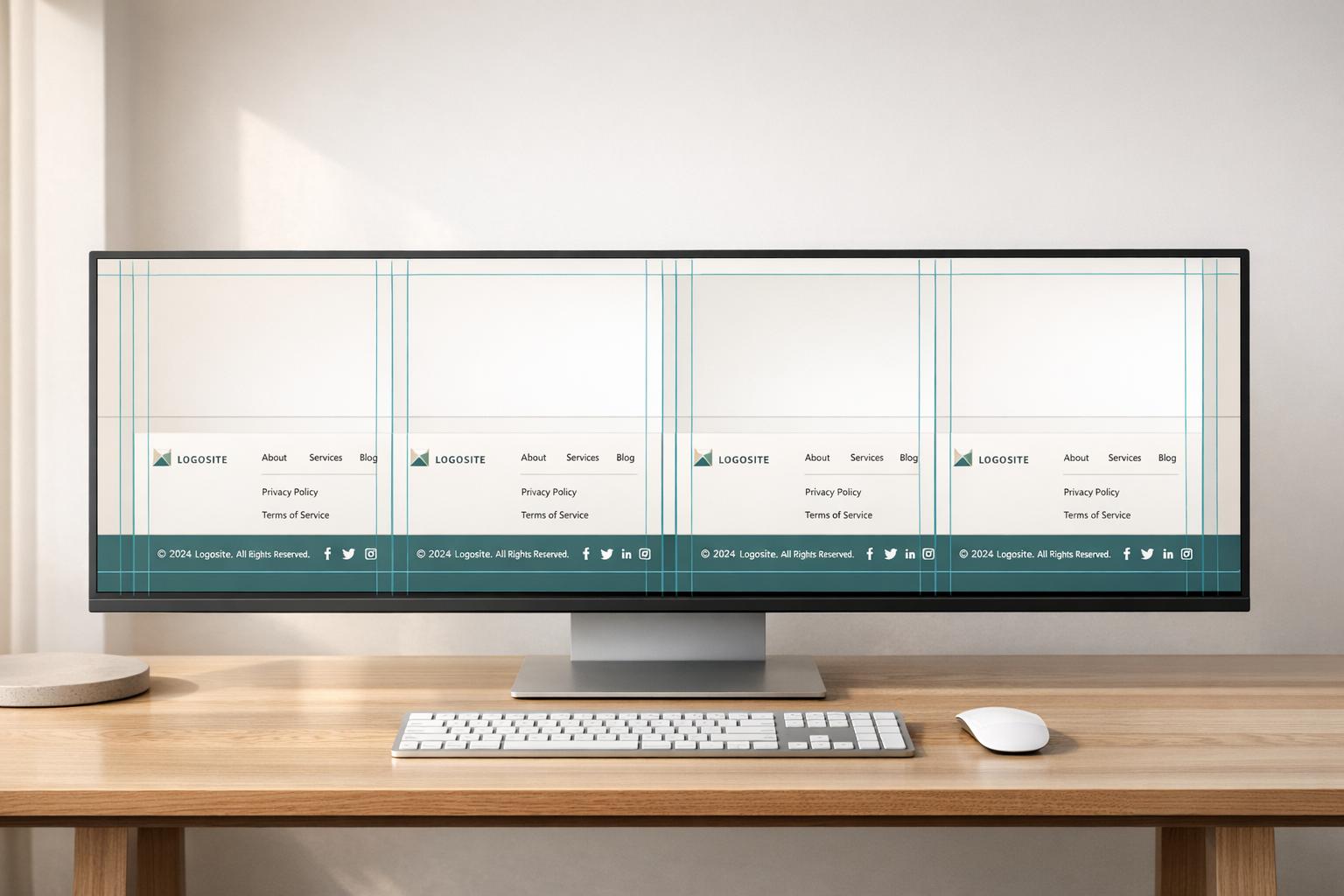
A strong footer should be easy to scan, simple to maintain, and clear to both users and search engines. That means using meaningful HTML elements, avoiding empty or duplicate links, and making sure grouped navigation is structured in a logical way. If business contact details appear in the footer, semantic markup can make that content more understandable and easier to manage.
Accessibility and link quality checks
This footer code checker also helps surface basic accessibility problems, including vague anchor text, unlabeled icon links, and interactive elements without clear text. Add link validation and you can review malformed URLs, relative paths, and duplicate destinations in one pass. For developers, marketers, and site owners, a dedicated footer HTML validator is a practical way to improve code quality without running a full document audit.
FAQs
What does this tool check in a footer that a general HTML validator might miss?
A general validator looks at broad HTML correctness, but footer code has its own patterns and expectations. This tool focuses on footer-specific concerns such as whether a semantic <footer> element exists, whether grouped navigation should be wrapped in <nav>, whether contact details belong in <address>, and whether repeated links or overly nested containers are making the footer harder to use. It also checks practical accessibility basics like vague link text and icon-only social links that need labels.
Can it validate links inside my footer?
Yes. If you enable link checks, the tool can inspect href values, flag missing or empty links, and resolve relative URLs when you provide a base URL. If network access is available in your setup, it can also test response status for linked targets. That makes it useful for spotting broken legal links, malformed social URLs, or navigation links that look fine in code but fail in practice.
Is this tool useful for SEO, or is it mainly for developers?
It helps both. Developers get cleaner, more maintainable markup and clearer guidance on structure and accessibility. SEO practitioners and site owners benefit because footer navigation, internal linking, business contact information, and crawlable link paths all matter. A well-structured footer can support site architecture, improve usability, and reduce the kind of avoidable issues that make a site feel low quality to users and search engines alike.