Broken Link Checker
Scan a page URL, test its links, and spot broken URLs, redirects, and errors fast with this simple web-based broken link checker.
Find and Fix Bad Links Before Visitors Do
A Broken Link Checker helps you catch one of the easiest website issues to miss: links that no longer work. When a page sends visitors to missing content, timeout errors, or the wrong destination, it creates friction fast. This tool focuses on a single page URL, making it ideal for quick audits of blog posts, landing pages, resource lists, and navigation-heavy pages.
What the Tool Checks
After fetching the page, it extracts valid anchor links, resolves relative URLs, and ignores non-web link types such as mailto: and tel:. You can scan all links or keep the check limited to internal URLs only. That makes it useful for both content reviews and on-page maintenance.
Why It Matters
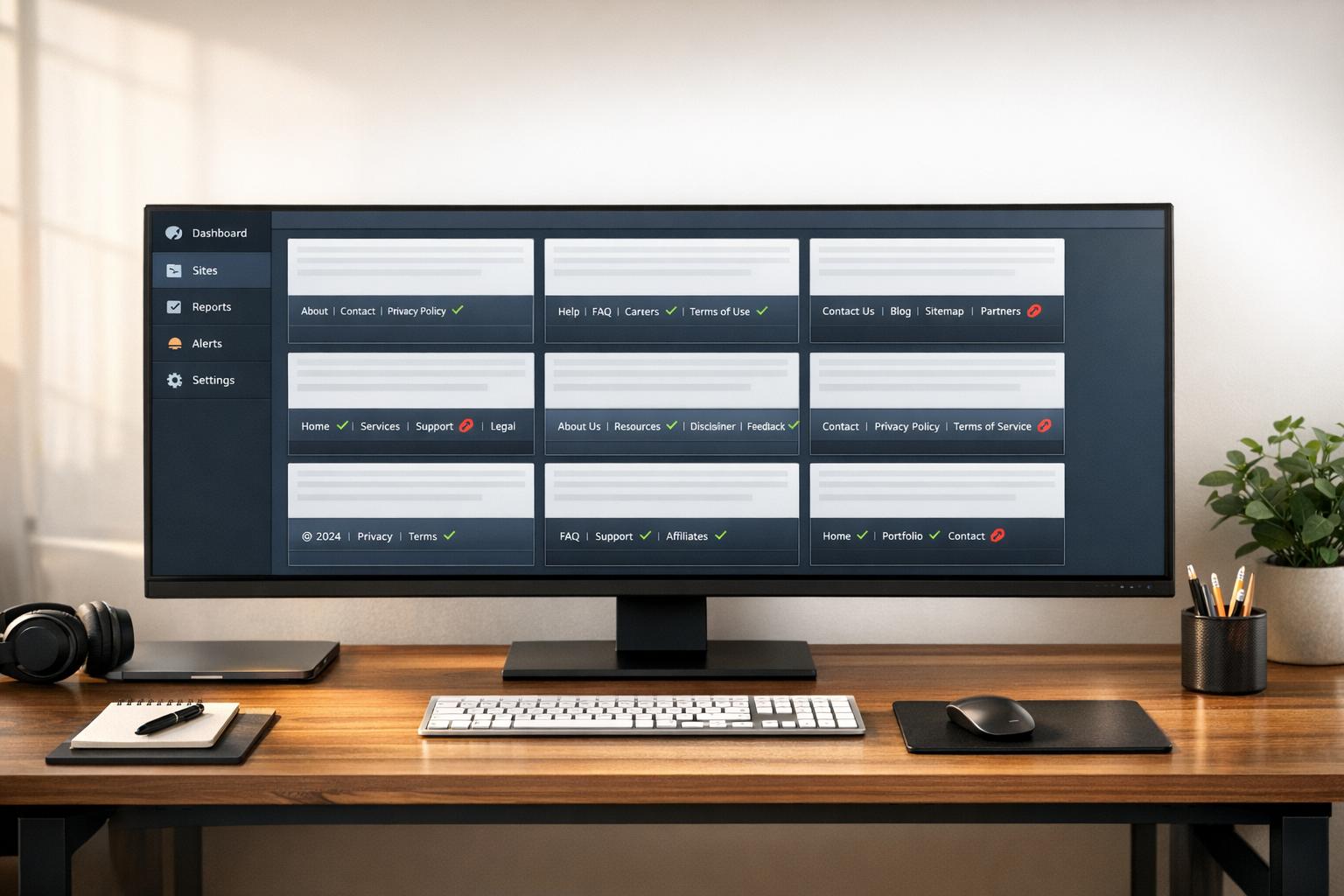
A reliable broken link checker can save time during updates, migrations, and routine quality checks. Instead of manually clicking every URL, you get a clean report with status codes, redirects, and links that may be broken. For site owners, editors, and SEO teams, that means faster fixes and a better user experience.
Simple, Focused Results
This link checker tool is built for clarity. You enter one page, review one report, and quickly see which links are OK, redirected, or worth fixing next.
FAQs
What counts as a broken link in this tool?
A link is marked as potentially broken when it returns a 4xx or 5xx response, times out, fails to connect, or otherwise can't be reached reliably. Redirects are usually listed separately so you can review them without automatically treating them as broken, since many redirects are intentional.
Can this check just internal links on a page?
Yes. If you only want to review links that stay on the same domain, enable the internal-only option. The tool compares each resolved URL to the source page's domain and keeps only matching links, which is useful when you're auditing navigation, footer links, or in-content internal references.
Why does the tool fetch the page server-side instead of in the browser?
Many websites block direct cross-origin requests in the browser, which can prevent reliable page analysis. Fetching the HTML through a server-side request or proxy layer avoids common CORS issues, makes link extraction more dependable, and allows the tool to test URLs more consistently.